
| Feature | Details |
|---|---|
| Primary Tool | Gemini App (Lyria 3 Model) |
| Input Types | Photos, Videos, Text Prompts |
| Output Formats | MP3 (Audio), MP4 (Video with Cover Art) |
| Watermarking | SynthID (Inaudible) |
| Requirements | Android 17, Pixel 6+, Age 18+ |
| Last Verified | June 25, 2026 |
What is the Google Pixel AI Music Update?
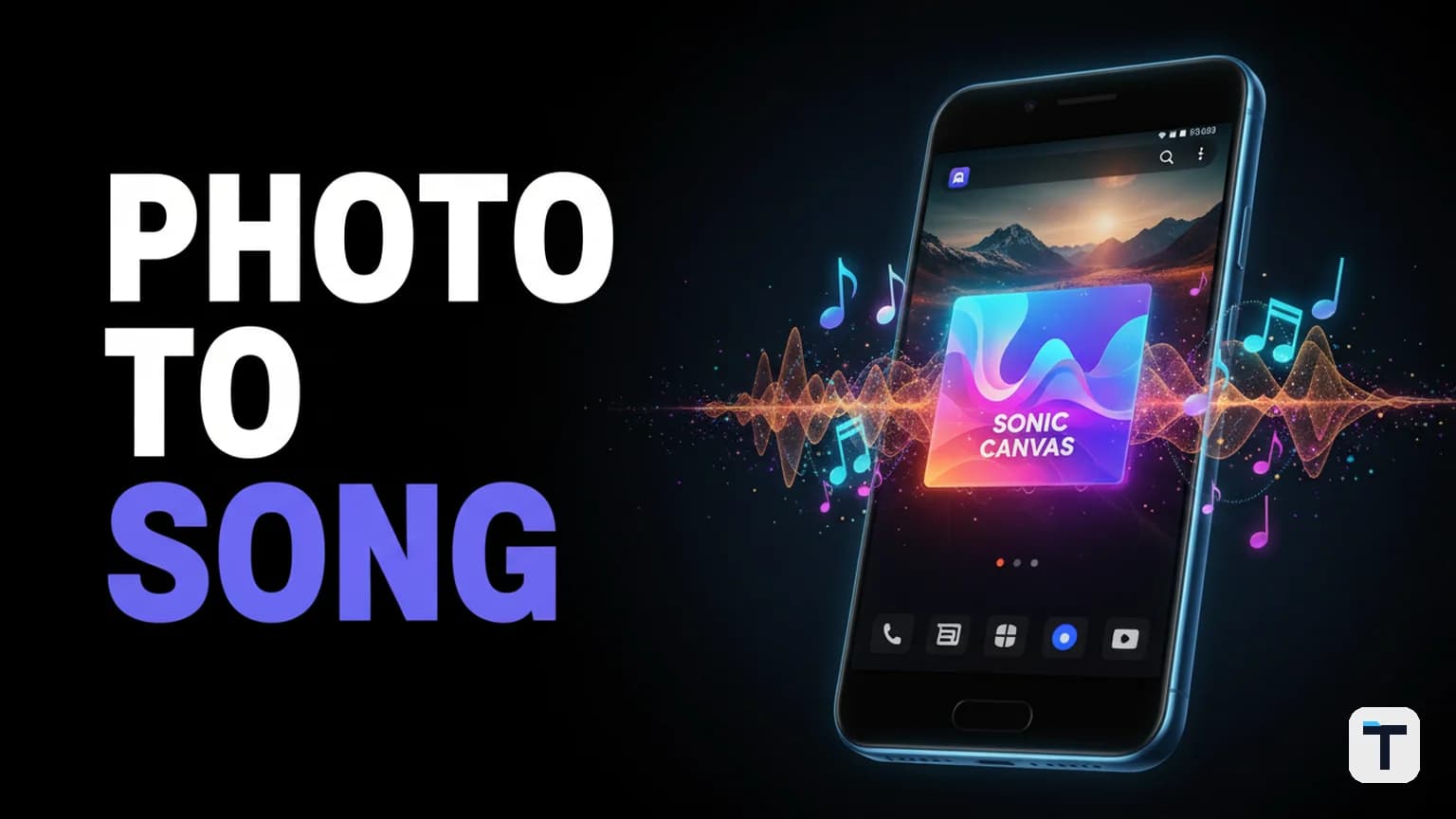
Released on June 16, 2026, as part of the quarterly Pixel Feature Drop, Lyria 3 is Google’s most advanced consumer-facing AI music model. Unlike traditional text-to-music tools, Lyria 3 uses multi-modal inputs. It "sees" the content of your photo—whether it's a sunset, a busy city street, or a team photo—and translates the visual atmosphere into a musical composition.
This update effectively lowers the barrier to original audio content to near zero. While previous Google free AI tools focused on research and text, Lyria 3 brings generative creativity directly to the smartphone OS.
Lyria 3 vs. Lyria 3 Pro: Which Do You Need?
Google offers two tiers of the Lyria model within Gemini.
- Lyria 3 (Free): Optimized for speed and social sharing. It generates high-quality tracks up to 30 seconds long.
- Lyria 3 Pro (Paid): Part of Google AI Premium plans. It supports full-length tracks up to 3 minutes with higher fidelity and more complex lyrical structures.
How to Turn Photos into Music with Gemini (Step-by-Step)
To use the new feature, ensure your Pixel is updated to the June 2026 firmware and you are running the latest version of the Gemini app.
- Open Gemini: Launch the Gemini app on your Pixel phone.
- Access Music Tools: Tap the Tools icon (the file attachment button) and select Create Music.
- Upload Inspiration: Tap the gallery icon to upload a photo or video from your camera roll.
- Describe the Vibe: Enter a prompt describing the genre, mood, instruments, and any specific lyrics you want.
- Example: "Create a lo-fi study track for this night city photo with soft piano and rainy atmosphere."
- Generate and Review: Gemini will generate the track along with AI-designed cover art (powered by the Nano Banana model).
- Download: Save the result as an MP3 or an MP4 video file.
3 Ways Businesses Can Use Lyria 3 to Build a Brand Sound
For small businesses and content builders, this isn't just a toy—it's a way to bypass expensive licensing fees and generic stock libraries.
1. Custom Social Media Hooks
Every short-form video needs a "hook." Instead of using the same trending sounds that Google’s spam update might eventually flag as repetitive, you can generate a custom 15-second intro for every video. Using a consistent "prompt style" helps build a recognizable brand sound.
2. Personalized Community Engagement
If you run a community or a membership site, you can celebrate member wins by turning their success photos into "celebration tracks." This level of personalization drives engagement without requiring an in-house audio engineer.
3. Background Music for Tutorials
When building an AI video automation pipeline, background music is often an afterthought. Lyria 3 allows you to generate ambient tracks that perfectly match the "energy" of your teaching materials, keeping viewers focused and reducing "audio fatigue."
Privacy, Safety, and SynthID
Google has implemented several guardrails for Lyria 3:
- SynthID Watermarking: All tracks are embedded with a digital, inaudible watermark that identifies them as AI-generated. This ensures transparency when these tracks are used in commercial content.
- Safety Filters: The model is designed to produce original content and will refuse prompts that attempt to mimic the specific voice or style of existing commercial artists.
- Age Gating: Users must be 18 or older to access music generation features.
Other Key Features in the June 2026 Pixel Drop
The music update is the headline, but the June Drop included several other automated productivity enhancements:
- Screen Reactions: A built-in feature to record your screen and selfie camera simultaneously—ideal for quick software demos.
- Bubbles: Android 17 now allows any app to be "bubbled" into a floating window, similar to how Hermes Agent background computer use allows for silent multitasking.
- Gemini Omni: A text-to-video generation model for Pro subscribers that complements the image-to-video tools we've tracked previously.
What this means for you
The "Pocket Studio" is no longer a metaphor. By integrating Lyria 3 directly into the Pixel OS, Google is making high-fidelity audio production a commodity. For creators, this means the competitive advantage is no longer having the music, but how you use it to differentiate your brand.
Q: Can I use Lyria 3 music for commercial purposes? A: Yes, tracks generated by Lyria 3 are original. However, they include a SynthID watermark identifying them as AI-generated, and you should always check the latest Google Terms of Service for specific platform-use rights.
Q: Does it work on older Pixel phones? A: The June 2026 Pixel Drop is available for Pixel 6 and newer devices, provided they are updated to Android 17.
Q: How long does it take to generate a song? A: Using the standard Lyria 3 model, a 30-second track typically generates in under 60 seconds.
Q: Can Gemini write lyrics in other languages? A: Yes, Lyria 3 supports multiple languages, though performance is currently highest for English, Spanish, French, and German prompts.
Q: What is Nano Banana? A: Nano Banana is a lightweight Gemini image model used specifically to generate the cover art that accompanies your Lyria 3 music tracks.
Sources
- Gemini Music Overview
- June 2026 Pixel Drop - Official Announcement
- DeepMind Lyria Model Technical Specs
- Google SynthID Documentation
Updates log
- June 16, 2026: Feature released in June Pixel Drop.
- June 25, 2026: Article published; feature verified on Pixel 10 Pro.
Every claim here is traced to a primary source, dated, and listed under Sources. Research and drafting are AI-assisted; editing, verification and publication are human decisions, and a person is accountable for what appears on this page. How we work →

Discussion
0 comments