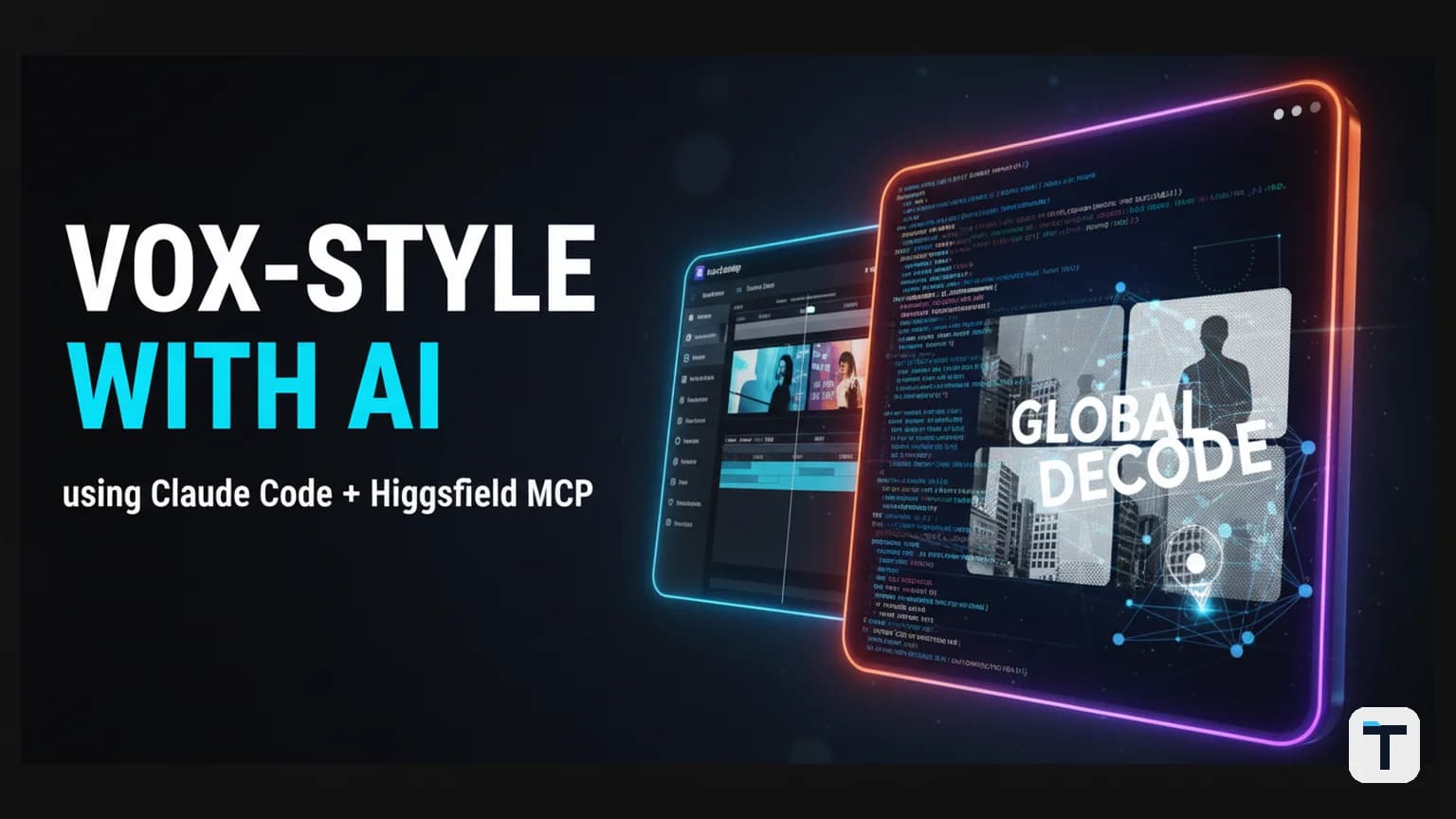

You can make a Vox-style explainer video — animated maps, halftone cutouts, bold typography, calm narration — using Claude Code, the Higgsfield MCP connector, and ElevenLabs, all driven by plain-English prompts. No After Effects. No motion-graphics team. The entire pipeline runs inside a coding agent that orchestrates image generation, video animation, voiceover, and final render.
This guide walks through the full workflow: what each tool does, how to wire them together, what it costs, and where the approach still falls short. It is based on a real end-to-end build demonstrated by creator MoSidd (AI Made Easy) that produced a 47-second Vox-style explainer about a US-Iran peace deal story using nothing but Claude Code and connected AI media tools.
At a Glance
| What | Tool | Role |
|---|---|---|
| Orchestrator | Claude Code (desktop app) | Writes the script-as-timeline, generates React/Remotion code, calls MCP tools |
| Image generation | Higgsfield MCP (Nano Banana 2, GPT Image 2) | Produces scene keyframes, cutouts, style frames |
| Video animation | Higgsfield MCP (Cdance, image-to-video models) | Animates static images into short clips |
| Voiceover | ElevenLabs (Instant or Professional Voice Cloning) | Generates narration from the script |
| Render/compositing | Remotion (React framework) | Assembles scenes, syncs audio, renders final MP4 |
| Sound design | ElevenLabs Sound Effects or AI music tools | Optional background music and SFX |
Bottom line: The setup costs roughly $25–$60/month across Higgsfield and ElevenLabs subscriptions. A 30–60 second explainer takes 15–30 minutes of active prompting once the pipeline is configured. The quality is good enough for YouTube shorts, social media, and content marketing — but not yet broadcast-grade.
What Is a Vox-Style Video and Why Does It Work?
A Vox-style video is a short documentary explainer that answers one focused question using a conversational voiceover and dense, purposeful motion graphics. The name comes from Vox.com, whose YouTube channel launched in 2014 with the mission of "explaining the news."
The signature ingredients are:
- A calm narrator asking a question — "Why do cities trap heat?" — that anchors the entire video
- Bold typography stamping onto archival footage — large sans-serif text that punches onto the screen
- Animated maps that zoom into a location while a yellow highlighter sweeps across a document
- Charts that grow at the exact moment the narrator cites the number
- A slightly choppy, stop-motion feel — often animated at 12 frames per second inside a 24fps timeline ("animating on twos," borrowed from hand-down animation)
Johnny Harris popularised a variation of this format with his map-based explainer videos, animating five properties — latitude, longitude, zoom, bearing, and pitch — to create the signature "camera comes down and orbits" effect.
The pro-versus-amateur difference is that every animated element answers a question the narration just raised. Nothing moves just to move. That principle carries over to the AI-assisted pipeline: your script is the timeline, and every visual beat must serve a line of narration.
The Core Insight: Your Script Is the Timeline
The single most important idea in this workflow is that the script functions as the production timeline. Instead of writing a script and then separately storyboarding every shot, you write a beat-by-beat script where each line maps to a scene. Claude Code reads that structure and orchestrates the rest.
Here is how it works in practice:
- Write the script as beats. Each line of narration is one beat. Each beat gets a scene folder containing its cutouts and a shared static background that makes everything feel like one continuous shot.
- Claude Code generates the scene structure. For each beat, it creates a Remotion component with the right timing, the right image assets, and the right animation instructions.
- The Higgsfield MCP connector fetches assets. Instead of manually downloading images from a stock site or an AI generator, Claude Code calls the Higgsfield MCP server to generate keyframes, cutout assets, and style references directly through natural language.
- ElevenLabs produces the voiceover. The script text is sent to ElevenLabs, which returns an audio file that Remotion syncs to the corresponding scene.
- Remotion renders the final MP4. All scenes, audio, and transitions are composited into a single 1080p video file.
The shift here is not that AI can generate images or video — that is well established. It is that the orchestration bottleneck has moved from "can the model produce this" to "can my agent reach the model without three days of integration work." The Higgsfield MCP server treats the entire frontier-model zoo as one tool surface and lets any agent that speaks MCP plug in.
How to Set Up Claude Code With the Higgsfield MCP Connector
Step 1: Install Claude Code
Claude Code is Anthropic's agentic coding tool. It runs as a desktop application (macOS, Windows, Linux) or as a CLI. You need a Claude Pro, Max, Team, or Enterprise subscription, or you can use the API with pay-as-you-go pricing.
Download it from Anthropic's official site. Once installed, launch a new session.
Step 2: Add the Higgsfield MCP Connector
The Model Context Protocol (MCP) is an open standard — now under the Linux Foundation as of early 2026 — that lets AI agents connect to external tools and data sources through a unified interface. Higgsfield's MCP server collapses dozens of frontier image and video models into a single authenticated endpoint.
To install it in Claude Code:
- Sign up for a Higgsfield account at higgsfield.ai. New accounts come with trial credits — no card needed to start.
- In Claude Code, navigate to Settings → Connectors (or edit your
mcp-config.jsonfile for CLI usage). - Click "Add custom connector" and paste the Higgsfield MCP URL. Name it
Higgsfield. - Click "Connect" and authenticate with your Higgsfield credentials.
Once connected, Claude Code can call Higgsfield's tools: generate images, edit images, generate video clips, discover available models, and poll for job completion.
In a CLI environment, you will want to tell the agent how often to poll for job completion — something like "check every 30 seconds." Video renders can take a few minutes, and Claude Code does not auto-pop a notification the way the desktop app does.
If you are interested in the broader MCP ecosystem — which now includes over 8,600 servers covering everything from GitHub to web scraping to databases — we cover the landscape in our guide to building an AI agent operating system.
Step 3: Add the ElevenLabs Connector (for voiceover)
ElevenLabs does not yet have an official MCP server, but you can use it through a community connector or by having Claude Code call the ElevenLabs REST API directly via a script. The simplest path:
- Sign up for an ElevenLabs account. You need at least the Starter plan ($5–$6/month) for commercial use and Instant Voice Cloning.
- Copy your API key from the ElevenLabs dashboard.
- Create a small Python or Node script that takes text as input and returns an audio file. Load it as a tool in Claude Code, or have Claude Code write and execute it inline.
For more on how we structure agent tool loading and skill files in Hermes Agent, see our Hermes Agent fleet setup guide.
Step 4: Install Remotion
Remotion is a React framework for programmatic video creation. Each frame is a React component. Time is a variable you control via the useFrame() hook. Rendering turns your React code into a professional MP4.
Install it in your project:
npx create-video@latest
This scaffolds a Remotion project with example compositions. Claude Code can then generate new compositions from your prompts.
Remotion is free for individuals and small teams (3 or fewer employees). Companies with 4+ employees need a commercial license. It runs a headless Chromium browser, renders each frame as a PNG in parallel, and encodes them into MP4 using FFmpeg.
The Full Workflow: From Topic to Rendered Video
1. Choose Your Topic and Write a Beat-Mapped Script
Write your script as a series of beats. Each beat is one line of narration plus a description of what should be on screen. Example:
Beat 1: "The US and Iran are signing a peace deal."
  → Scene: White House exterior. Cutout of the building springs up first.

Beat 2: "But the downfall of the American Empire has already begun."
  → Scene: Map zooming from Washington to the Strait of Hormuz. Red marker stroke sweeps across.

Beat 3: "And it started when..."
  → Scene: Timeline scrolls. Halftone cutout of an oil derrick appears.
This script-as-timeline structure is what makes the entire pipeline work. Claude Code reads it and knows exactly how many scenes to create, how long each should last, and what assets it needs to fetch.
2. Generate a Style Frame
Before generating individual scenes, produce one master style frame that defines the entire visual language. Ask Claude Code:
"Using the Higgsfield connector, generate one reference image that defines the visual style for this video: halftone paper-texture, muted palette with a red accent, bold sans-serif typography, archival documentary feel. This will be the parent style for all subsequent scenes."
This style frame is attached as a reference to every scene generation call. Because every still inherits from the same parent, scene one and scene twelve look like they came from the same designer.
3. Generate Scene Keyframes and Cutouts
For each beat, ask Claude Code to generate the scene assets:
"Using the same style as the reference image, create a scene showing the White House exterior with a halftone treatment. Generate a transparent PNG cutout of the building."
The Higgsfield connector routes this to the appropriate image model — Nano Banana 2 for fast generation with reference images, or GPT Image 2 for more complex compositions. The key technical move is the halftone treatment: Claude Code converts transparent PNG cutouts to black-and-white halftone via a prompt, giving them that papery Vox magazine feel.
4. Animate Each Scene
Switch the Higgsfield connector to image-to-video mode. For each scene still, describe the motion plus the narration line:
"Animate this scene: spring the White House up first, stagger the appearance of the characters in front, then add an offset red marker stroke that sweeps from left to right."
The model animates exactly what is in the frame — the style is already locked, so it cannot drift. Cdance 2.0 and similar models on Higgsfield produce 5-second clips from static images.
5. Generate the Voiceover
Send your script text to ElevenLabs. You have two options:
- Instant Voice Cloning (Starter plan, $5–$6/month): Creates a usable narrator voice from a 1–2 minute audio sample. Available immediately. Good for prototyping and short-form content.
- Professional Voice Cloning (Creator plan, $22/month): Trains a dedicated model on 30 minutes to 3 hours of your audio. Takes longer to set up but produces more stable, consistent narration for longer videos.
ElevenLabs supports 70+ languages with their v3 model and offers stock voices licensed for commercial use on paid plans. The returned audio file is dropped into the corresponding Remotion scene.
6. Assemble and Render
Claude Code stitches everything together in Remotion:
- Each scene folder contains its cutouts, the shared background, and the generated video clip.
- The Remotion composition references all scenes in order, with the ElevenLabs audio synced to the correct timestamps.
- A single
npx remotion rendercommand produces the final 1080p MP4.
7. Add Sound Design (Optional)
For background music and sound effects, you can use ElevenLabs Sound Effects (included in paid plans) or AI music generation tools. Keep music low in the mix — the narration should always be the primary audio. Sound effects should be timed to visual transitions to maintain YouTube retention.
What It Costs: A Realistic Budget
| Component | Minimum Plan | Monthly Cost | What You Get |
|---|---|---|---|
| Claude Code | Pro or API | ~$20 (Pro) or pay-per-token | The orchestration agent — writes code, calls tools |
| Higgsfield | Starter (annual) | ~$15–$19/month | ~270 credits/month, subset of models |
| Higgsfield | Plus (annual) | ~$47–$59/month | ~1,200 credits/month, all models included |
| ElevenLabs | Starter | ~$5–$6/month | 30K credits, Instant Voice Cloning, commercial license |
| ElevenLabs | Creator | ~$22/month | 121K credits, Professional Voice Cloning |
| Remotion | Free (individuals) | $0 | Unlimited renders, 1080p/4K output |
Realistic floor for a solo creator: ~$25–$45/month (Claude Pro + Higgsfield Starter + ElevenLabs Starter).
Realistic floor for serious output: ~$60–$100/month (Claude Pro + Higgsfield Plus + ElevenLabs Creator).
Note: Higgsfield credits do not roll over — they reset each billing cycle. Pick the plan that matches your real monthly output, not a big balance you will not burn through. Video generation costs significantly more credits than image generation, so budget for it.
What Can Go Wrong (and How to Avoid It)
Running Long Video Jobs Without Polling
In Claude Code's CLI environment, long-running video renders can cause the session to appear frozen. Always tell the agent to poll for completion ("check every 30 seconds") rather than blocking on the result. The desktop app shows visual progress and pops a notification when jobs finish; the CLI does not.
Skipping the Style Frame
If you generate scenes without a shared style reference, each scene will drift — different palettes, different textures, different "designers." The single most important quality lever is locking the visual language with one master style frame before generating any scenes.
Asking for "a Video" With No Creative Direction
Generic prompts produce generic outputs. Every scene prompt should specify the motion, the elements, and the relationship to the narration. "Show a map" produces a static image. "Animate a map zooming from Washington to the Strait of Hormuz while a red marker stroke sweeps left to right" produces a scene that serves the story.
Burning Credits on Variants
Higgsfield credits do not roll over. Generate three variants, check the first one, refine, then commit. Generating 20 variants at once burns credits before you have validated the approach.
Generating Without Attaching Previous Assets
When asking for a follow-up — a landing page, a social media cut, a longer version — attach the previously generated images and video. The agent needs the context of what already exists. Forgetting to attach assets is the most common reason a follow-up looks disconnected from the original.
How This Compares to Other Approaches
| Approach | Time per Video | Skill Floor | Cost/Month | Quality Ceiling |
|---|---|---|---|---|
| After Effects + Premiere (manual) | Days–weeks | High (motion design) | $50+ (Adobe CC) | Broadcast-grade |
| Claude Code + Higgsfield MCP + Remotion | 15–30 min active | Medium (prompting) | $25–$100 | YouTube/social-grade |
| SaaS tools (e.g., Easy-Peasy.AI, Cliptude) | 5–15 min | Low | $10–$50 | Template-grade |
| Fully manual + stock footage | Hours | Low–medium | $0–$30 | Variable |
The Claude Code pipeline sits between manual motion design and one-click SaaS tools. It requires more setup and prompting skill than a SaaS product, but gives you far more control over the visual language, the script structure, and the final output. It is the right choice if you want a repeatable, customisable pipeline rather than a one-off template render.
For builders who want even more control over their agent infrastructure, our multi-agent AI team orchestration guide covers how to compose multiple agents into a coordinated production system.
What This Means for You
If you are a content creator, marketer, or small team that wants to produce explainer-style video content regularly, the Claude Code + Higgsfield MCP pipeline is now the most cost-effective path to custom Vox-style videos. Here is when it makes sense:
- You publish explainers regularly — at least 2–4 per month. The setup cost amortises quickly.
- You want a consistent visual brand — the style-frame approach lets you lock a look across dozens of videos.
- You are comfortable prompting — you do not need to code, but you need to describe scenes precisely in natural language.
- Your videos are 30 seconds to 3 minutes — the sweet spot for this pipeline. Longer formats are possible but credit costs climb.
If you only need one video, use a SaaS tool. If you need a repeatable production pipeline, build it with Claude Code.
The broader trend here is that MCP is becoming the standard way agents connect to external tools. If you want to understand where this is heading, our analysis of what an AI agent operating system looks like in 2026 covers the infrastructure layer. And if you are evaluating which AI models to pair with this pipeline, our Claude Opus 5 review breaks down the current state of Anthropic's frontier models.
FAQ
What is the Higgsfield MCP connector?
The Higgsfield MCP (Model Context Protocol) server is a single connector that gives AI agents like Claude Code access to dozens of frontier image and video generation models — including Nano Banana 2, GPT Image 2, Cdance 2.0, Kling 3, Veo 3, and more — through one authenticated endpoint. Instead of integrating each model's API separately, you install one connector and your agent can generate images, edit images, produce video clips, and poll for job completion.
Do I need to know how to code to use this workflow?
No. Claude Code generates all the code — the Remotion components, the MCP calls, the audio sync scripts. You describe what you want in natural language and it writes the implementation. However, you do need to be precise in your prompts: describing scene motion, visual style, and timing in detail produces dramatically better results than vague requests.
How long does it take to make a 60-second Vox-style video with this pipeline?
Once the pipeline is configured (about 30 minutes of one-time setup), a 30–60 second explainer takes roughly 15–30 minutes of active prompting. Image generation takes seconds per scene. Video animation takes 20–60 seconds per clip. Voiceover generation is near-instant. The majority of time is spent iterating on prompts and reviewing outputs.
Is the Higgsfield MCP server free?
No. Higgsfield offers trial credits for new accounts, but ongoing production requires a paid plan. Starter plans begin around $15–$19/month (billed annually) with approximately 270 monthly credits. The Plus plan (~$47–$59/month, ~1,200 credits) unlocks all models and is the practical floor for regular video creation. Credits reset each billing cycle and do not roll over. Check higgsfield.ai/pricing for current rates.
Can I use my own voice for the narration?
Yes. ElevenLabs Instant Voice Cloning (available from the Starter plan at $5–$6/month) creates a usable voice clone from a 1–2 minute audio sample. Professional Voice Cloning (Creator plan, $22/month) trains a dedicated model on 30 minutes to 3 hours of your audio for higher fidelity. Both require you to verify that you have the rights to clone the voice being used.
What models does the Higgsfield MCP server support?
As of July 2026, the Higgsfield MCP server provides access to image models including Nano Banana 2 (fast, reference images up to 16, up to 4K), Nano Banana 1, Soul v2 (stylized), and OpenAI Hazel (GPT-Image-1.5). Video models include Cdance 2.0 (text-to-video and image-to-video), Kling 3, Veo 3, Sora 2, Seedance, and Wan. The agent can ask the server what models are available before picking one. The model list changes frequently — always check the current catalog.
How does this compare to using After Effects?
After Effects gives you frame-level control over every property and is the industry standard for broadcast-quality motion graphics. The Claude Code pipeline trades that precision for speed and cost: you get YouTube-grade output in minutes instead of days. The two are complementary, not competing. After Effects wins for artistic, one-off pieces where every detail matters. The AI pipeline wins for repetitive production and scale.
Is Nano Banana Pro the same as Nano Banana 2?
No. Nano Banana 2 (Gemini 3.1 Flash Image) is the fast, efficient image model with configurable thinking and reference image support. Nano Banana Pro (Gemini 3 Pro Image) is built on Gemini 3 Pro and is designed for complex compositions requiring the highest quality — studio-grade precision, up to 4K, and real-world knowledge reasoning. For Vox-style scene keyframes, Nano Banana 2 is typically sufficient and faster. Nano Banana Pro is the better choice for complex infographics or historically accurate scenes.
Discussion
0 comments