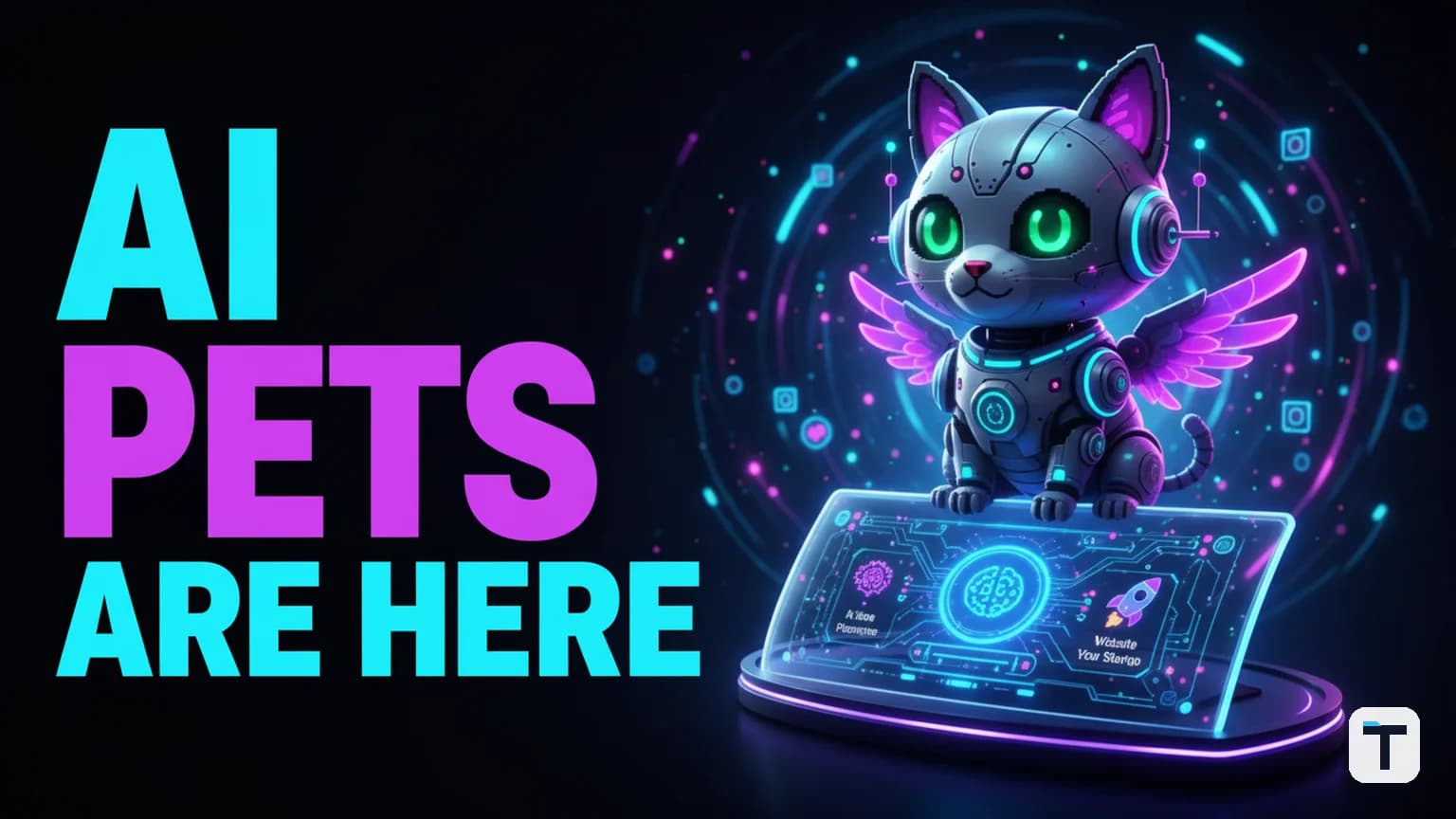

Verdict: The Hermes Agent Sidekick (Pet) system is a critical UX advancement that replaces static terminal log lines with "peripheral awareness" animated sprites. By mapping six distinct agent states to visual animations, it allows users to monitor complex autonomous workflows in their peripheral vision without constantly context-switching to read console outputs.
Last verified: 2026-06-25 · Total Sprites: 3,200+ · Compatibility: CLI, TUI, Desktop · Performance Impact: Zero (Cosmetic only)
What is the Hermes Agent Sidekick?
The Hermes Agent Sidekick (commonly referred to as "Pets") is an official UI feature that adds an animated mascot to your workspace. Unlike decorative stickers, these sprites are functionally tied to the agent's internal state machine.
As the agent performs tasks, the Sidekick swaps its animation frame to match one of six specific behaviors:
- Idle: The agent is waiting for input.
- Running: A tool or script is currently executing.
- Thinking: The model is processing a prompt or reasoning through a step.
- Waiting: The agent is paused for user feedback or a rate limit.
- Done/Finishing: The task or plan completed successfully.
- Failed: The agent encountered an error or a blocked run.
How to setup and customize your Sidekick
The Sidekick system is built directly into Hermes Agent as of June 2026 and requires no external dependencies. It uses the petdex open-source gallery, which currently hosts over 3,200 community-submitted sprites ranging from classic robots to pixel-art dragons and cats.
1. Update and list available mascots
Ensure you are running the latest version of the agent, then browse the gallery:
hermes update
hermes pets list
2. Install and activate a Sidekick
To install a specific mascot (e.g., "Boba"), use the install command with the --select flag:
hermes pets install boba --select
3. Customize the display
You can resize the sprite to fit your terminal layout or turn it off entirely if you need a distraction-free environment:
# Resize the pet (values between 0.5 and 2.0)
hermes pet scale 1.2

# Turn the system off
hermes pets off
Why status-aware sprites beat traditional log lines
The primary value of the Sidekick is peripheral awareness. In professional AI Agent Operating Systems, agents often run long-lived tasks that don't require constant supervision.
Traditional spinners and log lines require "active focus"—you have to look directly at the text and read it to understand if a run is healthy. Sidekicks move this to your peripheral vision. A "crying" animation for a failed state or a "waving" animation for completion can be caught by the human eye even while working in another window.
This update follows the Hermes Agent v0.17.0 "Reach" release philosophy of making agents more non-blocking and autonomous. By reducing the cognitive load required to monitor your agent, you can focus on high-level strategy while the "little guy" handles the status reporting.
What this means for you
If you find yourself constantly "tabbing back" to your terminal to see if a 5-minute research task is done, the Sidekick is a mandatory upgrade. It turns a "black box" process into a living entity with a clear status light. For developers, this is best paired with advanced productivity settings to streamline the overall agent experience.
Related reading
FAQ
Q: Does the Sidekick consume extra tokens? A: No. The Sidekick is a purely local UI layer. It reads the agent's internal state without sending any extra data to the LLM or consuming credits.
Q: Which terminals support the high-fidelity graphics? A: mascots render at full fidelity in terminals supporting the Kitty, Ghostty, or WezTerm image protocols. In other terminals, it uses a truecolor Unicode half-block fallback.
Q: Can I use the Sidekick in a floating window? A: Yes. In the official Hermes Desktop app, you can shift-click the mascot to pop it out into a transparent, "always-on-top" window.
Q: Can I create my own mascots?
A: Yes. The system is powered by the open-source petdex project. You can submit your own 6-state sprite sheets to the gallery to use them in the agent.
Every claim here is traced to a primary source, dated, and listed under Sources. Research and drafting are AI-assisted; editing, verification and publication are human decisions, and a person is accountable for what appears on this page. How we work →
Discussion
0 comments