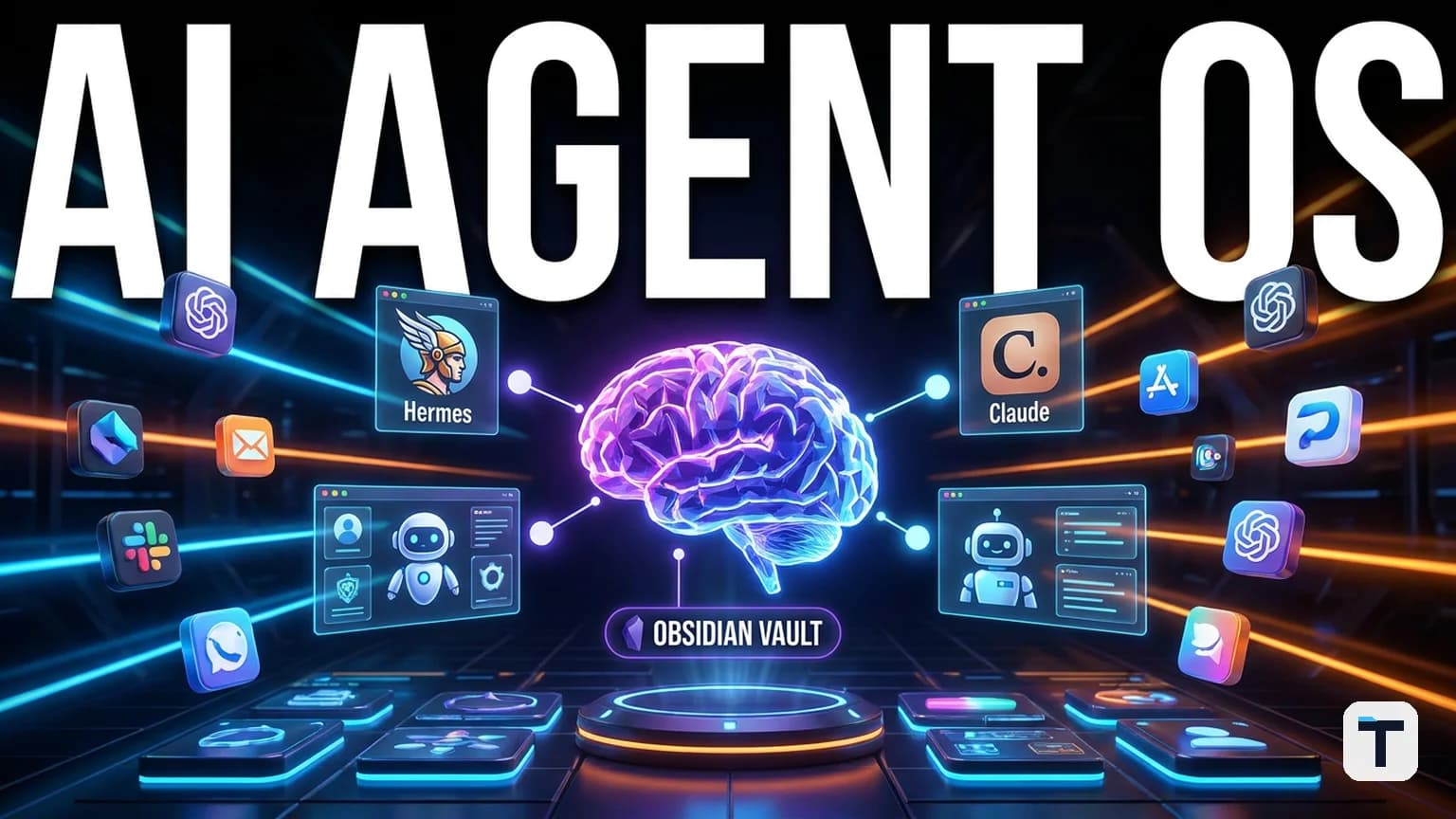

Verdict: You can turn Hermes Agent into a single command center for multiple AI models and give it a long-term memory bank by wiring it to an Obsidian vault. The combination gives you model choice, persistent context, and cheap or free inference options — and it is practical for solo operators and small teams today. We built this guide from the 2026 tooling landscape; everything here is checkable and the setup can be done in an afternoon.
Last verified: 2026-06-17
TL;DR
- Build the OS around Hermes Agent as the orchestration layer and Obsidian as the local memory store.
- Route multiple models through Hermes: Claude, GPT, GLM 5.2, Kimi K2.7 Code, MiniMax M3, DeepSeek, Ollama, and OpenRouter free tiers.
- Keep costs down with coding plans (flat-rate tokens), OpenRouter free models, local Ollama models, and token-efficient Markdown conversion.
- Use an Obsidian MCP server so agents can read, search, and write notes — so memory survives across sessions and tools.
- Start with one workflow, harden permissions, then add a second only after the first runs reliably.
What an AI agent operating system actually does
An agent operating system is not a chatbot inside a browser tab. It is a layer that sits above individual models and gives them a shared home: one dashboard, one memory store, one set of rules, and the ability to hand work between agents.
Hermes Agent fits this role because it is built around a long-running daemon that can talk to several messaging channels (CLI, Telegram, Discord, Slack, email, cron), can spawn parallel subagents, and can switch models with a single command. The latest public release, v0.15.0 (May 28, 2026), adds orchestrator-driven Kanban tasks, skill bundles, and faster cold start GitHub — NousResearch/hermes-agent. That matters because the value of an agent OS is not the model itself — it is the wiring between models, memory, and workflows.
Obsidian fits the memory role because it stores notes as plain Markdown files on your own machine. Every major LLM is trained on Markdown, so an agent can read the vault without conversion layers. The files are offline by default, version-controllable, and not locked behind a cloud API.
Together, Hermes gives you the team and Obsidian gives the team a brain. If you are new to the idea, our AI for Small Business: The Complete 2026 Guide explains how to think about agents without getting lost in vendor hype.
Why model-agnostic routing matters
The fastest way to waste money on AI in 2026 is to bet everything on one model provider. Models are released, priced, and sometimes suspended faster than most businesses can react. Anthropic’s Claude Fable 5, for example, went live on June 9, 2026 and was suspended worldwide on June 12 after a US government export-control directive shaam.blog/articles/anthropic-fable-5-suspended-us-government-export-control-june-2026. If your workflow was hard-coded to that one API, you lost your best model in 72 hours.
A model-agnostic OS protects you because you can swap the engine without rebuilding the cockpit. Hermes supports the following providers natively as of mid-2026:
- Anthropic (Claude)
- OpenAI / Codex
- OpenRouter (200+ models, including free tiers)
- Nous Portal
- z.ai / GLM
- Kimi / Moonshot
- MiniMax
- DeepSeek
- NVIDIA NIM
- Ollama / vLLM / SGLang (self-hosted)
Hermes Agent docs — AI Providers
Switching is done with hermes model or inline /model [provider:model] during a conversation. No config rewrite, no restart.
Recent models worth routing in
| Model | Released | Standout capability | Primary source |
|---|---|---|---|
| GLM 5.2 | June 2026 | 1M-token context, MIT open weights, long-horizon coding | z.ai blog |
| Kimi K2.7 Code | June 2026 | 256K context, open weights, ~30% lower reasoning tokens vs K2.6 | Nerova.ai release note |
| MiniMax M3 | June 2026 | 1M context, native multimodal, open weights, MSA sparse attention | MiniMax blog |
All three are recent enough that you should test tool-call reliability on your own tasks before routing critical workflows through them.
The cheapest ways to power the OS
Running agents can get expensive fast if every tool call hits a premium API. The four best levers in 2026 are:
1. Coding plans and flat-rate tokens
Several providers now sell coding plans with included tokens rather than per-request metering. Kimi, GLM, and MiniMax all offer coding-plan SKUs. If your agent runs many small coding steps, a flat-rate plan is usually cheaper than metered API calls.
2. OpenRouter free models
OpenRouter lists free models with the :free suffix. They are rate-limited (roughly 200 requests/day and 20/minute on the free tier), but they are real models and work through Hermes with a single OpenRouter API key OpenRouter OAuth docs. Search for “free” in the model picker to see current options.
3. Local inference with Ollama
For repeated low-value tasks, run a local model through Ollama. Hermes supports Ollama as a provider, so you can route internal research drafts, simple rewrites, or routine checks to a local Qwen 3 8B or Llama 4 Maverick without spending cloud credits. The trade-off is setup time and hardware requirements.
4. Convert files to Markdown before feeding them in
Microsoft’s open-source MarkItDown converts PDFs, Office files, images, audio, HTML, and even YouTube URLs into clean Markdown. Markdown is highly token-efficient because LLMs parse it natively. Feeding Markdown instead of raw PDFs or copy-pasted Office text can noticeably cut token spend GitHub — microsoft/markitdown.
How to make the system remember things
Most AI agents start every conversation from zero. The fix is a persistent knowledge base the agent can read and write. Obsidian is the cleanest place to build it.
Why Obsidian works as agent memory
- Local-first: files live on your machine, not a cloud database.
- Plain Markdown: no proprietary format, so any agent that can read files can read the vault.
- Wikilinks and graph view: relationships between notes are visible and traversable.
- MCP servers: expose the vault to Claude, Hermes, Cursor, and other agents through the Model Context Protocol.
Obsidian MCP server guide — MorphLLM
Two ways to connect an agent to Obsidian
- Filesystem access. Point Hermes or Claude Code directly at the vault folder. No plugins needed, but the agent must respect file paths.
- MCP server. Install an Obsidian MCP server (e.g.,
mcp-obsidianvia Smithery, MCPVault, orobsidian-mcp). The server exposes tools likeread_file,search_vault,create_note,edit_note, andlist_backlinks. REST-API-based servers require the Obsidian Local REST API plugin and Obsidian to be running; filesystem servers work as long as the folder is readable.
A good starting pattern is one vault per project or client, with a folder structure like:
Vault/
├── 01 Inbox/
├── 02 Projects/
├── 03 Knowledge/
├── 04 Decisions/
└── 05 Archive/
When an agent finishes a task, it writes a dated note to the Inbox or the relevant Project folder. When it starts a new task, it searches the vault first. For a worked example of multi-agent content production using Hermes subagents, see How to Run an AI SEO Funnel With Hermes Subagents (2026).
A practical workflow: content agent team
Here is one workflow you can build first. It is high-value, repeatable, and safe to test:
- Writer agent drafts a blog post or video script in Markdown.
- Editor agent revises for clarity, tone, and factual checks.
- Judge agent scores the draft against a rubric and either approves it or sends it back with feedback.
- Approved drafts are written to the Obsidian vault; rejected drafts are rewritten.
Hermes can run these as parallel subagents. Each subagent gets the same brief from the vault, works in isolation, and the judge reconciles the outputs. The same pattern works for code reviews, landing-page variants, or competitive research summaries. For a deeper look at using GLM 5.2 as the coding engine inside that kind of team, read How to Run GLM 5.2 Inside Hermes Agent: A 1M-Context Open Coding Team (Updated 2026).
If you want avatar video on top, HeyGen offers API-driven avatar generation. Avatar IV consumes Premium Credits at roughly 1 credit per 3 seconds of generated video; 20 credits cover one minute at 1080p HeyGen Avatar IV Complete Guide. We treat this as an optional add-on, not a core requirement.
Security: start locked down, then loosen
Because an agent OS can actually do things — send messages, edit files, run shell commands — permissions deserve more attention than model choice.
- Give the agent its own email/inbox, never your primary one.
- Start with read-only access. Let it draft, but not send. Let it read the vault, but not delete.
- Require explicit approval for destructive actions. Tell the agent to stop and ask before posting, purchasing, or sending.
- Add one rule per mistake. Every time the agent does something you do not want, write the rule into its system prompt or a
RULES.mdfile in the vault.
Hermes has built-in guardrails, but your own rules layer on top. The system should get safer the longer you run it.
How this compares to other setups
| Approach | Best for | Limitation |
|---|---|---|
| Hermes Agent OS | Multi-model, long-running, learning agent with shared memory | Requires a Linux/macOS/WSL host and some setup |
| Hermes Desktop only | Quick Hermes-only chat | Cannot coordinate Claude or other models |
| N8N / visual workflow builders | GUI-first automation with many integrations | Becomes brittle and hard to debug as flows grow |
| Claude Code alone | In-repo coding tasks | No persistent cross-session memory, no multi-agent orchestration |
| Obsidian + Claude Code | Knowledge work inside a codebase or vault | Still a two-tool setup; Hermes adds the orchestration layer on top |
For a comparison of how this kind of setup fits against a dedicated Claude-centric OS, read Build Your Own Claude Agent OS in 2026: A Small-Business Blueprint.
What this means for you
If you run a small business, freelance practice, or content operation, an agent OS gives you three immediate wins:
- Stop re-explaining context. Put project briefs, brand voice, past decisions, and client notes in Obsidian. Every agent reads the same brain.
- Swap models without rebuilding workflows. When a model gets suspended, becomes too expensive, or a better one ships, change one line.
- Run one workflow at a time. Pick lead-gen, content drafts, or code review. Get it stable. Then add the next. One working workflow beats ten half-built ones.
If you are not technical, start with Hermes on a cheap VPS and connect it to Obsidian through an MCP server. Use free OpenRouter models for exploration and switch to paid or local models only once the workflow is proven. For a broader map of the agent landscape, see How to Build Your AI Agent Team in 2026: From Chatbot User to Manager of Autonomous Workers.
Related reading
FAQ
Q: Do I need to know how to code to build this?
A: Not for the basics. Hermes has an interactive hermes setup wizard, and Obsidian MCP servers can be installed with npm or uvx commands. Coding becomes necessary only when you want custom tools, custom skills, or self-hosted models.
Q: Is this safe to run on my main work machine?
A: Yes, if you follow the permission rule: start with read-only access, isolate the agent to its own accounts/email, and require explicit approval before any destructive action. Do not give it your primary inbox or banking credentials.
Q: How much does it cost to run?
A: From $0 if you use OpenRouter free models and Ollama locally, to roughly $20–$100/month for mixed cloud usage. Premium models like Claude Opus or GPT-5 can push costs higher if used for high-volume automation.
Q: Can I run this 24/7?
A: Yes. Put Hermes on a VPS that stays online and connect to it from Telegram, Discord, or email. Keep Obsidian sync optional — the vault can live on the VPS or sync through Obsidian Sync, Git, or any file-sync tool.
Q: What is the first workflow I should build?
A: Pick the task you already repeat weekly. For most readers, a content pipeline (research → draft → edit → approve) is the easiest to test because the inputs and outputs are visible.
Q: Can I replace Claude with this?
A: You do not replace Claude; you route Claude through the OS. Claude remains excellent for high-quality reasoning and coding tasks. The OS decides when to call Claude, when to call a cheaper model, and what context to feed it.
Discussion
0 comments