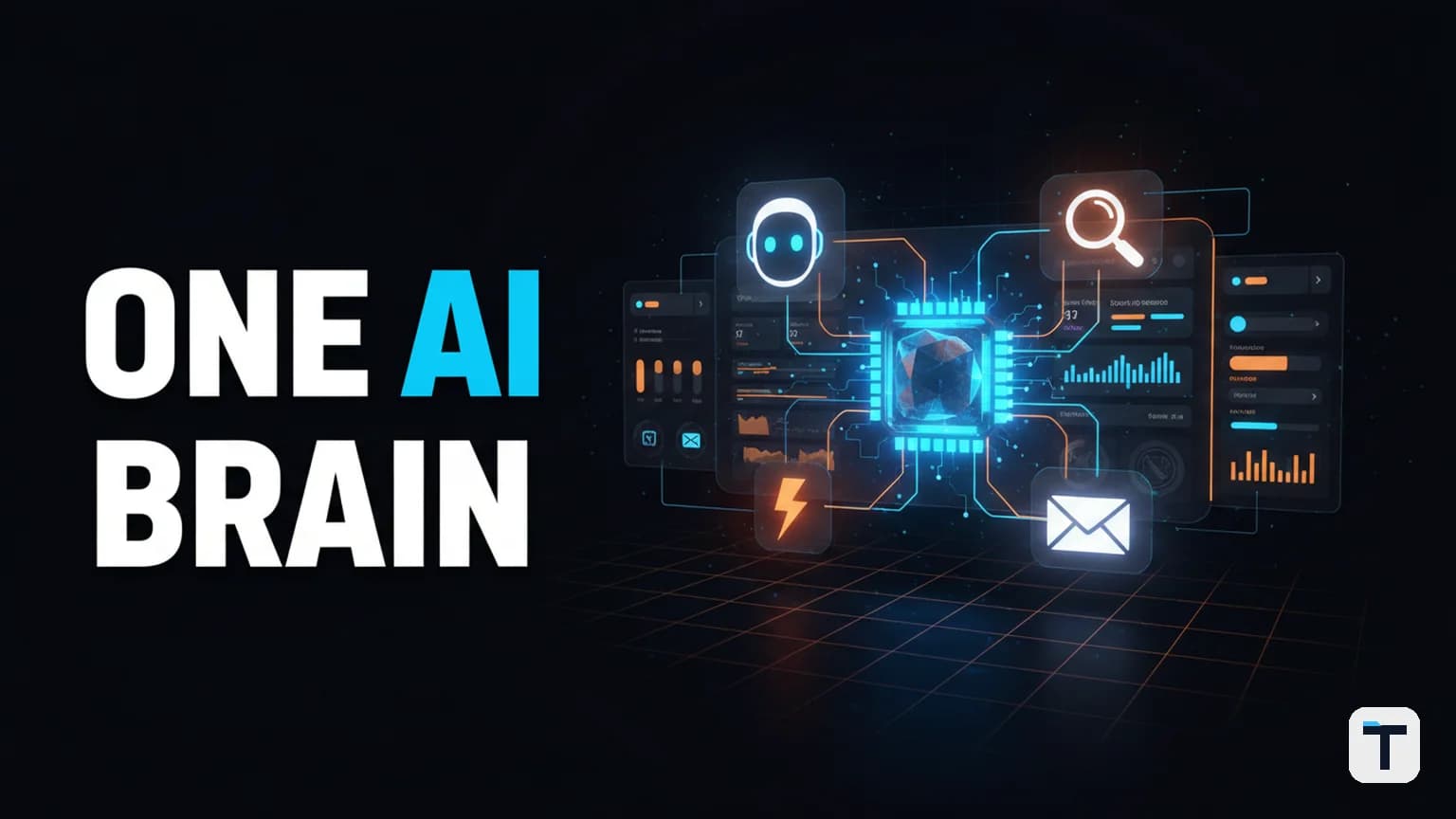

Verdict: An "AI agent operating system" is not a chatbot and not a single agent — it is the shared-memory, shared-orchestration layer that sits above your models (Claude, Claude Code/Codex, Hermes, Gemini, local models) and below your workflows, so every agent reads the same brain and passes work to the next instead of starting cold in each tab. The cleanest open-source core for it in 2026 is Hermes Agent (by Nous Research, MIT-licensed, free to self-host), wrapped with a local notes store like Obsidian for memory and a dashboard you either hand-build or adopt from a community OS like Agentic OS. The shift that matters isn't the dashboard — it's moving from collecting AI tools to running one machine where the agents compound context across days and nights.
Last verified: 2026-07-30 · Best free core: Hermes Agent (MIT) · Best memory backend for solo builders: an Obsidian vault connected as plain text · Best no-code install: a community "Agent OS" zip (double-click, ~30 min to first agent) · Pricing/limits flagged volatile — the model/API layer is where your real monthly cost lives. Volatile facts: YES — Hermes version, Agentic OS version, model pricing, and free-tier availability change often. Re-check monthly.
What is an AI agent operating system?
An AI agent operating system is the runtime substrate that multiple agents share — memory, scheduling, observability, tool access, and a coordination surface — so they stop being isolated chat windows and start behaving like a system. The clearest line in 2026 comes from independent industry analysis: "A framework is a library you import; an operating system is a substrate that holds persistent state for many agents across many tasks, indefinitely" (CortexPrism, June 2026). A second independent framing separates three layers worth internalizing: an agent framework (LangChain, CrewAI, LangGraph — a library you call), an agent platform (Salesforce Agentforce, Microsoft Copilot — a closed vertical product), and an agent OS (a multi-vertical runtime you govern yourself) (Knowlee, 2026).
The practical test: if you close a tab and the next agent has to re-learn your business, your clients, and your voice, you don't have an OS — you have a pile of tools. An OS is what guarantees the next agent already knows.
How is "Hermes Agent OS" different from "Hermes Agent"?
Hermes Agent — the open-source agent by Nous Research — is one self-improving AI agent: it runs in your terminal and on messaging platforms (Telegram, Discord, Slack, WhatsApp, Signal, Email), keeps persistent memory, auto-creates skills from experience, and can delegate to isolated subagents (Hermes Agent docs, GitHub). On its own it is one agent in one window.
"Hermes Agent OS" is the system you wrap around it (and around any other agents you run — Claude, Claude Code, Codex, Gemini CLI). It adds: one shared dashboard ("mission control"), a shared memory store your agents all read, a task scheduler so work runs while you sleep, and a way to hand output from one agent to the next. The distinction matters because people keep buying one more agent hoping it will fix their scattered workflow — it won't. The fix is the layer above.
The 5 layers that make an Agent OS actually work (our original model)
Most "what is an agent OS" explainers list features. That's not useful — features change weekly. Here is the mental model we use, adapted from open Agent OS architectures like Agentic OS (MIT, Python 3.10+) and the Hermes profile/skills system:
| Layer | What it does | Concrete example in 2026 |
|---|---|---|
| 1. Agent layer | The workers you actually run | Hermes (memory/scheduling), Claude Code or Codex (coding), Gemini CLI (research) |
| 2. Memory layer | Persistent, shared, agent-readable context | An Obsidian vault of plain-text notes; or Hindsight/mem0 for scoped multi-agent memory |
| 3. Scheduler / loop layer | Runs work unattended and chains agents | Hermes cron jobs ("write 5 posts by morning"), Agentic OS APScheduler, /goal loops |
| 4. Observability layer | Sees every agent, every job, every result on one screen | The dashboard sidebar + token-cost analytics |
| 5. Coordination / routing layer | Decides which agent handles what and hands work along | Routing rules: code→Claude Code, memory/DMs→Hermes, research→Gemini |
The single highest-leverage layer is #2, memory. Agentic OS's own docs put it bluntly: "the control plane that unifies them — one dashboard, one memory layer, one scheduler, one skill hub. Three agents, infinite capabilities" (Agentic OS README). Without a shared memory layer, layers 1, 3, and 5 deliver almost no compounding benefit — you're back to re-explaining yourself to every agent.
How does shared memory across agents work?
Shared agent memory works by giving multiple agents pointers to the same memory store, not by magic federation. The Hindsight team's setup guide for Hermes shared memory across agents states the key insight plainly: agents don't need a special protocol layer — they need to point at the same backend and the same identity scope ("bank id"), and only agents that genuinely belong to the same workflow should share. Over-share and recall gets noisy; under-share and nothing compounds.
For solo builders and small teams, the simplest working implementation is often not a vector DB at all — it's a plain-text notes vault (Obsidian) that every agent reads at session start. Hermes connects to folder-based memory natively; Claude can be pointed at the same files; the result is a "memory galaxy" where notes one agent saved are already known to the next. For more agents and tighter scoping, a per-user or per-project memory bank is the right boundary (Hindsight, April 2026).
How to set up a Hermes Agent OS in 2026 (the no-hype path)
This is the path we recommend after watching builders actually ship, not demo. You do not need to code to do the install — a community Agent OS zip installs by double-clicking one file and members with no terminal experience get running the same day. But the wiring is where the value is, so we'll be specific.
Step 1 — Install the agent core (free, open source)
Install Hermes Agent, the open-source MIT-licensed core:
# macOS / Linux
curl -fsSL https://hermes-agent.nousresearch.com/install.sh | bash
# Windows (PowerShell)
irm https://hermes-agent.nousresearch.com/install.ps1 | iex
Then run hermes setup to pick a model and provider, and hermes to start chatting (Hermes Agent install page). The software itself is $0; your cost is the model API.
Step 2 — Connect a shared memory store
Connect a notes folder (Obsidian works because it's just plain markdown on your own computer).-State documents your business, ideal clients, voice, and goals as notes. Every agent you add to the OS reads the same notes at session start — so you never explain your business twice. If you have many agents from different teams, scope memory per-project so cross-talk stays low (Hindsight multi-agent guide). For making an individual agent itself sound human (and stop repeating your phrasing), there's a separate fix worth wiring once you scale: our Humalike Hermes plugin setup.
Step 3 — Name your agents and give each one a job
The mental shift that separates people who use an OS from people who just collect tools: you stop thinking "let me use AI for this" and start thinking "Scout should be on this." Give each agent a name and a single role: a research agent, a news-scanner agent, an email-handling agent, a competitor-watcher. Inside Hermes these are profiles with their own skill bundles and memory; in Agentic OS they are routed roles in the dashboard (code/DevOps → opencode, memory/scheduling → Hermes, research → Gemini CLI) (Agentic OS README).
Step 4 — Add the scheduler so it builds while you sleep
Hand the system a goal at night — e.g. "write me five posts by morning" — and the scheduler splits the job across your agents: one researches, one writes, one builds. They run in parallel in the background while you're away. In Hermes this is hermes cron create; in community OS packages it's the goals/kanban panel. The agent passing work to the next agent, instead of waiting on you, is what hands back the biggest chunk of your week. If you want the cheap way to keep that loop running, see our token-bill-near-zero strategy.
Step 5 — Put it on one screen (mission control)
Wire every agent into one dashboard sidebar so you can see all agents, all recent builds, and all running jobs at a glance. You can hand-build this (one Claude Desktop session is enough to scaffold a Next.js/Tailwind dashboard that wraps your agent APIs), or adopt an open one. The dashboard is the least important layer technically but the most important for adoption — if you have to context-switch through six tabs to use your own system, you won't.
For a worked small-business example of a whole Hermes fleet behind one panel — including how to keep the cost sane — our Hermes Agent fleet walkthrough for small business covers it end-to-end.
How much does a Hermes Agent OS cost to run?
The software layer is free; the cost is infrastructure + model API. Hermes Agent is $0, MIT-licensed, self-hostable — every capability in the managed tier is also in the free self-hosted version (Hermes Agent homepage, GitHub). A budget setup runs as low as ~$7/month: a ~$5 VPS (1 vCPU, 1–2 GB RAM is enough when a cloud model does the reasoning) plus ~$2/month in API calls on a cheap model like DeepSeek V4 Flash (Auto Learning Agents, May 2026).
The optional Nous Portal subscription (launched April 27, 2026) bundles 300+ models and four core tools (web search, image generation, TTS, browser automation) into one bill:
| Nous Portal tier | Monthly cost | Bundled usage credit | Notes |
|---|---|---|---|
| Free | $0 | $0 (pay-as-you-go from $10) | No bundled tool gateway — eval only |
| Plus | $20 | $22 | Cheaper than buying tools separately |
| Super | $100 | $110 | Higher rate limits |
| Ultra | $200 | $220 | Highest rate limits |
Source: Nous Portal tiers as reported by Hostinger's cost breakdown, June 2026 (Hostinger). Volatile: tier credit amounts and rate limits change — re-verify on the official Nous Portal before budgeting. For the full free-stack path, our run Hermes Agent for free guide covers every no-cost lane.
Is a Hermes Agent OS worth it for a small business?
For owners tired of being human glue between six AI tabs, it usually is — but only if you commit to the memory layer. The honest framing: a tool stays the same; a system grows. Every note you save makes the OS smarter, every agent you add makes the whole stronger, and the longer you run it the bigger the gap over someone juggling tabs. The category guidance is that you genuinely want an Agent OS when you're running 10+ agents that must coordinate, persist across days, and share context across teams, and you don't when you have fewer than 5 agents with no coordination needs (Knowlee decision framework, CortexPrism landscape). Below that bar, a single well-configured Hermes profile is more leverage per hour than a 14-panel dashboard.
For the deeper "do I actually need an OS or just a framework" judgement, our Agent OS vs Agent Framework in 2026 decision guide goes deeper than this article can.
What this means for you
If you run an agency, a coaching business, sell products online, or are a solo operator doing the work of five people: install one free agent core (Hermes), connect one notes folder, name three agents, and sleep on one overnight goal. About 30 minutes to set up; the compounding starts the first morning you wake up to finished work. If you want a ready-to-install package instead of wiring it yourself, an open community zip (like Agentic OS, MIT) or a paid boardroom bundle gets you there faster — but the architecture in this guide is the same regardless of which zip you pick. The people who keep juggling ten tabs will fall behind the people running one OS — not because they're less capable, but because their system never sleeps and yours keeps re-explaining itself.
FAQ
Q: Is Hermes Agent OS the same as Hermes Agent? A: No. Hermes Agent is the open-source AI agent by Nous Research (one agent, $0, MIT). "Hermes Agent OS" is the broader system you wrap around it — a shared dashboard, shared memory layer, scheduler, and routing — so multiple agents (Hermes, Claude, Codex, Gemini) share one brain instead of running in isolated tabs.
Q: Do I need to code to set up a Hermes Agent OS? A: No. Hermes installs with a one-line curl/PowerShell command, and community Agent OS packages install by double-clicking one file. The wiring (naming agents, pointing them at a shared notes folder, setting cron goals) is the only non-trivial part — and you can hand even that to the AI itself ("set this up for me").
Q: How much does a Hermes Agent OS cost per month? A: The software is free under MIT. Realistic cost is infrastructure + model API: a budget setup runs ~$7/month ($5 VPS + ~$2 in API calls on a cheap model). The optional Nous Portal subscription starts at $0 (free, eval) and goes $20 / $100 / $200 per month with bundled usage credits. Verify current tiers on the official Nous Portal before budgeting.
Q: Can multiple agents actually share the same memory? A: Yes. Multiple agents do not need special federation — they point at the same memory store (e.g. the same Obsidian vault, or a scoped memory "bank") so what one agent learns the next already knows. The design rule that keeps it working: only agents genuinely collaborating on the same work should share a bank — over-sharing makes recall noisy.
Q: Does running an Agent OS replace my ChatGPT or Claude subscription? A: Not necessarily — it runs them. An Agent OS is the conductor, not a replacement; many setups use Claude/ChatGPT as one of several agents inside the dashboard. A lot of daily work can run on free/cheap model routes, which is why the OS often costs less than your existing subscriptions even though it coordinates more agents.
Q: When does an Agent OS become overkill? A: When you have fewer than ~5 agents with no coordination need, or when a single well-configured Hermes profile already covers your work. The clear use case is 10+ production agents that must persist across days, coordinate, and share context — below that, a framework or a single agent is usually more leverage per hour than a full OS.
Discussion
0 comments