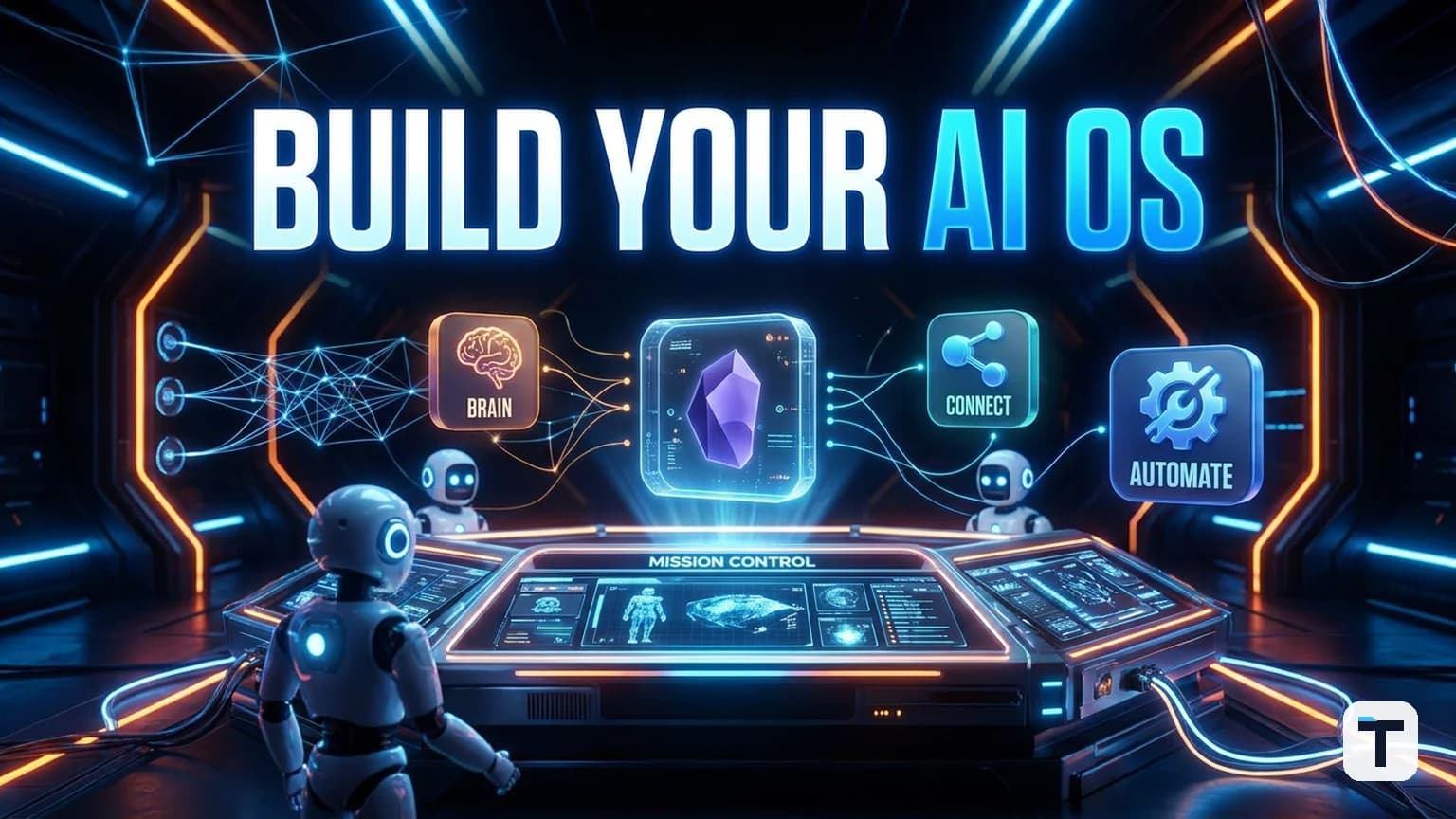

Verdict: You do not need to be a developer to run your own AI operating system. Start with one local dashboard, wire it to a single markdown knowledge vault, and connect 2–4 AI agents so they share context instead of starting every chat from zero. Most solopreneurs and small teams can get a working system built in an afternoon by prompting a coding agent such as Claude Code to scaffold the parts.
Last verified: 2026-06-18 · Build time: 1–4 hours · Cost: $0 if you already pay for at least one frontier model · Best for: solopreneurs, agencies, creators, and small teams drowning in AI tabs
- The old way: 10+ AI tabs, separate subscriptions, lost outputs, and re-explaining your business every morning.
- The new way: one local mission control where agents read your vault, run in parallel, and save every build in a workspace you can revisit tomorrow.
What is an agent operating system, really?
An agent operating system is not a product you buy. It is an architectural pattern: a control layer that sits between you and a group of AI agents so they can share memory, pick the right model for a task, run in parallel, and write outputs back into a searchable knowledge base. Think of it as the difference between using one app at a time and running a phone that keeps all your apps connected.
The video that inspired this guide shows a dashboard with an agent group chat, a Kanban board for agent teams, a pipeline for turning ideas into builds, and a workspace where previous outputs can be previewed. The underlying principle is simple and independent of any specific tool: ask once, route to the right worker, remember everything.
Why most AI workflows lose 90% of their value
The typical small-business AI setup is a collection of powerful but disconnected tools:
- A frontier chatbot in one browser tab (Claude, ChatGPT, Gemini).
- A coding agent in another tab or CLI window.
- A separate automation tool for posting, emailing, or scraping.
- Notes scattered across Notion, Google Docs, Slack, and local folders.
- Outputs saved in downloads, chat histories, or nowhere at all.
The cost is not just subscription overlap. It is context decay. Every new chat starts with no memory of yesterday, no knowledge of your clients, no link to your last campaign, and no access to the file you finished an hour ago. An agent OS fixes this by giving every agent the same persistent context.
The six layers of a do-it-yourself agent OS
You can build this in stages. Each layer works on its own; stacked together they compound.
| Layer | What it does | Tool examples in 2026 |
|---|---|---|
| 1. Mission control | One local dashboard that hosts every agent and output | Claude Code + a Next.js/Tailwind scaffold, or a simple TUI |
| 2. Shared memory | One vault every agent can read and write to | Obsidian (free for personal use) via an MCP server |
| 3. Model crew | Multiple models/agents on the same brain | Claude, GLM 5.2, Hermes Agent, local Ollama models |
| 4. Workspace | Saved, previewable builds you can return to | Local folders, Git, or an integrated output browser |
| 5. Always-on runner | Agents working in parallel without babysitting | Claude Cowork, local cron + CLI, or agent orchestration scripts |
| 6. Feedback loop | Chats and outputs auto-logged back into memory | Obsidian daily notes or a structured log format |
Source: synthesis of the build framework described in the research input, cross-checked against the agent-OS component model published by MindStudio (mindstudio.ai) and the component taxonomy used by the open-source agent-orchestration community.
Layer 1: Build a one-screen mission control
Start here. Open a coding agent such as Claude Code and describe the dashboard you want: a left rail listing your agents, a middle panel for chat, and a right rail showing goals, memory search, and recent builds.
A mission control can be as lightweight as:
- A local web app scaffolded by Claude Code (Next.js + Tailwind is a common 2026 choice).
- A simple config file listing each agent and its API endpoint.
- A chat panel that sends the same user message to whichever agent is selected.
- A "memory" panel that reads from your Obsidian vault folder.
Claude Code is Anthropic's terminal-native agentic coding tool. It reads, writes, and executes code across a codebase from a single prompt, which makes it the fastest way to scaffold this layer without touching code by hand (Precision AI Academy).
You do not need a perfect UI. You need one window where every agent lives. If you can open localhost:3000 and talk to Claude, then to a cheaper model, then back to Claude without opening a new tab, you have layer 1.
Layer 2: Wire in a shared brain with Obsidian
This is the highest-leverage step. Point every agent at the same Obsidian vault so they all read the same business context.
Obsidian stores notes as plain markdown files on your local machine. The core app is free for personal use; paid add-ons are optional (obsidian.md/pricing). Because the files are local markdown, any AI tool can read them directly, including Claude Code and MCP-compatible agents.
To connect agents to Obsidian, use an Obsidian MCP server. MCP (Model Context Protocol) is an open standard from Anthropic that lets AI assistants read and write the systems where your data lives (Anthropic MCP announcement). An MCP server exposes your vault as a structured API: search notes, read files, create new entries, and update frontmatter.
Recommended vault structure (PARA method):
- Projects — active client work, launches, builds.
- Areas — ongoing responsibilities (SEO, finance, ops).
- Resources — reference material, SOPs, research.
- Archive — completed work.
- Daily notes — what got built and what got blocked today.
When every agent reads this vault before answering, you stop re-explaining your business. The agent already knows your clients, your voice, your past campaigns, and your current priorities.
Layer 3: Stack multiple models as one crew
One model is rarely optimal for every subtask. A small crew gives you cost and quality control.
A practical 2026 crew for a non-coder:
| Role | Model/agent type | Why |
|---|---|---|
| Planner | Claude Opus 4.8 or GLM 5.2 | Strong reasoning, long context, good at breaking down projects |
| Coder/builder | Claude Code, GLM 5.2, or Hermes Agent | Implements the plan across files |
| Grinder | A cheap local model via Ollama or a low-cost API | Repetitive rewrites, formatting, tagging |
| Reviewer | Same frontier model or a second opinion agent | Checks output against your vault and goals |
You do not need all four on day one. Start with one frontier model and one cheap model. Route planning to the frontier model and grunt work to the cheap model. Add more agents only when you notice a bottleneck.
GLM 5.2 is a 2026 open-weight model family with a 1-million-token context window and strong coding performance, which makes it useful for long documents and code-heavy workflows. Hermes Agent is an open-source coding agent framework that can be run locally and is often paired with GLM 5.2 for low-cost autonomous work.
Layer 4: Save every build in a workspace
An OS without a file system is useless. Create a workspace/ folder (or let Claude Code create it) where every generated asset lands:
workspace/apps/— mini apps, landing pages, scripts.workspace/content/— articles, scripts, newsletters.workspace/assets/— images, audio, video exports.workspace/logs/— dated run logs.
Make the mission control preview these folders. The win is simple: you can find what you built last week, fork it, and improve it without starting over.
Layer 5: Make it always-on (parallel agents)
Once agents share memory and outputs, you can run them in parallel:
- One agent researches a topic while another drafts a newsletter.
- One agent codes a landing page while another writes the ad copy.
- One agent reviews everything against your vault style guide.
For non-coders, the easiest path is Claude Cowork, Anthropic's agentic multi-step task feature now available in the Claude Desktop app and paid plans. It lets you hand off a goal and come back to a result.
If you prefer local and free, combine Ollama with a simple cron or scheduler that runs agent scripts from your workspace. The key is that the agent can start work, write output to the workspace, and log what happened back into Obsidian without you watching.
Layer 6: Close the feedback loop
The OS gets smarter only if outputs become inputs. After every significant run:
- Append a summary to today's Obsidian daily note.
- Link the output file in your vault.
- Tag the output so a future agent can find it.
Tomorrow's agents then read today's log and start from a higher floor. This is the difference between a tool that resets every session and an operating system that compounds.
What this means for you
If you run a one-person business, a small agency, or a content operation, an agent OS turns AI from a set of expensive chatbots into a team that works while you sleep. You do not need to code. You need:
- A dashboard scaffolded by a coding agent.
- One Obsidian vault that every agent reads.
- Two to four models/agents routed to the right tasks.
- A workspace where outputs are saved and linked back to memory.
Start with one layer today. Add the next layer only when the previous one is useful.
Related reading
- Fugu Ultra frontier AI intelligence
- building an AI Agent Operating System for autonomous work
- AI trading bot with Claude MCP
FAQ
Q: Do I need to know how to code to build an agent operating system? A: No. You can prompt Claude Code or a similar agentic coding tool to scaffold the dashboard and wiring. If you can describe what you want and follow a setup guide, you can run this.
Q: Can I really do this for free? A: The infrastructure can be free. Obsidian is free for personal use, Ollama runs local models for free, and open-source agent frameworks are free. You will still pay for frontier API calls (Claude, GLM 5.2 API, etc.) or subscriptions where you want higher capability.
Q: Is my data safe if everything reads one Obsidian vault? A: The vault lives on your local machine, and MCP servers can be configured to run locally. That is safer than pasting business context into cloud chatbots repeatedly. Still, review each MCP server's permissions and never expose your vault to remote services you do not trust.
Q: Which models should I connect first? A: Start with one frontier model for planning (Claude Opus 4.8 or GLM 5.2) and one cheap/local model for repetitive tasks. Add a coding agent such as Claude Code or Hermes Agent only after you find yourself doing manual file work.
Q: How is this different from a no-code automation tool like Zapier or n8n? A: Automation tools connect apps in linear workflows. An agent OS gives AI agents persistent memory, parallel execution, and the ability to generate new outputs (code, content, creative assets) rather than just moving data between apps.
Q: How long until this actually saves me time? A: Most builders report the first real time savings within a week once the memory and workspace layers are working. The biggest trap is over-building the dashboard before the memory layer is useful. Fix the context problem first.
Discussion
0 comments