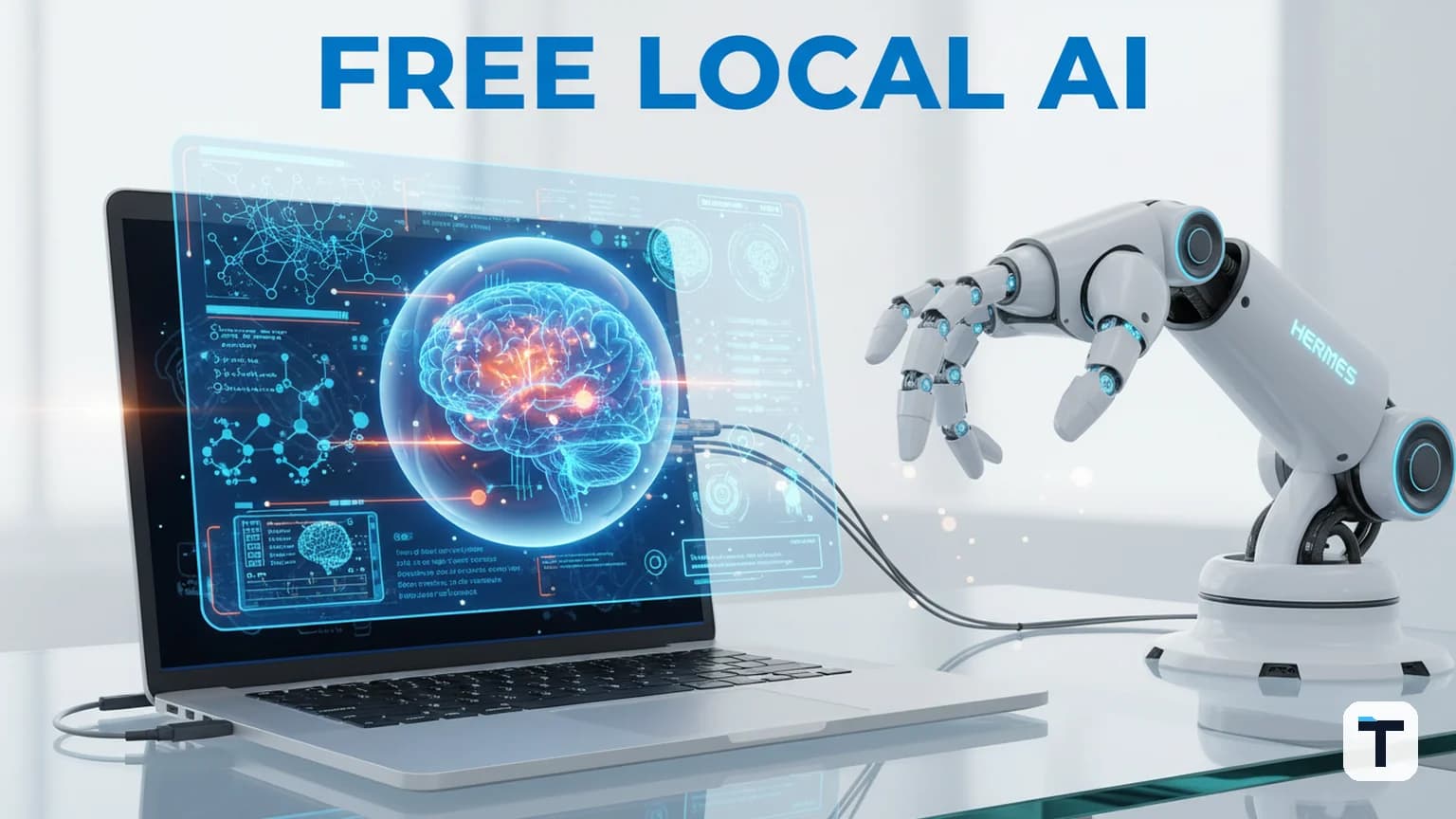

Verdict: Building a local AI assistant with Gemma 4 12B and Hermes Agent is the most cost-effective way to deploy multimodal, offline, and private AI on a standard 16GB laptop in 2026. By offloading routine tasks to a local model, businesses can slash API costs by up to 90% while keeping sensitive data entirely on-device.
At-a-glance: Local AI in 2026
- Last verified: 2026-06-19
- Model: Google Gemma 4 12B (Unified Multimodal)
- Orchestrator: Hermes Agent (Open Source)
- Key Benefit: 100% private, works offline, zero per-token costs.
- Hardware Required: 16GB RAM/VRAM laptop or desktop.
Why Gemma 4 12B is the Local AI Breakthrough
For years, local AI was a trade-off: you could have speed or intelligence, but rarely both on consumer hardware. Google's release of Gemma 4 12B on June 3, 2026, changed that equation with a "Unified" architecture.
Unlike previous models that "bolted on" separate encoders for images and audio—which hogged VRAM and increased latency—Gemma 4 12B uses lightweight projection layers to route all modalities directly into the main transformer. This means a 12-billion parameter model can now handle text, screenshots, and raw audio natively within a 16GB memory footprint.
Key Technical Advantages:
- Encoder-Free Architecture: No separate vision or audio encoders, reducing total memory pressure.
- Multi-Token Prediction (MTP): Drafts several words at once, making inference feel significantly faster on laptops.
- Multimodal Reasoning: Natively understands speech and images alongside text.
- Apache 2.0 License: Fully open for commercial use without restrictive terms.
How to Set Up Your Local Assistant (Step-by-Step)
Setting up a local assistant used to require complex Python environments. In 2026, it is a three-step process using Ollama and Hermes Agent.
Step 1: Install Ollama
Ollama is the industry standard for running local models. It acts as a local server that your agents can talk to.
- Download and install the Ollama client for Mac, Linux, or Windows (WSL).
- Open your terminal and run:
ollama pull gemma4:12b
This downloads the ~8GB model file to your local machine.
Step 2: Configure Hermes Agent
Hermes Agent is the "body" that gives your AI assistant the ability to perform tasks.
- Install Hermes Agent via the official installer.
- Open the Hermes settings (or
.envfile) and point the provider toOllama. - Set the model name to
gemma4:12band the API address tohttp://localhost:11434.
Step 3: Verify the Connection
Ask Hermes a question that requires seeing or hearing. For example, "What is on my screen right now?" or "Summarize this audio file." Because Gemma 4 12B is multimodal, it will process these local inputs without ever sending data to the cloud.
The "Main + Sub-agent" Strategy
One of the most powerful ways to use this setup is the Dynamic Duo architecture. Instead of using a paid model like Claude 4.7 or GPT-5 for everything, you use them only for high-level reasoning.
How it works:
- The Planner (Cloud): A powerful cloud model handles the initial complex strategy and breaks it into small tasks.
- The Worker (Local): Hermes delegates those small, repeatable tasks—like drafting emails, summarizing notes, or organizing files—to the local Gemma 4 12B.
This "Main + Sub-agent" approach ensures that 80% of your agent's work happens for free on your own hardware, saving thousands of tokens per day. This is the core of a persistent AI Agent OS.
Comparison: Local (Gemma 4) vs Cloud (Frontier Models)
| Feature | Local Assistant (Gemma 4 12B) | Cloud Assistant (Claude/GPT) |
|---|---|---|
| Cost | $0 (Post-purchase) | $15-$30 / 1M tokens |
| Privacy | 100% On-device | Third-party processed |
| Offline Support | Fully functional | Requires Internet |
| Reasoning Power | High (12B class) | Frontier (SOTA) |
| Hardware | 16GB RAM Required | Any device |
What this means for you
If you are a small business owner or an independent builder, the era of "renting" all your intelligence is ending. By building a local assistant, you gain a sovereign AI that works for you even when you're on a flight, in a dead zone, or simply want to keep your proprietary business data private.
For most AI for small business use cases, the combination of Gemma 4's multimodal brain and Hermes Agent's autonomous body is the new baseline for productivity.
Related reading
FAQ
Q: Does Gemma 4 12B require a dedicated GPU? A: While a dedicated GPU (NVIDIA RTX or Apple M-series) is recommended for the best speed, Gemma 4 12B can run on shared CPU/GPU memory if you have 16GB or more of total system RAM.
Q: Can I use this for coding? A: Yes. Gemma 4 12B is trained on the same data as Gemini 3 and is highly capable at Python, Javascript, and C++. Pair it with Hermes' terminal tools for local debugging.
Q: Is it safe to run agent commands locally? A: Always run agent tasks in a sandboxed environment. Hermes Agent supports local sandboxing to ensure that the AI cannot accidentally delete or modify critical system files.
Q: How do I update the model?
A: Simply run ollama pull gemma4:12b again to check for the latest weights and refinements from Google.
Discussion
0 comments