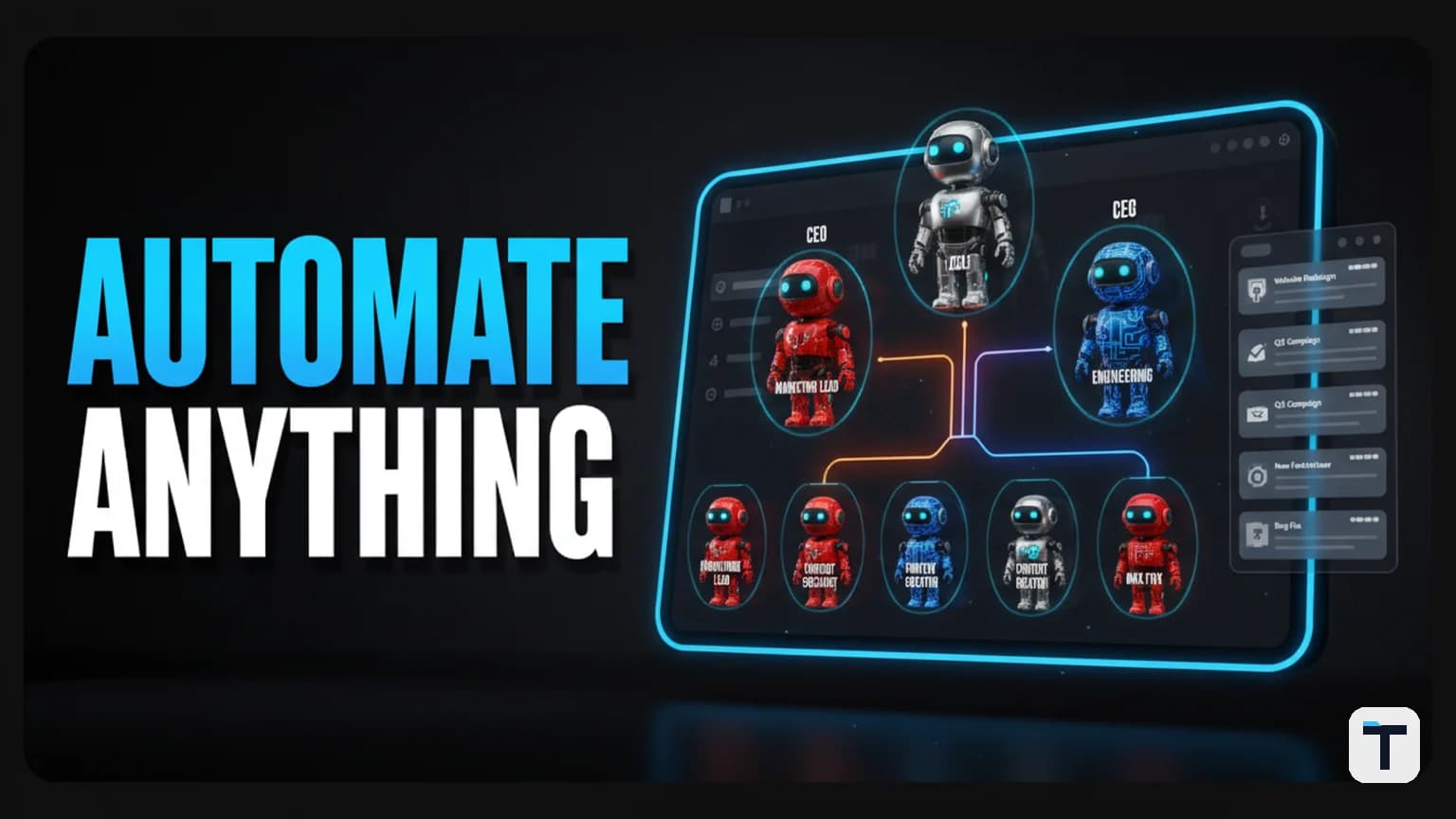

Verdict: Most people trying to run multiple AI agents are doing it wrong — they keep 20 chat tabs open, lose context on every restart, and re-explain their business to each session from scratch. The fix is not better prompts or more agents. It is structure: an org chart where every agent has a role, a boss, a schedule, a token budget, and a ticket queue for deliverables. Two free, open-source tools — Paperclip (the management layer) and Hermes Agent (the execution layer with persistent memory) — make this real, self-hosted, and autonomous without cloud subscriptions.
What Is AI Agent Orchestration and Why Does the Structure Matter?
AI agent orchestration is the practice of coordinating multiple AI agents — each with a specialized role — inside a single management system so they produce real work, not just chat transcripts. Instead of one agent doing everything (which produces errors and hallucinations), you assign narrow responsibilities to specialists: a CEO agent sets strategy, a marketing agent handles campaigns, an engineering agent writes code. This is the same shift we explored in our guide to building a multi-agent AI team on one screen — but here we focus on the organizational structure, not just the tool stack.
The structure matters because without it, you are managing tabs, not a team. Context dies when a chat window closes. No one knows what any agent did or why. And there is no memory — every session starts from zero. The management layer solves all three problems by holding the org chart, the ticket history, and the context that compounds across runs. For a broader look at what an agent operating system actually is, we covered that separately — here we focus on the orchestration layer specifically.
What Is the "One-Person Empire" 5-Layer Framework?
The framework that makes multi-agent orchestration reliable follows five layers. Miss any one and you collapse back into tab chaos.
| Layer | What It Is | What Breaks Without It |
|---|---|---|
| 1. Founder (you) | Sets the mission, approves major moves | Agents drift toward busywork with no strategic anchor |
| 2. Org chart | Every agent gets a role, title, and a boss | No accountability; agents duplicate or skip work |
| 3. Heartbeat (schedule) | Agents wake on a schedule you set | Agents only act when manually prompted; no autonomy |
| 4. Token limit | Hard cap per agent per period | Runaway loops burn through your budget overnight |
| 5. Output tickets | Every finished task attaches a real deliverable | Work vanishes into chat history; nothing is reviewable |
Layer 1 is the human founder — you set the mission and approve the big moves. Layer 2 is the org chart, where every agent gets a role, a title, and a reporting line to someone above them. Layer 3 is the heartbeat — a cron-style schedule that wakes agents up on their own so they check the board without you prompting. Layer 4 is the token limit, a hard cap that stops an agent before it burns through your budget in an infinite loop. Layer 5 is output: every completed task ends with a tangible deliverable attached to a ticket you can open, read, and approve or reject.
What Is Paperclip and Why Is It the Management Layer?
Paperclip is an open-source, MIT-licensed, self-hosted platform for orchestrating teams of AI agents as if they were employees in a company. Created on March 2, 2026, it has grown to over 75,000 GitHub stars and 13,900 forks as of July 2026 (GitHub: paperclipai/paperclip).
The key distinction: Paperclip is not a model, not an agent, and not a workflow builder. It is the management layer that sits above the agents you already use. As the project's README puts it: "If OpenClaw is an employee, Paperclip is the company." Agents bring their own prompts, models, and runtimes. Paperclip provides the org chart, budgets, governance, goal alignment, and coordination.
What Paperclip manages (layers 2 through 5 of the framework):
| Feature | What It Does |
|---|---|
| Org chart | Hierarchies, roles, reporting lines — agents have a boss, title, and job description |
| Heartbeats | Agents wake on schedule, check for work, and act autonomously within their scope |
| Budgets | Per-agent token and cost tracking with automatic pause at 100% utilization |
| Tickets | Every task creates an issue with full tool-call tracing, attachments, and an immutable audit log |
| Governance | Board approval workflows, agent pause/resume/terminate, review gates |
| Multi-company | One deployment can run multiple isolated "companies" with complete data separation |
Compatible agents: OpenClaw, Claude Code, OpenAI Codex, Cursor, Hermes, Pi, OpenCode, plus Bash scripts and HTTP endpoints. The rule is simple: if it can receive a heartbeat, it is hired (Paperclip docs).
What Paperclip Is Not
| Misconception | Reality |
|---|---|
| A chatbot | Agents have jobs, not chat windows |
| An agent framework | It does not tell you how to build agents — it tells you how to run a company made of them |
| A prompt manager | Agents bring their own prompts and models |
| A single-agent tool | This is for teams. If you have one agent, you do not need Paperclip |
What Is Hermes Agent and Why Does It Belong in the Org Chart?
Hermes Agent is an open-source, MIT-licensed, self-improving AI agent maintained by Nous Research. Created in July 2025, it has grown to over 222,000 GitHub stars and 42,800 forks as of July 2026 (GitHub: NousResearch/hermes-agent).
What makes Hermes different from a chat-based coding agent is its persistent infrastructure:
| Capability | What It Means for Orchestration |
|---|---|
| Persistent memory | Each agent remembers past sessions, decisions, and context — no re-explaining your business |
| Session search | FTS5-backed search across all past conversations — any agent can recall what another did |
| 30+ native tools | Read/write files, run terminal commands, browse the web, search past sessions, and more |
| Loadable skills | 80+ community-maintained skills (coding, research, SEO, publishing) that extend what agents can do |
| Cron scheduling | Agents can run on a schedule — daily reports, nightly backups, weekly audits — unattended |
| MCP support | Model Context Protocol built in — agents can call external tools and servers |
| Multi-platform messaging | Telegram, Discord, Slack, WhatsApp, Signal, and CLI from one gateway |
| Delegation | Spawn isolated subagents for parallel work without polluting the parent context |
| Self-improvement | Agents autonomously create and curate skills from their own experience (Hermes docs) |
The critical feature for multi-agent work is persistent memory at the agent level. When an agent picks up a ticket from Paperclip's board, it already knows what the business is building and why. You are not pasting the same background into a fresh window every time. The context compounds — every completed ticket adds to what the next agent starts with. This is exactly what makes an AI agent operating system fundamentally different from running isolated chat sessions.
How Do Paperclip and Hermes Work Together?
The integration is official: Nous Research maintains the hermes-paperclip-adapter, which drops Hermes into a Paperclip org chart as a managed employee. This is not a community hack — it is maintained by the same lab that builds Hermes.
The division of labor:
- Paperclip holds the org chart — who the agents are, who they report to, what the goals are, what the budgets are, and when they wake up. It tracks coordination at the company level.
- Hermes Agent holds the memory — each agent keeps its own persistent memory file, session history, and skills. It tracks execution at the individual level.
- The adapter connects them: Paperclip dispatches tickets to Hermes, Hermes executes with full memory and tools, and the result lands back on the Paperclip board as a reviewable ticket.
This separation matters because it lets you swap the model underneath any agent without rebuilding the org chart. Same team, different engine, nothing else changes. If a new model drops tomorrow, you update one config line — the structure, budgets, and schedules stay intact.
How to Set Up Your First Agent Team (Step by Step)
Step 1: Install Paperclip
Paperclip is a Node.js server and React UI. Install it with:
npx paperclipai onboard --yes
This sets up the database (SQLite by default, PostgreSQL for production), the web dashboard, and the agent adapter system. No Paperclip account is required — it is fully self-hosted (Paperclip GitHub).
Step 2: Install Hermes Agent
curl -fsSL https://hermes-agent.nousresearch.com/install.sh | bash
After installation, run hermes setup to configure your model provider (Nous Portal, OpenRouter, OpenAI, Anthropic, or local models via Ollama). Run hermes model to select your model (Hermes docs).
Step 3: Connect Hermes to Paperclip
Install the official adapter:
# The adapter connects Hermes as a managed employee in Paperclip's org chart
# See: https://github.com/NousResearch/hermes-paperclip-adapter
Once connected, each Hermes agent appears on the Paperclip board with its role, status, and activity feed.
Step 4: Start With 3 Agents, Not 10
| Agent | Role | What It Does |
|---|---|---|
| CEO agent (e.g., "Ada") | Chief executive | Receives the mission, breaks it into goals, delegates down the chart |
| Agent 2 | Department lead (marketing, engineering, or ops) | Picks up goals from the CEO, executes, returns deliverables |
| Agent 3 | Second department lead | Covers a different function so the team has breadth from day one |
Why three: One clean delivery through the board proves the pipeline works end to end — goal → delegation → execution → ticket → review. Only add more agents after you have seen one complete cycle. Adding ten agents on day one gives you chaos, not a team.
Step 5: Set Token Limits on Day One
Every agent gets a hard token limit. When it hits that limit, it stops — no exceptions. This is the guardrail that prevents a runaway loop from chewing through your API budget while you sleep. If you are running local models via Ollama or free API tiers, the cost is zero, but the limit still prevents wasted compute.
Step 6: Stagger the Schedules
Do not set all your agents to wake at the same minute. Stagger heartbeats so they fire sequentially — this avoids resource contention and lets each agent's output feed into the next one's input naturally. If you are setting up a full agent operating system, schedule design is where most of the daily tuning happens.
Step 7: Use the Comment Box on Tickets
When an agent delivers work that is not good enough, do not just delete it. Leave a comment on the ticket explaining what needs to change and hit reject. The agent picks the ticket back up, reads the feedback, and reworks it. This review loop is how the team gets sharper over time — every rejection trains the next attempt.
What Does a Real Agent Team Produce?
Here is what a working Paperclip + Hermes team looks like in practice:
- A marketing agent produces a full 2-week email sequence mapped day by day — returned as a ticket you can open, read, and approve.
- A research agent checks the board on its own, sees an open goal, and proactively runs keyword research without being asked — the result lands as a separate ticket.
- An engineering agent builds a website, takes a screenshot of the finished work, and attaches both to its ticket.
- A strategy agent proposes new agent roles to add to the org chart based on workload.
- An operations agent maps an onboarding flow for new team members — the kind of task that always gets deprioritized when a human is busy.
Every output is a ticket with a real deliverable attached. Nothing ships without your review.
What Is the Difference Between Managing Tabs and Managing a Team?
| Old Way (Tabs) | New Way (Org Chart) |
|---|---|
| 20 chat tabs open | One dashboard, one board |
| No idea who is doing what | Every agent shows status, start time, and output |
| Re-explain context every session | Persistent memory — agents already know the business |
| Context dies on restart | Sessions survive reboots — the database holds everything |
| Work is buried in chat history | Every task is a ticket with attachments and audit trail |
| No budget control | Per-agent token limits prevent runaway spending |
| No delegation | CEO agent delegates down the chart — you review, not micromanage |
If your agent team grows beyond a handful of agents without this structure, you will hit AI agent sprawl — the new shadow IT. Governance is not optional once you have more than a few agents running autonomously.
How Much Does This Setup Cost?
Both tools are free and open-source (MIT licensed). You self-host them. The only cost is the LLM API calls your agents make:
| Cost Factor | What You Pay |
|---|---|
| Paperclip | Free (MIT, self-hosted) — no paid tier exists |
| Hermes Agent | Free (MIT, self-hosted) — no paid tier exists |
| LLM API calls | Depends on your provider — set per-agent budgets in Paperclip |
| Hosting | A $5/month VPS is enough to run both tools and several agents |
| Local models | If you use Ollama with open-source models, API cost is zero |
The per-agent token limit in Paperclip is the key cost control. Set it on day one, not after something surprises you.
What This Means for You
If you are using AI agents for work — whether you are a solo founder, a small business, or a builder — the biggest leverage you have is not a better model. It is structure. Start with three agents: a CEO and two workers. Define one clear mission. Set token limits before you run anything. Stagger their schedules. And actually use the reject-with-comments loop — that is how your agent team gets better every week instead of producing the same mediocre output forever.
The tools are free. The setup takes an afternoon. The compounding starts the first time an agent picks up a ticket and already knows what you are building.
FAQ
Q: Do I need a big team and endless tokens for this to work? A: No. You need one dashboard and a few agents. Start with three — a CEO and two workers. Every agent has a hard token limit, so costs are bounded by design. If you use local models via Ollama, API costs drop to zero.
Q: Is Paperclip hard to set up?
A: Paperclip installs with a single command: npx paperclipai onboard --yes. It uses SQLite by default, so you do not need a separate database server for a small team. PostgreSQL is recommended for production deployments. No Paperclip account is required.
Q: Can I use other agents besides Hermes with Paperclip? A: Yes. Paperclip is agent-agnostic. It works with Claude Code, OpenAI Codex, Cursor, Gemini, OpenClaw, Pi, OpenCode, and even Bash scripts or HTTP endpoints. The rule is: if it can receive a heartbeat, it is hired. Hermes is notable because Nous Research maintains the official adapter and Hermes brings persistent memory to the table.
Q: What happens if an agent goes into an infinite loop? A: The token limit stops it. Every agent in Paperclip has a per-period budget. When it hits 100% utilization, the agent is automatically paused. No runaway loop can burn through your budget overnight.
Q: How is this different from just running multiple coding agents in separate terminals? A: Separate terminals have no shared memory, no org chart, no delegation, no ticket system, and no budget control. When you close a terminal, the context is gone. Paperclip plus Hermes gives you persistent memory at the agent level, coordination at the company level, and a full audit trail — all of which survive reboots.
Q: Who is behind Paperclip and is it safe to rely on? A: Paperclip is led by a pseudonymous developer known as @dotta, with 105 contributors as of June 2026 and over 75,000 GitHub stars. It is MIT-licensed and self-hosted, meaning you control your own data — the vendor never touches it. The project is young (created March 2026), so budget for the possibility you may need to maintain a fork if development stalls (OpenTechHub analysis).
Discussion
0 comments