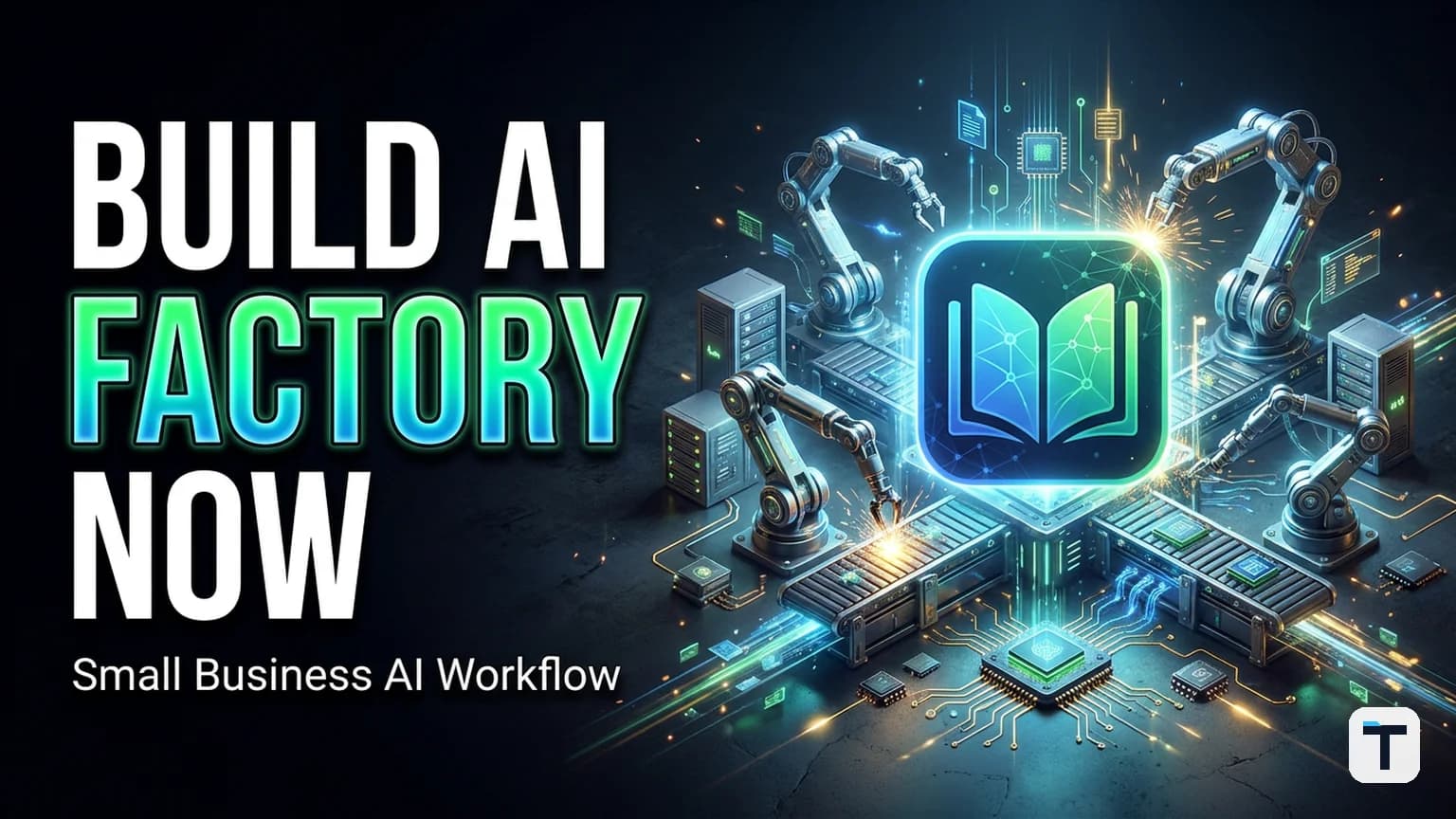

Verdict: NotebookLM's June 2026 update has officially transformed the tool from a passive research assistant into a high-speed AI Asset Factory. By integrating a Secure Cloud Computer and a new Studio panel, small businesses can now convert raw research data into professional-grade slide decks, data visualizations, and reports in parallel. This shift allows a single operator to manage a content and research production line that previously required a full-time team.
Last verified: 2026-06-23
Key Framework: The "Parallel Studio" Workflow
Core Engine: Gemini 3.5 + Antigravity (Google's coding framework)
Output Hub: The Studio (One-click PPTX, XLSX, SVG, and Cinematic Video)
Access: Rolling out to Google AI Ultra and Workspace Business accounts.
Beyond RAG: The Rise of the Agentic Production Loop
For years, NotebookLM was known for "chatting with your PDFs"—a process technically called Retrieval-Augmented Generation (RAG). The June 2026 update replaces this passive model with an Agentic Production Loop.
The secret is the Secure Cloud Computer. Every notebook now has its own private execution environment (powered by the Antigravity coding engine). When you ask for a report or a chart, NotebookLM doesn't just guess the numbers; it writes and executes Python code against your sources to verify calculations and render accurate visuals. This eliminates the "hallucination" risk that has plagued business AI.
How to Build Your Parallel Production Line
The biggest productivity win in 2026 is Parallel Generation. You no longer have to wait for one task to finish before starting the next. Inside the new Studio panel, you can kick off multiple assets simultaneously.
The 4-Step Production Workflow:
- Discovery (Agentic Search): Start with a question like "What are the top 3 trends in sustainable packaging for 2026?" NotebookLM will use integrated Google Search to find and cite primary sources, building your source library automatically.
- Analysis (Logic Layer): Use the chat to identify key insights. Because the system shows its reasoning steps, you can audit the logic before moving to production.
- Parallel Production (The Studio): In one click, trigger the generation of a Briefing Doc (PDF), a Slide Deck (PPTX), and a Data Table (XLSX).
- Final Polish: Download the editable files. Unlike older AI tools, the PPTX and DOCX files are fully layered and editable, not static images.
From Research to Revenue: Small Business Use Cases
How are small operators using this "Factory" model to stay ahead?
- Automated Client Reporting: Marketing agencies drop raw campaign data into a notebook and use the Data Visualization tool to generate monthly reports with SVG charts in seconds.
- Content Atomization: A single long-form whitepaper can be turned into a 5-part email series, an infographic for LinkedIn, and a 2-minute Cinematic Video Overview (using Veo 3) all at once.
- Competitor Intel: Sales teams use Deep Research mode to track competitor pricing changes and auto-generate a "Battlecard" (Markdown/PDF) for the sales floor.
For those scaling further, NotebookLM now supports the Model Context Protocol (MCP), allowing you to link your "Asset Factory" directly to your Unified Agent Operating System or Obsidian Company Brain.
Tiers and Availability: What You Need to Know
While the base version of NotebookLM remains free, the "Factory" features are tied to Google's premium AI tiers.
| Tier | Price | Best For | Key Limits |
|---|---|---|---|
| Standard (Free) | $0 | Casual Research | 50 sources, basic chat, 3 Audio Overviews/day |
| Plus (AI Plus) | $7.99/mo | Solopreneurs | 100 sources, 6 Audio/Video Overviews/day |
| Pro (AI Pro) | $19.99/mo | Power Users | 300 sources, full Antigravity code execution |
| Ultra (AI Ultra) | $99.99/mo | Agencies | 500 sources, Cinematic Video (Veo 3), No watermarks |
What this means for you
The era of the "messy spreadsheet phase" in research is ending. Small businesses can now leverage the same high-fidelity research and production tools as enterprises without the $100k price tag. If you are still using AI just for "chatting," you are missing the most powerful update in the Google ecosystem. Start small: build one notebook, generate one report, and experience the parallel production loop for yourself.
Related reading
FAQ
Q: Can I use my own proprietary data safely? A: Yes. NotebookLM uses a secure, grounded environment. For Workspace Business and Enterprise users, your data is not used to train Google's models.
Q: What is the difference between a Video Overview and a Cinematic Video? A: Standard Video Overviews are narrated slides. Cinematic Video Overviews (available on the Ultra tier) are fully animated, documentary-style explainers powered by the Veo 3 video model.
Q: Do I need to be a coder to use the Antigravity engine? A: No. The engine runs in the background. You simply ask for a chart or a report, and the system handles the code execution automatically.
Q: Can I export to Microsoft Office formats? A: Yes. The June 2026 update added native support for PPTX (PowerPoint), XLSX (Excel), and DOCX (Word).
Q: How do I link NotebookLM to other tools? A: You can use the Model Context Protocol (MCP) to connect your notebooks to external apps like Obsidian, Slack, or a custom AI CRM.
Every claim here is traced to a primary source, dated, and listed under Sources. Research and drafting are AI-assisted; editing, verification and publication are human decisions, and a person is accountable for what appears on this page. How we work →
Discussion
0 comments