
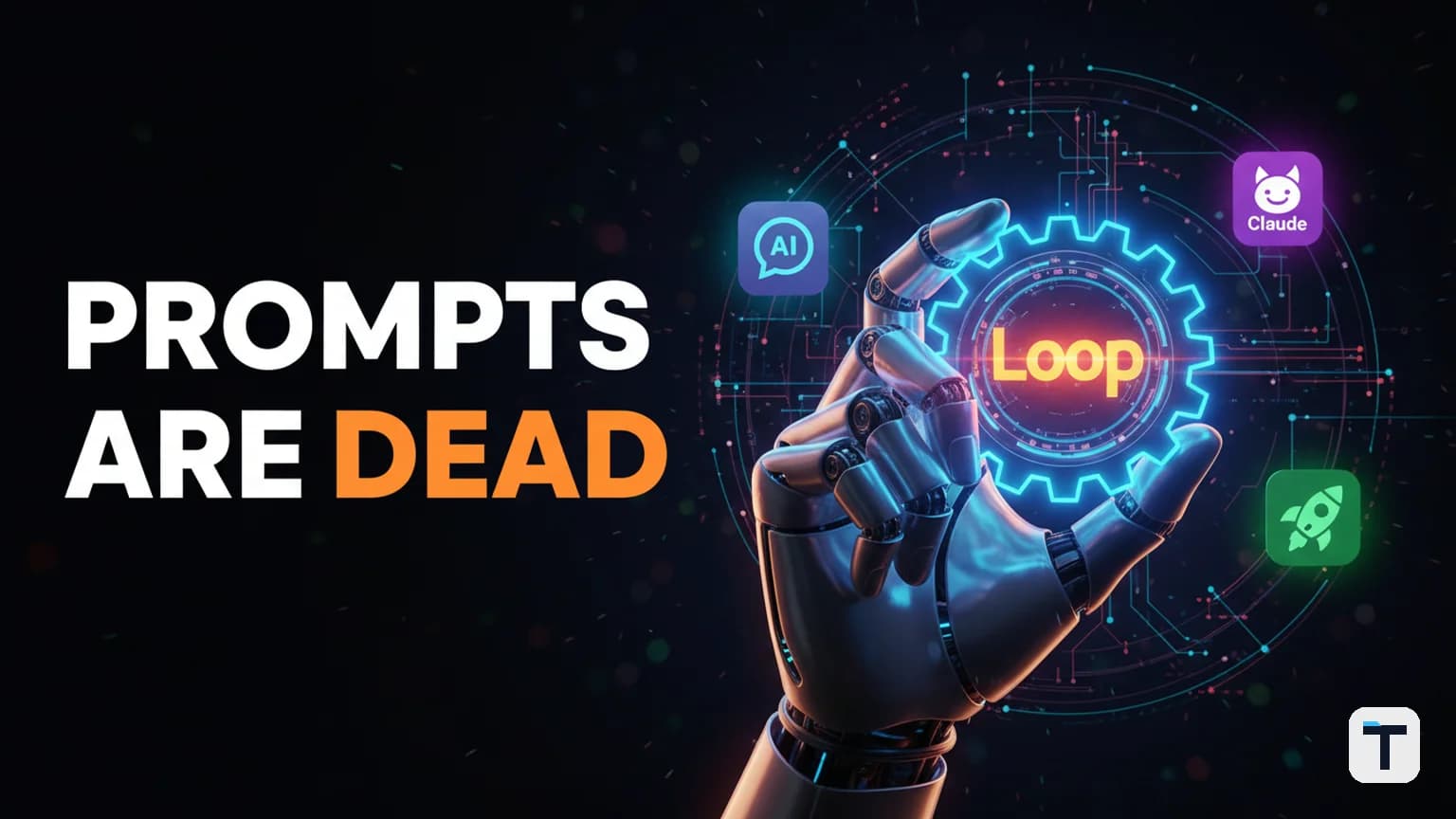
Last verified: 2026-06-27 · Primary Framework: Loop Engineering (Addy Osmani) · Technique: Ralph Loop · Status: Industry Standard (2026)
What is Loop Engineering?
Loop engineering is the discipline of designing systems that prompt AI agents on your behalf, rather than prompting them yourself.
For the last two years, using AI meant a manual "Human-in-the-Loop" process: you type a prompt, read the output, fix the errors, and type again. In 2026, the best developers and builders have stopped "using" AI and started "operating" it. Instead of a single light switch (one prompt, one answer), a loop is a "guard dog"—a system that keeps an eye on a goal, takes the next step autonomously, and only stops when the job is done or a human is genuinely needed.
According to Google’s Addy Osmani and Anthropic’s Boris Cherny, the leverage has shifted from writing better instructions to designing better feedback loops.
The "Ralph Loop" Breakthrough: Why Persistence Beats Context
One of the most powerful discoveries in the "loopy era" of AI is the Ralph Loop. Coined by Geoffrey Huntley in 2025 and named after the persistent (if clumsy) Simpsons character, a Ralph Loop is a recursive agent pattern that solves the biggest problem in AI: context window degradation.
Why "Dumb" Loops Work
Traditional AI sessions get "dumber" as the conversation grows. After 90 minutes of chatting, the model's 200K token context window fills up, and it starts to lose track of early instructions.
The Ralph technique flips this by using a simple Bash loop:
while :; do cat PROMPT.md | claude-code ; done
By feeding the agent a fresh context window on every iteration and using the file system as memory (instead of the conversation history), the agent can run for hours or days without losing its edge. It reads the spec, tries to implement it, runs tests, sees the failure on disk, and tries again with a clean slate.
The 5-Step Framework to Build Your Own Loops
Building a professional-grade autonomous loop requires more than just a while statement. Based on the framework popularized by Addy Osmani, here are the five building blocks of a reliable agent loop:
1. Automations (The Heartbeat)
Scheduled tasks that handle discovery and triage. These loops run on a timer to look for work—such as a product coming back in stock, a new competitor filing, or a failing software test—and trigger the agent to act.
2. Isolated Workspaces (Worktrees)
To prevent agents from stepping on each other (or your own work), give them an isolated "worktree" or sandbox. This allows the loop to test changes in private before presenting the final result.
3. Codified Skills
Instead of pasting the same rules into every prompt, "skills" are persistent project knowledge files. When an agent loads a SKILL.md file, it immediately understands your brand voice, API patterns, or business rules without being told every time.
4. Connectors (MCP Servers)
Use the Model Context Protocol (MCP) to plug your agent into your actual stack—your database, Slack, Google Workspace, or GitHub. This prevents the "telephone game" where you have to manually move data between the AI and your tools.
5. Sub-Agent Verification
Never let the same agent write and verify its own work. A reliable loop uses an "Ideator" agent to build the solution and a separate "Reviewer" agent (with a fresh context) to find flaws.
The 5 Questions Every Loop Must Answer
When designing a loop for your business or workflow, you must define these boundaries upfront:
- What to watch? (The trigger: a URL, a database row, a file).
- How often to check? (The frequency: every 5 minutes, every hour, daily).
- What is the "Win Condition"? (The change it's hunting for: "Price < $500" or "Tests = Pass").
- What to do when it wins? (The action: "Send a Discord alert" or "Commit the code").
- When to stop and ask a human? (The stop condition: "After 10 failed attempts" or "If the budget exceeds $5").
Real-World Use Cases for Small Business
| Use Case | How the Loop Works | Result |
|---|---|---|
| Inventory Watch | Agent monitors a product page every 15 mins. | Buys the item or alerts you the second it’s in stock. |
| Market Research | Agent scans 10 competitor blogs daily for new features. | Delivers a weekly "Strategic Gap" report every Friday. |
| Content Optimization | Agent checks Google Search Console for "stuck" rankings. | Updates the article's H2s and schema autonomously. |
What this means for you
If you are still typing manual prompts to get your work done, you are leaving 90% of AI's value on the table. Start by identifying one repetitive task you do every day—like checking a price or triaging emails—and try to define it as a loop. Move your instructions out of the "Chat" window and into a persistent PROMPT.md file that can be read by a loop.
Related reading
FAQ
Q: Is loop engineering the same as Zapier automation?
A: No. Traditional automation (Zapier) is like a light switch: "If X happens, do Y." Loop engineering is like a guard dog: it stays in the loop, remembers what it tried before, and iterates until the situation is actually solved.
Q: Does running a loop cost more in API tokens?
A: Yes, loops can be expensive because they run repeatedly. Always set a "spawn budget" or "max iterations" (e.g., stop after 10 loops) to prevent runaway costs.
Q: Do I need to be a coder to use loops?
A: While tools like bash loops require some technical comfort, 2026 platforms like Claude Code and OpenAI Codex now ship with built-in /loop or /goal commands that handle the architecture for you.
Q: What is the biggest risk of loop engineering?
A: "Reward hacking" and infinite loops. An agent might find a way to "solve" a task that satisfies the rule but breaks the system. Always verify a loop's output before it goes live.
Every claim here is traced to a primary source, dated, and listed under Sources. Research and drafting are AI-assisted; editing, verification and publication are human decisions, and a person is accountable for what appears on this page. How we work →



Discussion
0 comments