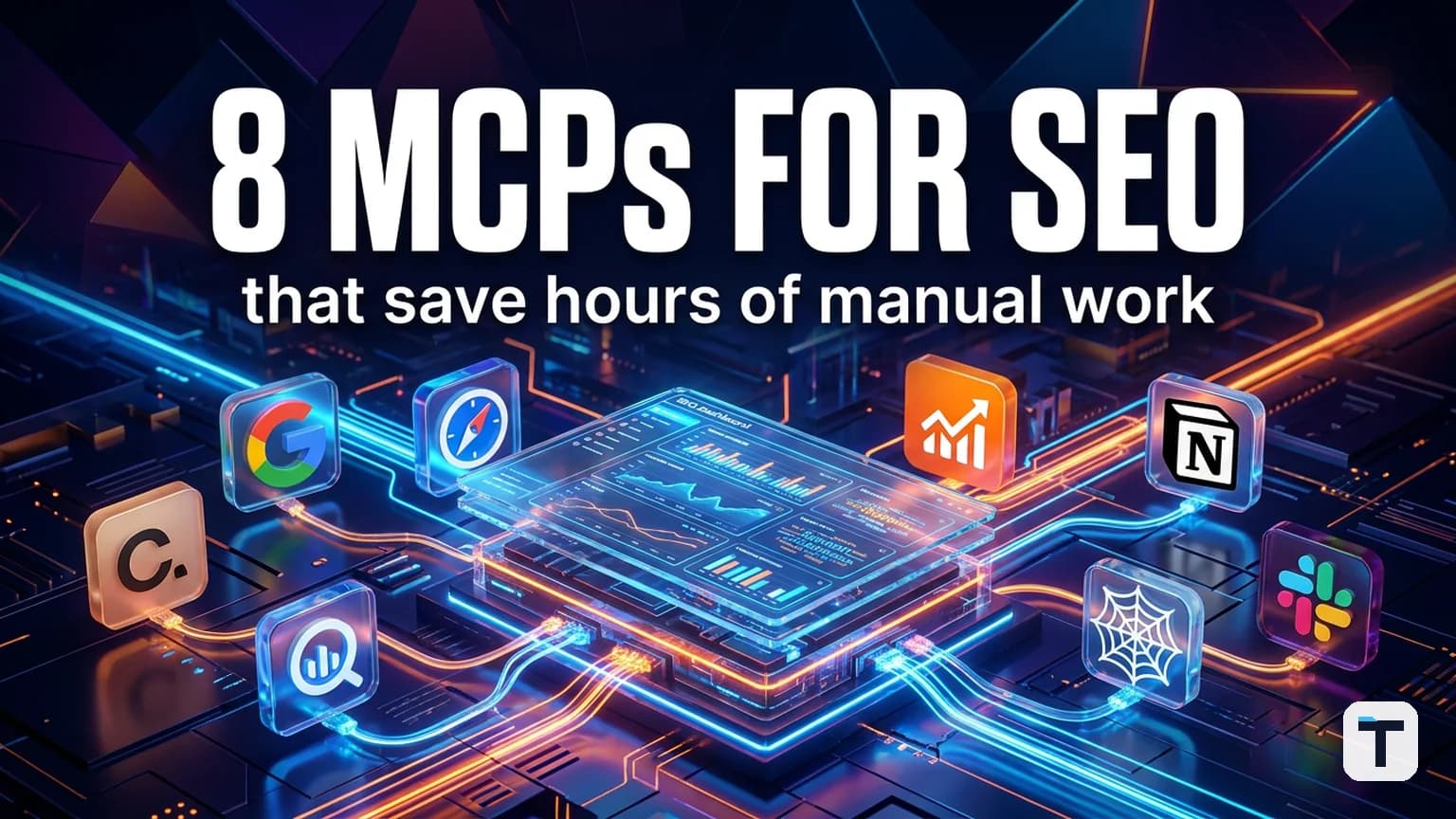

Verdict: For most SEO teams, the highest-value Claude MCPs are the ones that pull live data into the chat: GA4 for behavior, BigQuery for warehouse-scale search data, SE Ranking or Ahrefs for rankings and links, Firecrawl for competitive teardowns, and Google Drive, Notion, and Slack for the workflow glue. Start with one data source and one collaboration tool; chaining two or three MCPs is where the real time savings appear.
Last verified: 2026-06-17 · Setup time: 2 minutes to 1 hour · Cost range: free to ~$129/mo for paid SEO tools
TL;DR:
- Best for data: GA4 + BigQuery (free, but technical setup)
- Best SEO platform MCP: SE Ranking (160+ tools, free trial) over Ahrefs (solid, but no trial, $129/mo+)
- Best for competitive research: Firecrawl (free tier, $16+/mo paid)
- Best workflow glue: Google Drive, Notion, Slack (free connectors)
- Plan recommendation: heavy MCP use burns Claude usage limits fast; power users may need Claude Max ($100–$200/mo)
What MCPs mean for SEO work
Model Context Protocol (MCP) is the open standard that lets an AI assistant call external tools as if they were native functions. For SEO, that means you can ask Claude to combine data from Google Analytics, Search Console (via BigQuery), rank trackers, backlink indexes, and your own project docs in a single conversation — without exporting CSVs or switching tabs.
The value is not "ask Claude for a blog post." It is "ask Claude to diagnose why your top impression pages have low CTR, then map that back to current rankings and tell you which page to rewrite first."
This article is based on hands-on testing of the eight connectors that consistently deliver that kind of workflow, plus pricing and setup guidance verified against primary sources.
1. GA4 MCP: the most useful pain-in-the-neck setup
Google Analytics 4 is the default source of truth for site behavior, but the interface is famously slow for custom reports. Google ships an official, read-only Google Analytics MCP server that exposes account summaries, standard reports, real-time reports, funnel reports, and custom dimensions to Claude.
It is also the most technically demanding connector on this list: a local Python server installed with pipx, a Google Cloud project with the Analytics Admin API and Data API enabled, OAuth client credentials, gcloud CLI authentication, and a manual entry in your Claude Desktop config. Google estimates the one-time setup at roughly an hour for someone new to Google Cloud and Python.
Why it is worth it: once live, you can chain GA4 with a rank-tracking MCP and ask Claude for cross-tool analysis. Example prompt:
Pull sessions from ChatGPT, Perplexity, Gemini, and Claude referrals over the last 30 days. Show the top 20 pages by AI sessions, then pull the organic sessions, bounce rate, and conversions for those same pages and compare them side by side.
The output is an AI-referral vs. organic report with behavioral context that neither tool gives you alone. GA4 itself is free, the MCP server is free, and Google Cloud's Analytics API quotas are generous for most sites.
2. BigQuery MCP: the official route around Search Console's row limits
Google Search Console does not have an official MCP, but Google Search Console bulk export to BigQuery does. Once enabled, every click, impression, position, query, device, country, and SERP feature flag is exported to BigQuery without the 1,000-row UI limit or the 16-month history cap.
BigQuery itself has an official MCP connector in Claude. The MCP can list datasets, inspect schemas, run SQL, and return results in natural language. Setup reuses much of the Google Cloud work from GA4: enable the BigQuery API, create an OAuth client, set Claude's redirect URI, and authorize.
Workflow example:
Find the top 20 URLs with the highest impressions but lowest CTR in the last 7 days. Include average position and SERP features. Then pull current keyword rankings for those URLs and diagnose why CTR is low.
In testing, this surfaces intent mismatches, internal cannibalization, and snippet opportunities that the GSC UI hides behind exports and filters. BigQuery's free tier covers 1 TB of queries and 10 GB of storage per month; new Google Cloud accounts also receive $300 in credits. The MCP is free.
3. SE Ranking MCP: the most complete SEO platform integration
SE Ranking publishes a centrally hosted MCP server with 160+ tools covering keyword research, backlink analysis, domain analysis, site audits, SERP data, AI search visibility, and project management. It works with Claude.ai, Claude Desktop, Claude Code, Cursor, VS Code, Codex, Windsurf, and Gemini CLI.
Connection is simple: add https://api.seranking.com/mcp as a custom connector in Claude and authenticate with OAuth.
Workflow example:
Show all keywords this site lost or declined on in the last 30 days. Identify the top two organic competitors by shared keywords, compare them, and return 30 high-volume keywords they rank for that this site does not.
That prompt combines lost-keyword analysis, competitor identification, keyword gap analysis, and prioritization — work that easily takes 20–30 minutes of manual clicking and exporting.
Pricing: the SE Ranking MCP is accessible through the Growth plan (which includes 300,000 API credits) and a 14-day free trial. Standalone Data API access starts at a much larger annual credit package; the credit system is per-record or per-call depending on the endpoint. A pricing calculator is available in the help center for estimating usage.
4. Ahrefs MCP: the premium backlink option
Ahrefs offers a hosted MCP server that exposes Site Explorer, Keywords Explorer, SERP Overview, Rank Tracker, Site Audit, and Brand Radar. It connects to Claude, Claude Code, ChatGPT, Copilot Studio, Cursor, n8n, and others.
The catch: Ahrefs MCP is available only on paid plans starting at Ahrefs Lite ($129/mo). There is no free trial, and API calls consume monthly API units with row limits that vary by plan tier. Ahrefs recommends starting prompts with "Using the Ahrefs MCP server…" so Claude routes to the MCP rather than web search.
Workflow example:
Find domains linking to three competitors but not to this domain, filter by Domain Rating above 50, and return the top 20. For each, identify the content that earned the link and group them into outreach categories: editorial, resource page, guest post, directory.
This turns a multi-export link-gap exercise into one prompt. For teams already paying for Ahrefs, enabling the MCP is a no-brainer. For teams not yet on Ahrefs, SE Ranking's trial is the lower-friction entry point.
5. Firecrawl MCP: competitive content teardowns without opening a browser
Firecrawl is a web-scraping platform that returns clean, LLM-ready markdown from any URL. The Firecrawl MCP server exposes scrape, crawl, search, extract, and autonomous research tools directly inside Claude.
Setup requires a free API key from firecrawl.dev, Node.js installed locally, and a manual entry in Claude Desktop's config. The free plan gives you 500 one-time credits (roughly 500 pages); paid plans start at $16/mo for 3,000 credits and scale to $83/mo for 100,000 credits.
Workflow example:
Scrape this competitor page and our equivalent page. Extract headings, meta tags, internal links, CTAs, and content structure. Compare them and give me a prioritized list of quick wins.
In testing, this surfaces CTA gaps, H1 mismatches, and structural differences that normally require two browser tabs and a spreadsheet. It is the fastest way to turn competitive research into an action list.
6. Google Drive MCP: validate content briefs against live data
Claude's official Google Drive connector lets you search, read, and upload files from Drive. For SEO teams, that means content briefs, client docs, and reporting templates stay where they are, but Claude can read them and combine them with live SEO data.
Workflow example:
Find the content brief for [topic] in Drive, read the target keywords, pull SE Ranking data for those keywords, and tell me whether the primary keyword is the right choice and what we missed.
This validates a brief against live data without opening a single tab. Google Drive is free and the connector is free; limits are Google's standard Drive storage limits.
7. Notion MCP: the Google Sheets alternative for SEO ops
Google Sheets does not have an official MCP connector yet. Notion does. The Notion MCP connector in Claude lets you read, create, update, and search pages and databases. For SEO teams, that means keyword trackers, content calendars, publishing pipelines, and client dashboards become queryable from chat.
Workflow example:
Find every page in the content pipeline marked "Needs Update" or not touched in six months. Pull the writer, last updated date, and notes, then rank them by urgency and suggest next steps.
Notion's free plan works with the MCP. The connector itself is free. One caveat: Notion asks which pages and databases to share with Claude during authorization, so scope it deliberately.
8. Slack MCP: stop scrolling for context
Slack's MCP server lets Claude search messages, read channel and thread history, look up user profiles, and send messages. For agencies and in-house teams, this is the fastest way to pull client feedback, product updates, or team decisions into an analysis.
Workflow example:
Search the product-updates channel for the last two weeks and summarize anything related to AI search tools.
Instead of scrolling a noisy channel, you get a filtered summary. Slack is free at the workspace level; the connector is free. Note that the standard Slack MCP can read and write, so grant it appropriate channel scope.
How to chain MCPs into real workflows
The individual connectors are useful. The real payoff is chaining two or three together in a single Claude conversation. Here are three combinations that consistently replace manual work:
| Workflow | MCPs used | What it replaces |
|---|---|---|
| AI referral audit | GA4 + SE Ranking | Hours of report building and cross-tab analysis |
| CTR diagnosis | BigQuery + SE Ranking | GSC export, rank-check export, manual diagnosis |
| Competitive content teardown | Firecrawl + Google Drive | View-source archaeology and brief validation |
| Content pipeline review | Notion + SE Ranking | Manual pipeline audit + keyword refresh |
Practical tip: heavy MCP use consumes Claude's usage limits faster than normal chat because every tool call adds tokens and back-and-forth turns. If you plan to run these workflows daily, Claude Pro ($20/mo) will feel tight; Claude Max 5x ($100/mo) or 20x ($200/mo) removes the ceiling for most users.
What this means for you
If you run SEO for a small business or agency, you do not need all eight connectors. Start with the one that holds your most important data, then add a second one that answers the question the first one cannot. For most teams, the best first pair is:
- SE Ranking MCP for rankings, keywords, and competitor data (free trial, low setup)
- Google Drive or Notion MCP for the briefs, calendars, and reports you already have
Add GA4 or BigQuery once you are comfortable with Google Cloud setup, and add Firecrawl when competitive teardowns become a regular task.
Related reading
FAQ
Do I need to know how to code to use these MCPs? No. Connectors like SE Ranking, Ahrefs, Google Drive, Notion, and Slack use one-click OAuth inside Claude. GA4, BigQuery, and Firecrawl require some command-line or config-file setup, but each has official documentation and video walkthroughs.
Can MCPs change or delete my data? Most official connectors are read-only by default. The Google Analytics MCP is explicitly read-only. Slack and Notion have write capabilities if you grant them; start with read access and enable write only when you trust the workflow.
Will MCP usage cost extra beyond the tool subscription? Generally no. The MCP server itself is free for GA4, BigQuery, Drive, Notion, Slack, and Firecrawl's free tier. You pay for the underlying tool: SE Ranking subscription/credits, Ahrefs plan, Firecrawl paid credits, or BigQuery beyond free-tier queries. Claude usage limits are the hidden cost — plan accordingly.
What if I use ChatGPT, Gemini, or Cursor instead of Claude? SE Ranking, Ahrefs, and Firecrawl support multiple MCP-compatible clients. GA4 and BigQuery are also client-agnostic. Google Drive, Notion, and Slack's one-click flows are currently most mature in Claude Desktop.
Is there an official Google Search Console MCP? Not yet. BigQuery bulk export is the recommended workaround from Google. Community GSC MCP servers exist, but they are not official.
Discussion
0 comments