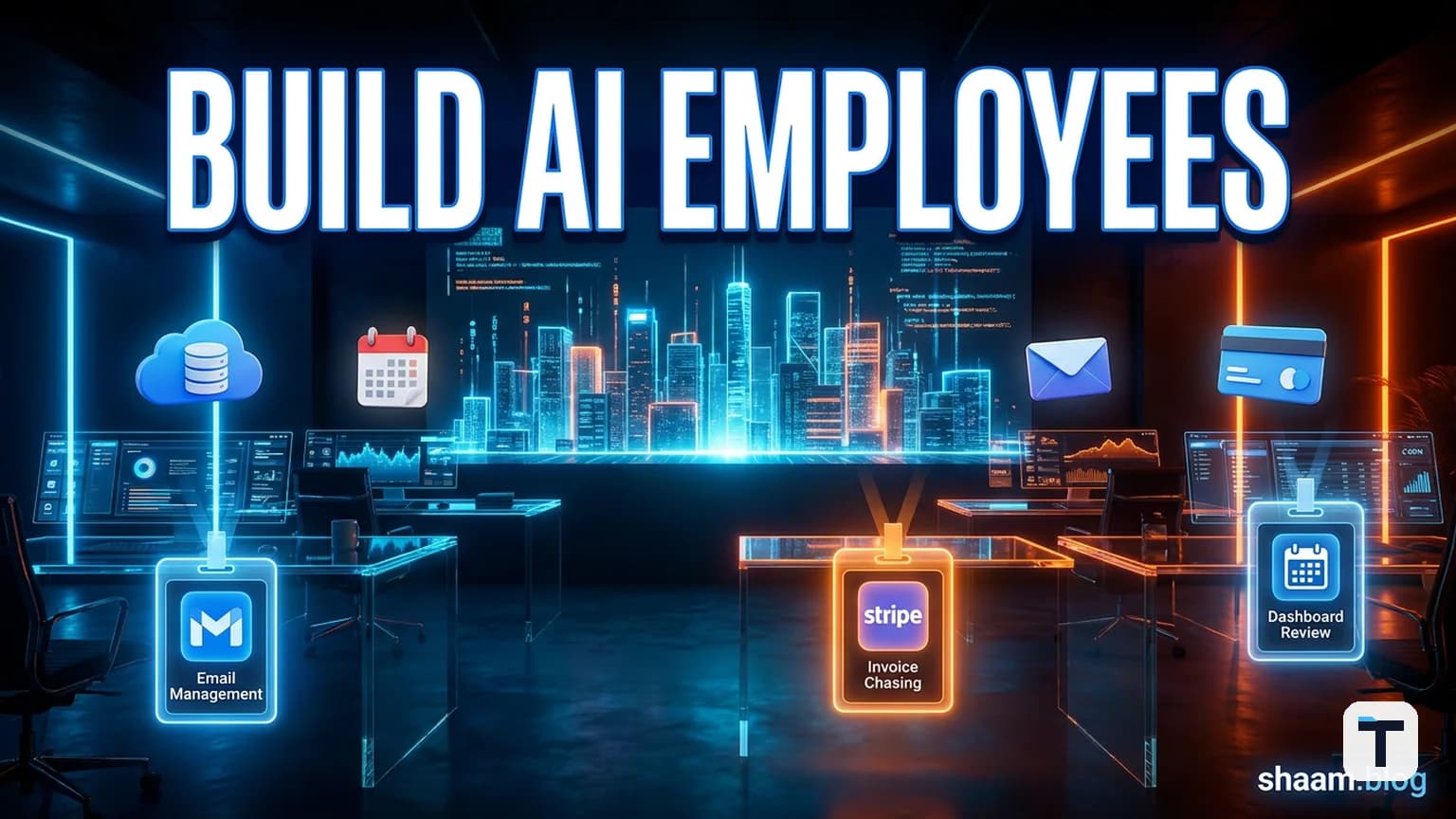

Verdict: For most small businesses, the biggest AI win in 2026 is not a smarter chatbot. It is a small team of "Claude employees" — each one assigned to a single, narrow job, running on your own infrastructure, with persistent memory and real tool access. The shift from "ask me anything" to "this one task is mine" cuts failure rates, builds trust, and finally frees the owner from the daily inbox.
Why most AI "agents" fail in small businesses
Gartner predicts that more than 40% of agentic AI projects will be canceled by the end of 2027, mainly due to escalating costs, unclear ROI, and weak governance (Gartner via Reuters). The pattern is already visible: a builder ships a clever bot that demos well, then expects it to run invoicing, support, and sales all at once. It cannot. The result is another abandoned experiment.
The real problem is a category error. A chatbot answers questions. An employee does work. Most small-business AI projects build the first and call it the second.
The chatbot vs. employee distinction
| Chatbot | Claude employee |
|---|---|
| Waits for a prompt | Shows up on a schedule |
| Has no memory of yesterday | Reads a persistent notebook first |
| Suggests a reply | Sends the reply — after asking |
| One tool at a time | Uses Gmail, Stripe, calendar, and CRM through one protocol |
| Generalist | Specialist |
Klarna is the cautionary tale. In 2024 it announced an AI assistant handling two-thirds of customer chats, equivalent to roughly 700 agents, and saw a $40M profit improvement (Klarna press release). By 2025 it was rehiring human support staff, with CEO Sebastian Siemiatkowski admitting the company had focused too much on efficiency and too little on quality (Bloomberg via CX Dive). The lesson is not that AI support failed; it is that one generalized bot, without careful human handoff, is not enough.
What a Claude employee actually looks like
A Claude employee is not one model doing everything. It is a stack of six repeatable pieces, each narrow and observable.
1. The floor: your own infrastructure
Build on a database and repository you control. A no-code app is someone else's floor, and it creaks the moment you need a custom field or an audit log. For a small business this can be as light as a PostgreSQL database on a $5/month VPS and a small code repo. The point is ownership: your data stays yours and the system is still standing in two years.
2. Memory: a notebook the employee never loses
Anthropic has been open about the fact that raw LLM sessions do not automatically remember prior turns across long-lived work. In a notable 2026 postmortem, Anthropic traced a quality regression to a caching bug that was accidentally clearing the model's working memory every turn in Claude Code sessions, making the agent forget why it had made previous edits (Anthropic Engineering). The fix for a production employee is deliberate memory: every customer, every invoice, every conversation stored in your database and read before each new action.
3. A single, narrow job
Assign one job per employee. Examples that work today:
- Email triage: scan the inbox, draft replies to common questions, escalate the rest.
- Lead follow-up: check the CRM every morning, identify leads that have gone cold, draft a re-engagement message.
- Weekly business pulse: pull revenue, outstanding invoices, and traffic numbers, then write a one-page summary every Sunday.
- Invoice chaser: find overdue invoices, send polite reminders, and flag anything over 60 days old.
Narrow jobs fail gracefully because the boundary is clear.
4. Hands: real tools via MCP
The Model Context Protocol (MCP), introduced by Anthropic in November 2024, is an open standard for connecting AI systems to external tools (Wikipedia). It is now supported across Claude Code, Cursor, VS Code, ChatGPT, and many other clients, and major services such as Stripe, Google Workspace, and GitHub have shipped MCP servers.
Think of MCP as a master key for tool access. Instead of writing a custom Gmail integration, then a custom Stripe integration, then a custom calendar integration, you wire one MCP client to standardized servers. The employee can read and act inside the tools the business already uses.
| Tool | What the employee can do via MCP |
|---|---|
| Gmail / Google Workspace | Read, draft, and send email; check calendar (Google MCP Server) |
| Stripe | Check balances, list invoices, issue refunds (Stripe MCP docs) |
| HubSpot / QuickBooks | Update CRM records, plan payroll, close monthly books (via Claude for Small Business connectors) |
| GitHub / codebase | Read files, open issues, run tests |
5. A team of employees, not one hero
One worker is useful. A floor of them, passing work down the line like desks passing paper, is a company. A customer-support employee spots a refund request, passes it to an invoice employee, which checks the payment history and bumps the case to the owner if it is over a threshold.
A 2026 comparison noted that coordinated specialist agents can outperform generalist agents by roughly 90% on complex tasks (Signisys). Specialist teams are the pattern that wins.
6. Human approval for irreversible actions
This is the non-negotiable safety layer. The employee drafts the refund email, the invoice reminder, or the social post, then stops. It asks. Only after the owner clicks approve does it send.
Prompt injection — malicious instructions hidden in the data the employee reads — is the most discussed risk. The defense is not better prompts; it is limited permissions plus approval gates. The employee should never have the authority to send money, send email, or publish content without explicit sign-off.
How to build your first Claude employee this weekend
This is a minimal, production-safe blueprint. It assumes you already pay for Claude Pro ($20/month) or higher and are comfortable with a little code.
What you need
| Component | Purpose | Budget option |
|---|---|---|
| Claude Pro / Max | The reasoning engine | $20–$200/month |
| PostgreSQL or Supabase | Memory / notebook | $0–$5/month |
| Small VPS or local machine | Runs the scheduler | $5/month |
| MCP servers for your tools | Tool access | Usually free |
| A few hundred lines of Python | Orchestration glue | Your time |
Step 1: pick the job
Choose the most painful, repetitive task the owner still does by hand. Email triage and invoice chasing are ideal first jobs because the inputs and outputs are well-defined.
Step 2: create the memory table
Design one table that holds everything the employee needs to know. For email triage, that might include: sender, past orders, previous threads, issue category, and resolution.
Step 3: build the loop
The loop is the employee's shift:
- Wake up on a schedule (every 10 minutes, or once a day).
- Read new work (new emails, new leads, new overdue invoices).
- Load the relevant memory rows.
- Ask Claude to decide and draft the response.
- Present the draft to the owner in a simple UI or chat.
- If approved, execute via MCP. If rejected, log and learn.
Step 4: wire MCP tools
Use claude mcp add or your client’s MCP config to connect Gmail, Google Calendar, Stripe, or HubSpot. Start with read-only access, then add write scopes only for the approved action.
Step 5: ship one job, then clone
Do not add a second job until the first one runs for a week without surprises. The biggest mistake is building a whole office before one employee is reliable.
What this means for you
If you run a small business, the practical takeaway is simple: stop trying to hire one AI that does everything. Hire one Claude employee for one job, give it a notebook and a handful of tools, and keep yourself on the approval hook for anything that matters. That setup is cheap, observable, and easy to fix when it goes wrong.
If you build for other businesses, the opportunity is even larger. Most small-business owners know AI could help them but have no idea how to wire it up. A reliable invoice-chaser or lead-follower built on Claude is a sellable product.
What about Anthropic's ready-made option?
In May 2026 Anthropic launched Claude for Small Business, a toggle inside Claude Cowork that adds 15 pre-built workflows — payroll planning, invoice chasing, monthly close, lead triaging, and more — connected to QuickBooks, PayPal, HubSpot, Canva, DocuSign, Google Workspace, and Microsoft 365 (Anthropic announcement).
It is not a separate plan; it works on any paid Claude subscription, starting with Pro at roughly $20/month. For owners who want results without writing code, this is the fastest path. For owners who want full control — custom logic, custom data, custom approvals — the build-it-yourself Claude employee stack still wins.
Related reading
FAQ
Q: Is a "Claude employee" the same as an AI agent?
A: Not exactly. An AI agent is usually a generalist that can take many actions. A Claude employee is a narrow specialist with persistent memory, a schedule, and limited authority. The discipline is closer to hiring a person than to building a chatbot.
Q: How much does this cost in 2026?
A: The cheapest Claude Pro plan runs about $20/month. Claude for Small Business adds no extra subscription fee on top of that. If you build your own, budget another $5–$10/month for database hosting and a VPS. API usage can add up for high-volume tasks; start on Pro and upgrade to Max ($100–$200/month) only when you keep hitting limits.
Q: Do I need to be a developer?
A: To build a custom employee, yes — a little. If you are non-technical, start with Claude for Small Business or a no-code agent platform such as Base44 or Lindy. We covered no-code options in our guide to building a boring AI agency without coding.
Q: What is the biggest security risk?
A: Prompt injection and over-permissioning. The safest pattern is: read-only by default, write access only for specific actions, and human approval for anything irreversible (sending money, sending email, publishing content).
Q: Can one Claude employee handle customer support end to end?
A: It can handle the routine 70–80%, but plan for human handoff on complex or emotional cases. The Klarna case shows what happens when a company over-relies on automation without a human backstop.
Q: How is this different from using Claude Cowork?
A: Claude Cowork is Anthropic's desktop agent for knowledge work. A Claude employee built on your own infra is tailored to your exact business data, workflows, and approval rules. Cowork is a fast default; a custom employee is a long-term asset.
Discussion
0 comments