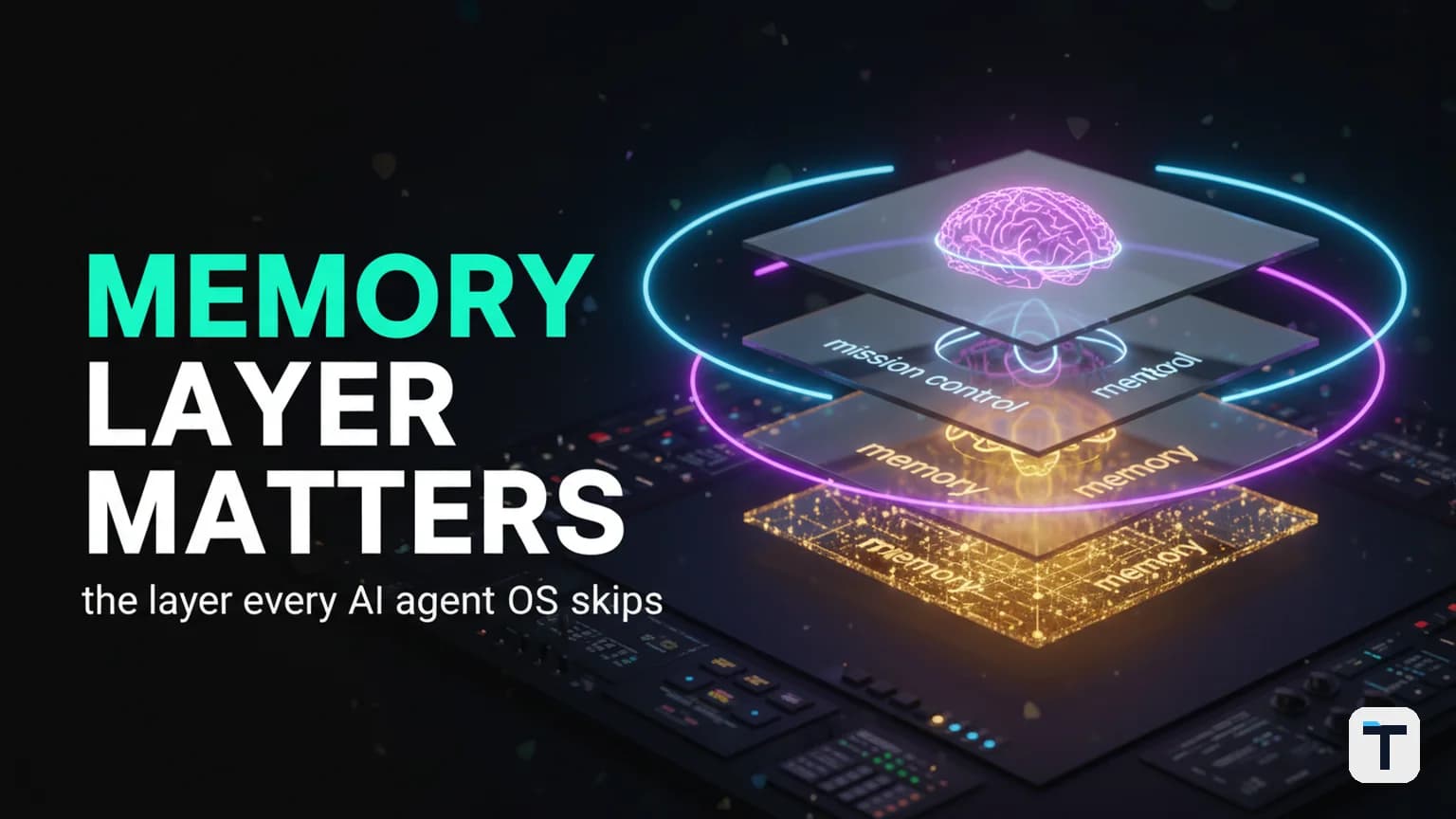

The real reason your AI agent feels useless by Friday is not the model — it's the missing layer you never built around it. An AI Agent Operating System is a three-layer stack: the brain (an agent plus the models it reasons with), the mission control (one surface for chat, voice, scheduled jobs, and sub-teams), and the memory (a persistent store the agent reads before it works and writes to after). Get those three layers right and the agent stops being a toy — it knows your work, it keeps running when your laptop closes, and a new model becomes a drop-down swap instead of a rebuild. Miss the third layer, which almost everyone skips, and the whole thing resets to a blank stranger every Monday.
This guide walks through all three layers, explains why the memory layer is the one that actually compounds, and gives you a build order you can follow this week using free, open-source tools — Hermes Agent (the brain), a mission-control surface on top, and an Obsidian vault (the memory).
Last verified: 2026-08-02 · Primary stack: Hermes Agent v0.19.1 (MIT), Obsidian (free for all use), OpenRouter (free tier, 20+ zero-cost models, no card). · Volatile facts: model versions, tool limits, and free-tier policies change — re-check links before you deploy.
TL;DR
- An AI Agent OS = Brain + Mission Control + Memory. The first two are fun to build; the third is the one that matters.
- A chat window resets every session. An agent OS with a memory layer starts full every time: it knows your brand, your projects, your last decision, your tone.
- New models become swappable parts, not rebuilds — the OS is the part that doesn't change.
- You can run most of this on free models (Hermes talks to OpenRouter, which exposes 20+ zero-cost models with no credit card) so running cost is not the blocker.
- Build order: brain first, mission control second, memory last — but never skip memory. Skip it and the other two decay the moment a new model launches.
What is an AI Agent Operating System?
An AI Agent Operating System (Agent OS) is the full system you wrap around an AI agent so it behaves like a member of your team rather than a chat window you have to brief from zero every morning. The agent itself is just one component — the reasoning engine. The OS provides everything the engine needs to be useful over time: a way to reach it (chat, voice, messaging), a way to keep it running unattended (scheduled jobs, sub-teams), and a way for it to remember (a persistent store of your context, decisions, and past work).
The pattern is borrowed from real operating systems: the kernel (the model + the agent runtime) is swappable, but the file system (memory), the shell (mission control), and the running processes (scheduled jobs) stay put. The reason most people abandon an agent inside a week is that they installed only the kernel and left the rest of the OS unbuilt — so every restart wipes the slate.
If you want the broader picture of how to stack the layers and slot in new models as they ship, our setup, loops, and plug-in-new-models guide covers the orchestrator mechanics, and our 2026 decision framework compares the leading runtimes. This piece focuses on the single most under-built layer — memory — and on how the three layers fit together.
The three layers, in plain English
| Layer | What it is | What it gives you | Free tool to build it |
|---|---|---|---|
| 1. Brain | The agent + the model(s) it reasons with | Reasoning, tool use, the "intelligent" part | Hermes Agent (MIT) + free models via OpenRouter |
| 2. Mission control | One surface: chat, voice, scheduled jobs, agent teams, workspaces | A cockpit instead of a terminal; unattended execution | Hermes' built-in dashboard + cron + delegation |
| 3. Memory | A persistent store the agent reads before work and writes to after | Continuity; the system gets sharper every week | An Obsidian vault of plain-text notes |
The video-style failure pattern everyone hits — install a shiny agent, day one is amazing, by Friday it's forgotten everything — is a Layer 3 problem dressed up as a Layer 1 problem. You swap the model looking for an upgrade, when what you actually needed was to stop throwing away yesterday's context.
Layer 1 — The Brain: agent + models
The brain is the agent runtime plus the model(s) it calls. The brain is the only layer that is genuinely swappable, which is the whole point of separating it out: when GPT-6 or Claude Next or a new open model drops, you change one entry in your model config and everything else — your memory, your running jobs, your buttons — keeps working unchanged.
For most builders, Hermes Agent is the most capable free brain you can run in 2026. It is open-source (MIT License), built by Nous Research, and designed specifically to be wrapped in an OS rather than used as a one-off chatbot. As of v0.19.1 it ships with persistent memory (with FTS5 cross-session recall), self-generated skills, a built-in cron scheduler, subagent delegation, MCP support for extended tools, and 20+ messaging platforms (Telegram, Discord, Slack, WhatsApp, Signal, and more) reachable from a single gateway (Hermes docs). Critically for this stack, it works with OpenRouter — the aggregator that exposes 400+ models behind one OpenAI-compatible endpoint, including 20+ zero-cost models you can call with no credit card (OpenRouter models).
That last point matters for the running-cost question, which is the #1 reason people stall before they start. You do not have to pay for frontier tokens to get a real agent OS working. Route the everyday work to free models, and only reach for a paid frontier model on the rare steps that genuinely need it. Hermes' toolset lets you pin different models to different jobs, so a "draft the morning digest" workflow can run on a free model while a "rewrite the homepage" job routes to a paid one. Our Free AI Agent Team guide walks through the exact same cost-routing idea with OpenCode alongside Hermes, if you want a second runtime in the mix.
Layer 2 — Mission control: one cockpit, not ten tabs
Mission control is the layer that turns your agent from a terminal you babysit into a cockpit you drive from. Without it, the typical week looks like this: Hermes in one tab, a separate chatbot in another, a third tool somewhere else, you copy-pasting between them like a maniac. With it, every job has a button — chat, voice, cron jobs, agent teams — and every build lands in its own workspace instead of getting lost.
Concretely, a mission-control layer on Hermes gives you four surfaces:
- Chat — your everyday line to the agent, from the terminal or the desktop app or any of the 20+ supported messaging channels.
- Voice — speak instead of type; ask what's running, or fire off a build hands-free.
- Scheduled jobs (cron) — workflows that run on a schedule unattended. A news watcher that scans the latest model launches overnight, drafts a post around the big ones, and hands you a ready link in the morning is a classic early cron job. Hermes' cron runs through the gateway and can deliver to any connected platform (Hermes docs).
- Agent teams — a crew of isolated subagents that share a Kanban board. You drop a task on the board, they triage it between themselves, and each subagent gets its own conversation and terminal session so they don't pollute each other's context.
The architectural reason this layer compounds is that it gives every build a home. Without it, work lands wherever the terminal was when it finished; you can't find anything on Monday. With a workspace-per-build discipline, nothing your agent produces for you ever gets lost — it's all saved in one place, easy to come back to. If you want a worked example of running agent teams off a Kanban for a one-person business, our no-code AI agent army guide covers the same pattern end to end.
Layer 3 — Memory: the layer everyone skips (and the one that changes everything)
The memory layer is the part that separates a real agent OS from a basic agent, and it is the layer almost everyone skips. The video-format failure pattern — "every session starts cold, it doesn't remember yesterday, you give up in a week" — is a missing memory layer, full stop. A chat window forgets you the second you close it; explaining yourself to a goldfish every morning is not a model problem, it is a system problem.
The fix is a persistent store your agents read before they work and write to after they finish. The cleanest free implementation in 2026 is an Obsidian vault — a folder of plain-text Markdown notes. Obsidian is free for all purposes (personal, commercial, non-profit, educational) as of its February 2025 license update, and your data lives locally as plain text, not on someone else's server (Obsidian License overview). That last property — plain text, local, your file system — is exactly what makes it the right substrate: any agent can read and write it with no API lock-in.
Here is the non-obvious part. Do not organize the memory vault by hand. Let the agents keep it tidy. A well-built agent OS uses the memory layer as a self-maintaining system: the agent reads the entry-point file when it boots, navigates from there on demand, and writes back what it learned after each task. The more you work, the more the vault knows, so the answers you get back are sharper every single week. That compounding is the part a plain chat window can never do — it starts fresh every time you open it; a memory-backed agent OS starts full.
A worked Obsidian vault for an AI Agent OS
If you want a starting layout, this is a structure that has held up in practice. It separates raw inputs from structured knowledge from outputs, which is the discipline that stops a vault becoming a messy folder of half-finished drafts:
vault/
├── SCHEMA.md            # the entry point; agents read this on boot
├── Memory/              # who I am, my brand, persistent context
│   ├── profile.md       # tone, preferences, the audience I serve
│   └── decisions.md     # the running log of decisions and why
├── Knowledge/           # agent-compiled knowledge that does not expire
│   ├── tools/           # how-to docs the agent rewrites as it learns
│   └── playbooks/       # repeatable workflows (post-publish, SEO audit, etc.)
├── Journal/             # dated logs — morning briefs, session ends
│   └── 2026-08-02.md
└── Output/              # deliverables — articles, reports, briefs
Two operational rules make this actually work:
SCHEMA.mdis the only entry point. On every session the agent readsSCHEMA.mdfirst, which tells it where everything lives and what to read next for the current task. Reading the whole vault every time would burn tokens for nothing; the agent navigates on demand instead.- The agent writes the journal, not you. At the end of a session, the agent appends a short timestamped entry to
Journal/YYYY-MM-DD.md— what it did, what it decided, what it learned. Periodically (a weekly heartbeat cron is plenty) the agent distills the journal back intoMemory/decisions.mdand rewrites staleKnowledge/notes. This is the loop that makes memory compound rather than just accumulate.
If you have used Claude with an Obsidian vault for persistence, the pattern will be familiar — our persistent-memory setup guide for Claude + Obsidian covers the same idea for Anthropic's runtime. The advantage of doing it inside an Agent OS instead of against a single chatbot is that the same vault serves every agent you plug in: Hermes today, a different model tomorrow, a coding subagent the day after — all reading the same SCHEMA.md, all writing to the same Journal/. Your memory is no longer married to one vendor's context window.
Why memory is the layer that compounds
The other two layers are necessary but they don't compound on their own. A better model is just a better model — it doesn't make next week's work any cheaper. A nicer mission control is a nicer UI — it doesn't make the agent smarter about you. Memory is the only layer where the system gets a little better every day: every decision logged, every workflow documented, every correction folded back into a playbook is work the agent never has to redo. After a few months the vault is your team's institutional knowledge in a form any agent can read — and that, not the model, is the durable advantage.
How to build it in order (without overcomplicating day one)
The single biggest cause of failed agent-OS builds is trying to nail all three layers perfectly on day one. Don't. Build them in this order:
- Install the brain. Get Hermes running locally: on macOS/Linux
curl -fsSL https://hermes-agent.nousresearch.com/install.sh | bash, on Windowsirm https://hermes-agent.nousresearch.com/install.ps1 | iex, or grab the desktop installer from the Hermes site. Do onehermes setup --portalOAuth to connect a model plus the bundled web-search / image / TTS / browser tools. Confirm it talks back from one surface before adding more. - Wire up free models. Add an OpenRouter key (free tier, no card required) and point Hermes at a zero-cost model for everyday work. Keep a paid frontier model available as a fallback for hard steps. This kills the "running costs" objection on day one.
- Add mission control. Connect one messaging channel (Discord or Telegram is easiest) so you can reach the agent without the terminal. Set up your first scheduled job — a simple morning digest cron is a perfect first cron. Add a second channel only once the first is reliable.
- Build the memory vault last — but don't skip it. Create the Obsidian vault, write the
SCHEMA.mdentry point, and instruct the agent to read it on boot and write a journal entry at the end of every session. Set a weekly heartbeat cron to distill the journal back intoMemory/. This is the step where the system clicks from "neat" to "I can't go back." - Resist the rebuild urge. When the next model launches, change one config line. Don't tear the OS down. This single habit is the difference between an operator and someone who starts over every quarter.
A 30-day version of this roadmap — first agent to full mission control — is plenty. You will hit snags (which model, how to wire the vault, why a workflow won't fire the first time); that is normal and is exactly what the how-to-build-ai-agent-skills framework and the setup-decay/deleting-old-scaffolding pieces are for.
Chat window vs Agent OS with memory
The clearest way to see why the OS matters is to put the two side by side:
| What happens when… | A chat window | An agent OS with a memory layer |
|---|---|---|
| …you open it on Monday | Starts cold. You re-explain your brand, your projects, your tone. | Starts full. It already knows all of that from the vault. |
| …you close your laptop | Everything stops. | Scheduled jobs keep running; you get a link to finished work in the morning. |
| …a new model drops | You rebuild from scratch or panic-research. | A drop-down swap. Memory, mission control, and running jobs all stay. |
| …you add a second agent | Second tab, copy-paste between them. | Same SCHEMA.md, same vault. New agent inherits your context. |
| …after three months | Same blank slate it started with. | A vault full of decisions and playbooks — institutional knowledge, in plain text any agent can read. |
The last row is the moat. Models get cheaper and smarter every quarter; the thing that does not reset every quarter is your memory layer. Whoever has been building theirs for a year has a year of compounding that a newcomer's faster model cannot match.
What this means for you
If your week is full of repeated jobs — drafting the same kind of content, watching the same feeds, doing the same onboarding steps, becoming the bottleneck for the same decisions — an agent OS with a working memory layer is the highest-leverage thing you can build in 2026. Stop collecting agents and start building the system: pick Hermes as the brain, add one channel of mission control, and treat the Obsidian memory vault as the layer that earns its place last but matters most. The models will keep changing. The OS you build once around them is the part that compounds.
FAQ
Q: What is an AI Agent Operating System? A: An AI Agent Operating System is the full system you wrap around an AI agent — a brain (agent plus models), a mission control (chat, voice, scheduled jobs, agent teams), and a memory layer (a persistent store the agent reads and writes). The agent itself is just the swappable reasoning engine; the OS is everything that makes it useful and continuous over time.
Q: Why does my AI agent forget everything by Friday? A: Because you installed only the brain and left the memory layer unbuilt. A chat window resets every session. Add a persistent store (an Obsidian vault of plain-text notes, read on boot and written to at session end) and the agent starts full every morning instead of from zero.
Q: What does the memory layer actually do? A: It gives the agent continuity: it knows your brand, your projects, your last decision, your tone, and the playbooks you've refined. Because the agent reads it before work and writes to it after, the system gets sharper every week rather than resetting — which is the compounding advantage a plain chat window can never deliver.
Q: Can I run an agent OS without paying for API tokens? A: Yes, for most everyday work. Hermes Agent talks to OpenRouter, which exposes 20+ zero-cost models via one OpenAI-compatible endpoint with no credit card required. Route routine jobs to free models and only reach for a paid frontier model on the rare steps that genuinely need it.
Q: Is Hermes Agent really free? A: Yes. Hermes Agent is open-source under the MIT License, built by Nous Research, and lives on your own machine. The bundled Nous Portal offers paid tiers (Plus, Super, Ultra) with monthly credits for frontier models, but the agent itself is free to self-host.
Q: Is Obsidian free? A: Yes. Obsidian is free for all purposes — personal, commercial, non-profit, educational, and government — as of its February 20, 2025 license update. Optional paid Catalyst and Commercial licenses exist to support development but are not required for any use. Your data stays local as plain-text Markdown.
Q: What happens when a new model launches? A: In an agent OS, a new model is a drop-down change. The brain is the swappable layer; the memory, mission control, and running jobs all stay. The system keeps compounding instead of starting over — which is the whole case for building the OS once instead of rebuilding around each new model.
Discussion
0 comments