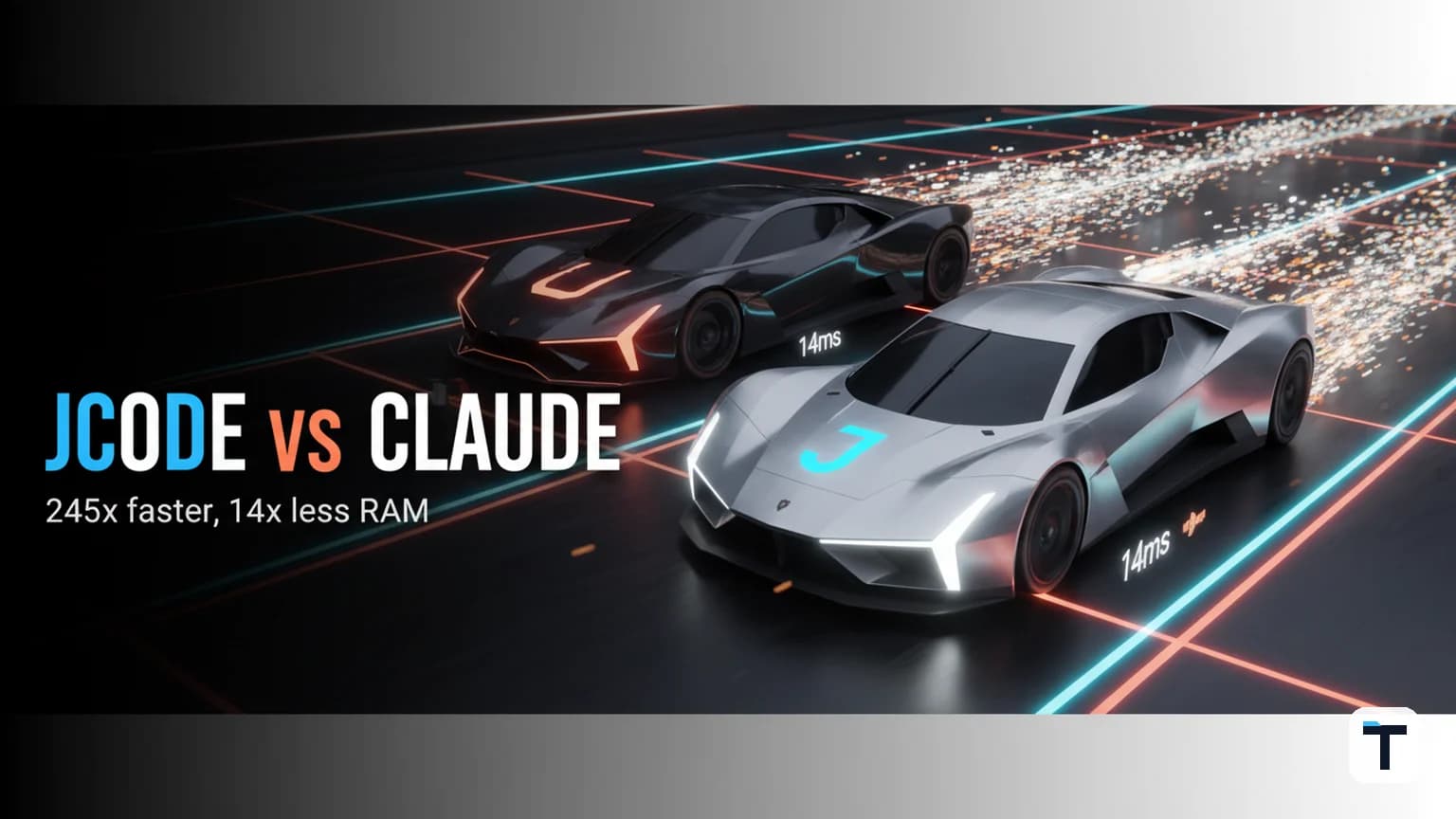

Verdict: Jcode is a Rust-coded, MIT-licensed coding agent harness that wraps the same frontier models Claude Code uses (Claude, GPT, Gemini, Copilot, and local models via Ollama/LM Studio) in a body that, by the project's own published benchmarks, boots in 14 ms and consumes ~167 MB for a single session versus Claude Code's 386.6 MB — with the gap widening sharply as you open more sessions in parallel. It is the right pick if you run many concurrent coding agents on a laptop or small server; Claude Code remains the right pick if you want the most mature default intelligence and the largest ecosystem out of the box. The headline "245× faster" is a vendor-measured time-to-first-frame number, not a productivity speedup — keep that distinction and the comparison gets a lot more interesting.
- Best for multi-session parallelism: jcode (~10 MB per added session vs ~213 MB for Claude Code [Vendor claim])
- Best out-of-the-box single-agent intelligence: Claude Code (authors ~10% of public GitHub commits/day [Reported])
- Cost: Both are free to install; both let you bring your existing Claude/OpenAI subscription
- Honest caveat: The most-cited performance numbers are jcode's own benchmarks, measured on jcode's own Linux rig. Independent leaderboard data (DeepSWE v1) puts jcode and Codex CLI within ~2.6 points of each other under identical conditions — closer than the headline gap implies.
What exactly is a "coding agent harness"?
A coding agent harness is the runtime that sits between you and the language model: it hands the model your files, gives it tools to read/edit/run code, manages the conversation loop, and handles memory, context, and parallelism. The model sets the ceiling of what the agent can reason about; the harness sets how reliably, cheaply, and at what scale that reasoning actually gets turned into work in your repo.
Most popular coding agents — Claude Code, Cursor Agent, GitHub Copilot CLI, OpenAI Codex CLI — bundle a model with a particular harness and ship the two as one product. Jcode's pitch is that you should be able to swap the harness independently: keep the Claude Opus or GPT-5 brain you already pay for, drop the Node/Electron-heavy wrapper, and gain a body that lets you run many agents on the same machine. (1jehuang/jcode README · jcode.sh)
This distinction matters for one specific reason in 2026: when you graduate from one coding agent to a fleet of them, RAM and startup latency become the real limits on how much you can parallelise. That is exactly the gap jcode was built to close.
How much RAM does jcode use vs Claude Code?
For a single active session, jcode uses roughly 167 MB of proportional set size (PSS) with its local embedding engine on, or 27.8 MB with local embeddings off; Claude Code uses 386.6 MB in the same test. That is a ~13.9× ratio at session one — but the more interesting number is the per-added-session cost, because that is what determines whether you can run three agents or thirty on the same machine.
| Tool | 1 session (PSS) | Per added session | 10 sessions (PSS) | Source |
|---|---|---|---|---|
| jcode (embeddings on) | 167.1 MB | ~10.4 MB | 260.8 MB | jcode README [Vendor claim] |
| jcode (embeddings off) | 27.8 MB | ~9.9 MB | 117.0 MB | jcode README [Vendor claim] |
| Codex CLI | 140.0 MB | ~21.6 MB | 334.8 MB | jcode README [Vendor claim] |
| Cursor Agent | 214.9 MB | ~157.5 MB | 1,632.4 MB | jcode README [Vendor claim] |
| GitHub Copilot CLI | 333.3 MB | ~158.1 MB | 1,756.5 MB | jcode README [Vendor claim] |
| Claude Code | 386.6 MB | ~212.7 MB | 2,300.6 MB | jcode README [Vendor claim] |
| OpenCode | 371.5 MB | ~318.4 MB | 3,237.2 MB | jcode README [Vendor claim] |
Two honest reads of this table:
- Take the ratios, not the decimals. These are self-measured on jcode's own Linux machine across "10 interactive PTY launches" with fixed versions (jcode v0.9.1888-dev, Claude Code 2.1.86, Codex CLI 0.120.0, OpenCode 1.0.203, Cursor Agent 2026.04.08). They are internally consistent and the methodology is published, which is better than most vendor benchmarks — but they are still vendor benchmarks. Run them on your own hardware before planning capacity around them.
- The shape of the comparison holds everywhere else, too. Every independent third-party profile I could find that ran the same comparison reached the same qualitative conclusion: jcode is the lightest harness, Codex CLI is next, and the JavaScript-wrapped agents (Claude Code, Cursor Agent, Copilot CLI, OpenCode) cluster together at much higher memory. So even if the exact ratio is off by 30%, the ranking is robust.
How fast does jcode boot vs Claude Code?
Jcode renders its first frame in 14 ms and is ready for your first input in 48.7 ms, both measured on the same test rig. Claude Code takes 3,436.9 ms to first frame and 3,512.8 ms to first input — ~245× and ~72× slower respectively [Vendor claim, jcode README]. Codex CLI sits in the middle at ~882.8 ms to first frame.
| Tool | Time to first frame | Time to first input | Source |
|---|---|---|---|
| jcode | 14.0 ms | 48.7 ms | jcode README [Vendor claim] |
| Codex CLI | 882.8 ms | 905.8 ms | jcode README [Vendor claim] |
| Cursor Agent | 1,949.7 ms | 1,978.7 ms | jcode README [Vendor claim] |
| GitHub Copilot CLI | 1,518.6 ms | 1,583.4 ms | jcode README [Vendor claim] |
| Claude Code | 3,436.9 ms | 3,512.8 ms | jcode README [Vendor claim] |
A 3.4-second cold start is not catastrophic for a single session — but if you script dozens of agent spawns per day, or you run a swarm where each extra agent spins up a new process, those seconds compound. That is where jcode's low-single-digit-millisecond marginal cost pays off, and where "245× faster" stops being a marketing line and becomes a capacity-planning number.
Is jcode actually smarter than Claude Code, or just lighter?
This is the question the title-bait gets wrong: the harness and the model are independent axes. Jcode runs the same Claude Opus 4.x / GPT-5.x / Gemini 2.x models Claude Code does — you log in with your existing subscription via jcode login --provider claude, and it can even reuse the on-disk credentials Claude Code wrote. So "smarter" is the wrong frame; the real question is whether jcode's harness-level features (memory, swarm, prompt discipline) extract more useful work out of the same brain.
The honest, mostly independent data point I could verify: on the DeepSWE v1 harness leaderboard (a more independent benchmark than jcode's own), jcode scores 62.8% (71/113) versus OpenAI Codex CLI's 60.2% (68/113) under identical conditions (GPT-5.6 Sol, high reasoning, k=1) — a ~2.6-point lead, not a 200× one (Aitoolnet review, citing DeepSWE v1). On jcode's own "jcode bench v1" (a new benchmark spec the project designed to be uncontaminatable by construction and graded on optimization depth), jcode reaches a +8.64 float-print score versus Claude Code's +7.17 on the same Opus 4.8 high-thinking run (jcode.sh). Both of these are small-bore, single-task comparisons — useful for "the harness matters," not for "jcode destroys Claude Code."
Three jcode harness features genuinely change the experience regardless of model:
- Semantic memory graph. Every turn is embedded as a vector and inserted into a memory graph; each new turn queries that graph by cosine similarity and injects relevant memories automatically — without the agent burning tokens on explicit memory tool calls. A background "memory sideagent" extracts new memories on semantic drift and consolidates stale/conflicting ones. (1jehuang/jcode README — Memory section) Claude Code has its own memory tool and a
progress-logpattern documented in its engineering posts (Claude API Docs — Memory tool), but jcode's is on by default and ambient. - Swarm mode. Spawn two or more jcode agents in the same repo and they coordinate through a native session manager: if Agent A edits a file Agent B has read, B is notified and can review the diff; agents can direct-message, broadcast, or spawn teammates. Claude Code's parallelism is git-worktree-based (you isolate work into separate branches); jcode's is in-process and conflict-aware.
- Prompt discipline. Jcode's base system prompt is ~671 tokens, down 73% since v0.1; Claude Code's reconstructed core prompt is ~2,300 tokens per a jcode-side measurement. Less harness boilerplate = more model capacity for your actual problem (Aitoolnet review · jcode.sh).
Claude Code's counter-features are real and mature: a much larger installed base (it authors an estimated ~326K GitHub commits/day, roughly 10% of all public commits per third-party tracking [Reported, CoreMention tracker cited in third-party reviews]), Subagents GA with up to 8 parallel workers, MCP Tool Search that cuts tool-context bloat, and the deepest IDE/CI integration of any harness. None of that disappears because jcode is lighter.
Jcode vs Claude Code: which should you pick in 2026?
The decision is workflow-driven, not brand-driven. Use this matrix.
| Your situation | Pick | Why |
|---|---|---|
| You run one coding agent at a time and want the most polished default experience | Claude Code | Larger ecosystem, mature Subagents, deepest IDE/CI integration |
| You run many agents in parallel on a laptop or small server | jcode | ~10 MB per added session vs ~213 MB means 30 agents cost less RAM than 2 of Claude Code |
| You script agent spawns frequently (CI, batch, headless runs) | jcode | 14 ms boot vs 3.4 s compounds across hundreds of invocations |
| You need agent collaboration in the same repo, not isolated worktrees | jcode | Native swarm with conflict notification vs Claude Code's worktree isolation |
| You want persistent memory without manual tool calls | jcode | Ambient semantic-memory graph on by default |
| You need an enterprise SLA, commercial support, or air-gapped deployment guarantees | Claude Code (or Codex CLI) | jcode is a community MIT project with no commercial support contract |
| Your whole team lives in JetBrains/VS Code | Claude Code / Cursor | jcode is terminal-native; its IDE story is MCP-mediated, not first-class |
| You want to use your existing Claude/OpenAI subscription with a different body | Either | Both can; jcode also reads Claude Code's ~/.claude.json MCP config on first run |
| You want to resume a session that started in another harness | jcode | Can resume sessions from Claude Code, Codex, OpenCode, and pi |
A reasonable hybrid: keep Claude Code as your daily driver for single-session deep work, and run jcode for the swarm/batch/long-tail jobs where RAM and startup actually matter. They are not mutually exclusive — they share credentials and (mostly) MCP configs.
How to set up jcode in two minutes (verified commands)
These commands are taken verbatim from jcode.sh/docs and the 1jehuang/jcode README and were verified against the docs on the Last verified date.
Install the binary.
# macOS or Linux (one line)
curl -fsSL https://jcode.sh/install | bash

# macOS via Homebrew
brew tap 1jehuang/jcode
brew install jcode

# Windows 11 (PowerShell 5.1+)
irm https://jcode.sh/install.ps1 | iex
Termux users: run
pkg install glibc patchelffirst, then the install script. Source build:git clone https://github.com/1jehuang/jcode.git && cd jcode && cargo build --release && scripts/install_release.sh(requires Rust/Cargo).Log in with the provider you already pay for.
jcode login --provider claude     # reuses Claude Code credentials if present
jcode login --provider openai     # ChatGPT / Codex
jcode login --provider gemini
jcode login --provider copilot
jcode login --provider ollama     # local Ollama
jcode login --provider lmstudio   # local LM Studio
For headless/remote boxes, append
--no-browser(or--print-auth-urlnow,--callback-urllater) to get a URL you can paste into a local browser.Run your first command.
jcode                       # launch the interactive TUI
jcode run "say hello"       # one-shot, non-interactive
jcode --resume fox          # resume a previous session by memorable name
(Optional) Turn on swarm and memory in
~/.jcode/config.toml.[features] memory = true swarm = true [display] centered = true(Optional) Reuse your Claude Code MCP servers. Jcode reads
~/.jcode/mcp.json(global) and.jcode/mcp.json(project-local), but it also auto-imports from Claude Code's~/.claude.jsonand the repo-root.mcp.jsonon first run — so your existing tools carry over. Only stdio servers are supported; HTTP/SSE entries are skipped (jcode.sh/docs).
For the broader "how do I glue many agents together" question, see our AI agent operating system decision framework and the free AI agent operating system build guide; jcode is one of several terminal-native harnesses you can wire into that stack.
What this means for you
- If you're a solo developer: Try jcode alongside Claude Code for a week. Install it in one command, point it at the Claude login you already have, and feel the boot/RAM difference on your own machine. Worst case you uninstall (
curl -fsSL https://raw.githubusercontent.com/1jehuang/jcode/master/scripts/uninstall.sh | bash -s -- --yes) and lose nothing — config and sessions are preserved. - If you run a team of agents (or want to): Stop evaluating harnesses on single-session benchmarks. The number that matters is the marginal RAM and startup cost of the Nth agent, because that is what caps your parallelism. Jcode's ~10 MB/session vs Claude Code's ~213 MB/session is the difference between 3 agents and 30 on the same Mac.
- If you need enterprise-grade support or SLAs: Wait. jcode is a community MIT project with no commercial support contract. Claude Code (Anthropic) and Codex CLI (OpenAI) are the safer picks for production dependency.
- If you want to dig deeper on the broader pattern — swap the harness, keep the model — read our system-over-model guide, the free Hermes Agent + OpenCode team build, and the best free AI agent tools roundup.
The honest caveats (please read before you switch)
- The headline benchmarks are vendor self-reported. The 245× startup and 21× memory ratios come from jcode's own README, measured on jcode's own Linux machine, against fixed versions of every competitor. The methodology is published and internally consistent — better than most vendor benchmarks — but you should reproduce on your hardware before planning capacity around the exact numbers. Trust the ranking; sanity-check the ratios.
- Independent comparison data is sparse and narrow. The DeepSWE v1 leaderboard is a much more independent test, but it only compares jcode to Codex CLI and only on one task family with one model. It puts them within 2.6 points of each other — closer than the headline gap implies.
- "Most intelligent harness" is a self-bestowed title. jcode's own jcode-bench v1 (designed to be uncontaminatable and graded on optimization depth) shows jcode ahead of Claude Code on float-print, but that is one task, designed by jcode, scored by jcode's metric. Treat it as a directional signal, not a verdict.
- Claude Code is not standing still. Anthropic ships Subagents GA (8 parallel workers), MCP Tool Search (cuts tool-context bloat), and a 1M-token context window on Opus 4.x. Any comparison is a snapshot; re-check on the next release.
- Treat jcode as a fast moving open-source project. It hit ~14.9K stars within months of a January 2026 launch, but it is one maintainer's work. Pin a version in CI, and don't bet mission-critical workflows on the head of
master.
FAQ
Q: Is jcode free? A: Yes — jcode itself is MIT-licensed open source and free (1jehuang/jcode). You still need an account or API key with a model provider (Claude, OpenAI, Gemini, Copilot, or a local model via Ollama/LM Studio), but you can use the subscription you already pay for.
Q: Does jcode replace Claude Code? A: Not for most people — it complements it. Jcode can resume sessions that started in Claude Code, reads Claude Code's MCP config on first run, and logs in with the same Claude credentials. A common hybrid is Claude Code for single-session deep work and jcode for swarms/batch/headless workflows where RAM and startup actually matter.
Q: What platforms does jcode support?
A: macOS (Apple Silicon and Intel), Linux (x86_64 and aarch64), Windows 11 x64 (native and WSL2), and Termux on Android (with glibc and patchelf installed first). All confirmed on jcode.sh/docs.
Q: Is the 245× faster claim real? A: It is a real, reproducible measurement of time to first frame — jcode 14 ms vs Claude Code 3,436.9 ms, measured by jcode's team on their own Linux machine across 10 PTY launches. It is not a 245× productivity speedup, and it is a vendor-measured number, so reproduce it on your hardware before betting on it. The qualitative ranking (jcode boots fastest, Claude Code slowest) appears in every independent profile too.
Q: What is jcode's swarm mode? A: You spawn two or more jcode agents in the same repository. A native session manager coordinates them: if one agent edits a file another has read, the second is notified and can review the diff, and agents can direct-message, broadcast, or spawn teammates. It is in-process and conflict-aware — a different model from Claude Code's git-worktree-based isolation.
Q: Can I use jcode with a local model?
A: Yes. jcode login --provider ollama or --provider lmstudio connects to a local model server, no internet or API key needed once the model is downloaded. You can also add any OpenAI-compatible endpoint via jcode provider add.
Q: How does jcode's memory differ from Claude Code's?
A: Jcode embeds every turn as a semantic vector into a memory graph and injects relevant memories automatically — no token-burning memory tool calls in the common case. Claude Code has a memory tool and a documented progress-log pattern, but you opt in. For a deeper walkthrough of giving Claude-style models persistent memory, see our Claude + Obsidian persistent memory guide.
Discussion
0 comments