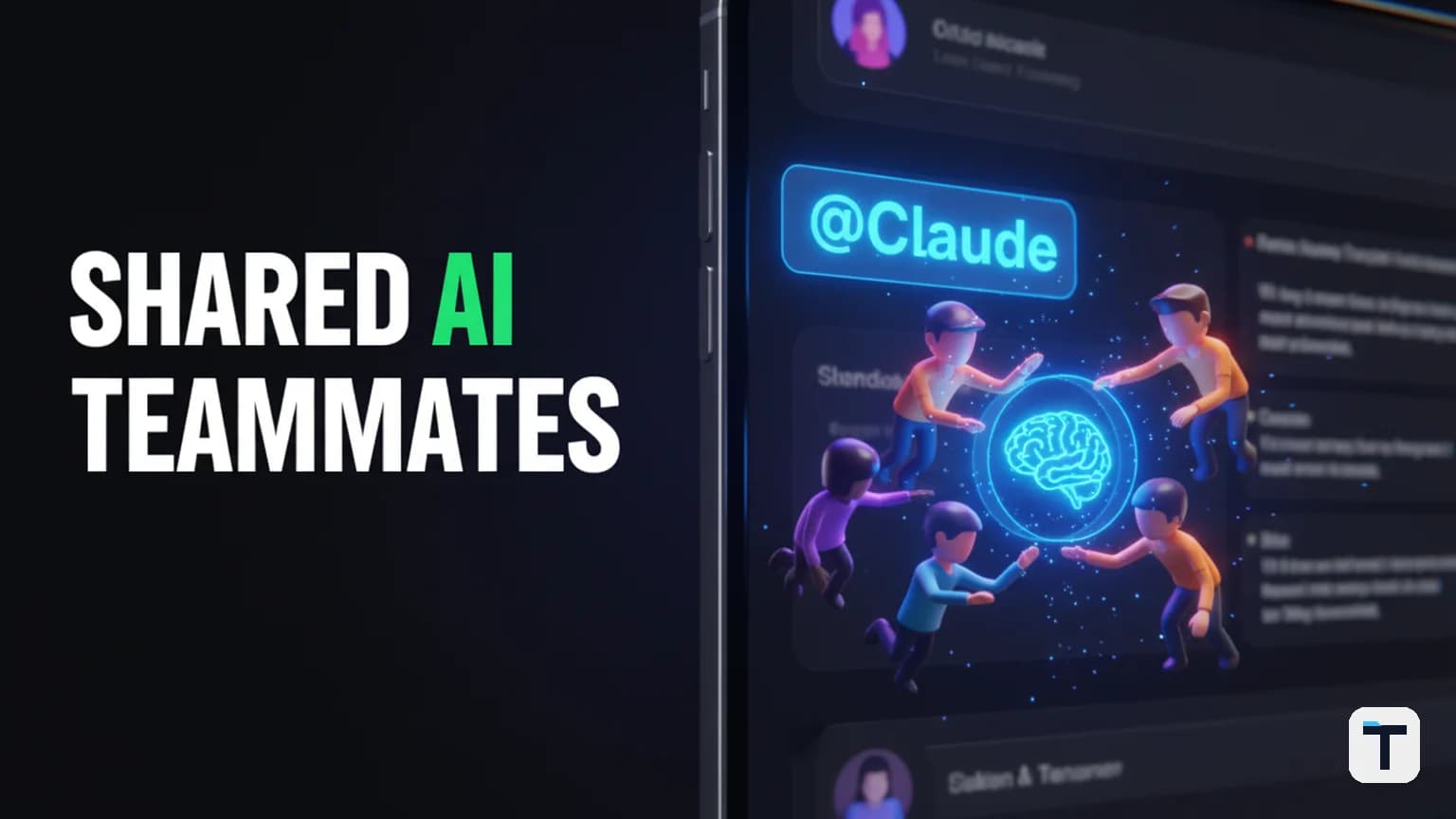

Verdict: Claude Tag is the end of "solo-chat" AI for business. By embedding a shared instance of Claude Opus 4.8 directly into Slack channels, teams can now delegate complex, asynchronous tasks to a single AI teammate that maintains context for everyone. This shift from a private assistant to a shared, proactive collaborator is the biggest change to AI workflows since the launch of Claude artifacts.
Last verified: 2026-06-25 · Model: Claude Opus 4.8 · Best for: Lean teams and agencies · Requirement: Claude Enterprise or Team plan. Note: Pricing and model limits are subject to change; always verify current credits in your Anthropic admin console.
How does the Claude Tag "Multiplayer" model work?
Claude Tag introduces a "shared identity" model where one instance of Claude lives inside a specific Slack channel and interacts with the entire team. Unlike the legacy Slack integration—which felt like a series of private DM threads—Claude Tag is a "multiplayer" environment.
When you tag @Claude with a task, every member of that channel can see the work in progress. Teammates can jump into the thread to provide additional context, steer the output, or pick up a project where a colleague left off. This architecture is designed to eliminate the "silo effect" where valuable AI-generated insights are trapped in a single user's chat history. It allows for the same level of collaboration found in modern Agent Operating Systems, but directly within the chat app your team already uses.
Step-by-Step: How to set up Claude Tag in your Slack workspace
Setting up Claude Tag requires administrative access to both your Anthropic account and your Slack workspace. The process centers on defining "scopes"—specifically choosing which tools and data sources the AI can access.
- Provision the Identity: A Slack Workspace Owner must install the Claude Tag app from the Anthropic admin console. This replaces the legacy "Claude in Slack" app.
- Connect Tools and Data: Authenticate the tool connectors (e.g., GitHub, Google Drive, or custom APIs) that you want Claude to use. Scopes can be restricted per channel.
- Define Channel Access: Explicitly add Claude Tag to the channels where you want it to work. Claude will only have access to the history and data within those specific channels.
- Set Spend Guards: Establish a monthly usage limit for the workspace. Since Claude Tag uses the high-performance Opus 4.8 model, setting a hard cap prevents unexpected billings during the beta phase.
Pro-Tip: Test the integration in a private "sandbox" channel first to verify that Claude has the correct permissions to access your connected tools before rolling it out to the wider team.
What is the "Ambient" setting and why should you use it?
The "Ambient" setting is a proactive mode that allows Claude to take initiative without being explicitly tagged. When enabled, Claude monitors the channel's activity to surface insights and ensure no task falls through the cracks.
In ambient mode, Claude acts as a "silent observer" that can:
- Flag missing information: If a project discussion is missing a key piece of data it has access to, Claude can surface it.
- Chase stale threads: It can identify tasks that were assigned in a thread but haven't seen an update in a set period.
- Summarize daily progress: Automatically post a bulleted recap of the day's decisions and pending actions.
This proactive layer is what separates a mere "chatbot" from a true agentic teammate. It ensures that the AI is working for you even when you aren't actively prompting it.
Asynchronous AI: Why you should stop babysitting your prompts
One of the most powerful features of the new Claude Tag is its ability to handle long-running, asynchronous tasks. Because it runs on Opus 4.8, the model is significantly better at "long-horizon" tasks—complex projects that require multiple steps and sustained effort.
| Feature | Legacy Slack App | Claude Tag (2026) |
|---|---|---|
| Persistence | Session-based | Persistent channel memory |
| Task Length | Short responses | Multi-hour/day projects |
| Model | Sonnet 3.5 / Opus 3 | Opus 4.8 (Frontier) |
| Scheduling | None | Asynchronous task scheduling |
| Multiplayer | No (Private) | Yes (Shared) |
Instead of waiting for a response, you can hand Claude a task—such as "Draft a 4-week content calendar based on these customer interview transcripts"—and close the app. Claude works in the background, plans the stages, and posts the finished results back to the thread when complete. This frees up human team members to focus on high-level strategy while the AI handles the "grind" of execution.
What this means for you
For small businesses and agencies, Claude Tag is a force multiplier. It reduces the overhead of training new staff because the AI "remembers" the channel context and project history. By shifting your team's AI interactions into shared channels, you build a searchable, collaborative library of institutional knowledge that improves every time someone tags @Claude.
If your organization is currently using the older "Claude in Slack" app, remember that it will be retired on August 3, 2026. You have a 30-day window to migrate to the new Tag experience and take advantage of the introductory launch credits Anthropic is providing to Enterprise and Team customers.
FAQ
Q: Does Claude Tag have access to my private Slack DMs? A: No. Claude Tag only has access to the specific channels it has been added to by an administrator. It cannot see your private direct messages or channels where it is not a member.
Q: Can I use Claude Tag on the free tier of Anthropic? A: Currently, Claude Tag is in beta and restricted to customers on the Claude Enterprise and Claude Team plans.
Q: What happens if Claude hits its monthly spend limit? A: Once the spend guard is reached, Claude will stop responding to new tasks until the limit is increased or the next billing cycle begins. It will not partially complete tasks and then bill you over the limit.
Q: How do I migrate from the old Claude Slack app? A: Workspace admins can find the migration toggle in the Anthropic console. The cutover replaces the old bot with the new Claude Tag identity, and you will need to re-configure channel permissions.
Q: Is Opus 4.8 actually better at coding in Slack? A: Yes. In benchmarks, Opus 4.8 scores 69.2% on SWE-Bench Pro, representing a significant jump in its ability to resolve real-world software issues autonomously compared to previous versions.
Every claim here is traced to a primary source, dated, and listed under Sources. Research and drafting are AI-assisted; editing, verification and publication are human decisions, and a person is accountable for what appears on this page. How we work →
Discussion
0 comments