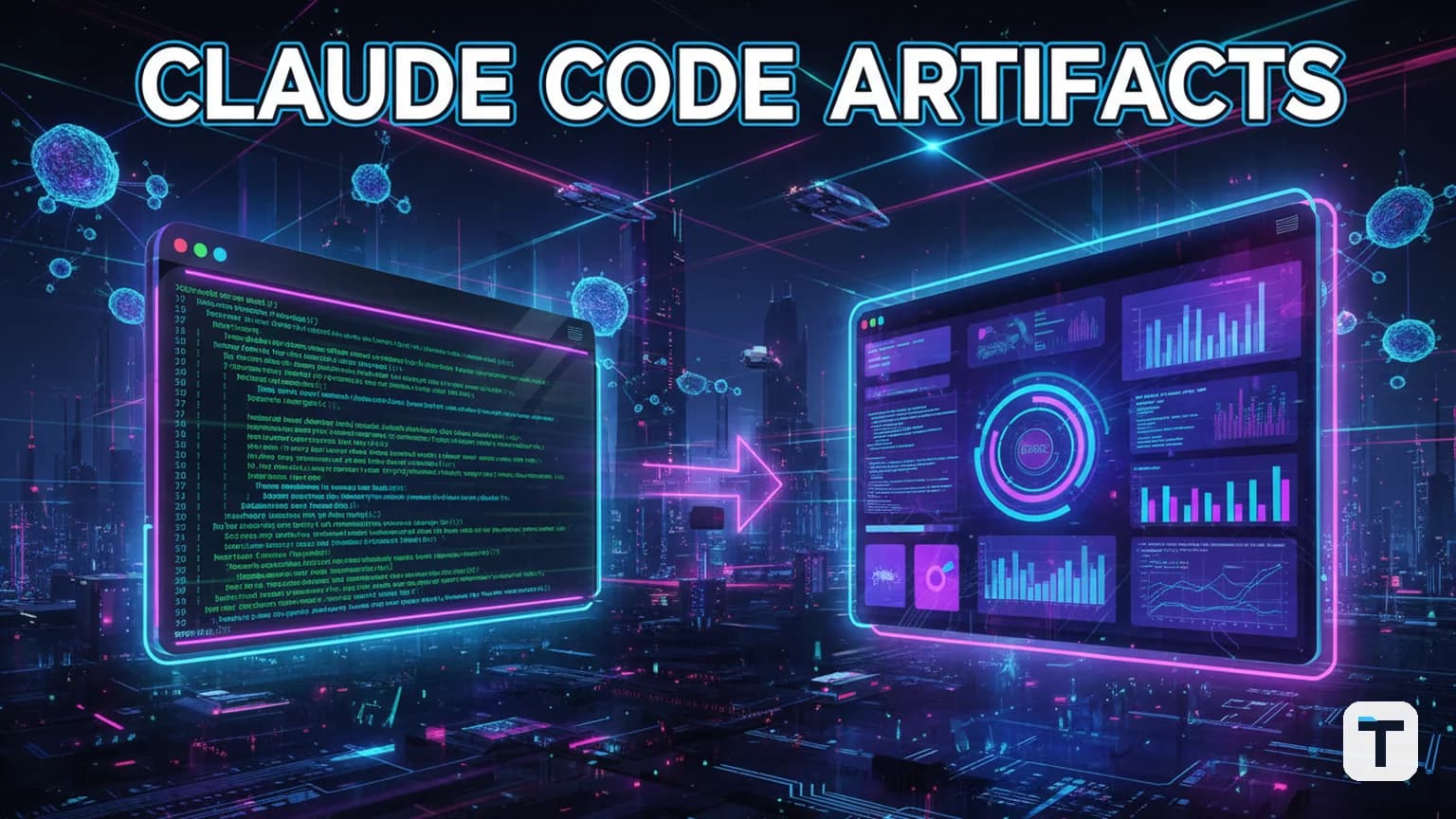

Verdict: Claude Code Artifacts (launched June 18, 2026) are a beta feature for Team and Enterprise plans that solve the "terminal tax" by turning CLI coding sessions into live, shareable web pages. They provide a private, self-updating URL to show teammates exactly what the AI built, why it built it, and how it works—no terminal scrollback required.
Last verified: June 20, 2026 · Status: Beta · Requirement: Team or Enterprise plan · Max size: 16 MiB per page.
What are Claude Code Artifacts?
A: Claude Code Artifacts are interactive, hosted HTML pages generated directly from an active Claude Code (CLI or Desktop) session. Unlike the static chat artifacts launched in 2024, these new "agentic" artifacts are built from your full local codebase context, terminal history, and any connected Model Context Protocol (MCP) tools.
The core problem Anthropic is solving here is context loss. Usually, the reasoning behind an AI's code changes is trapped in the developer's terminal. Artifacts externalize that reasoning into a visual format—like a dashboard or a narrative walk-through—that anyone in your organization can view via a private claude.ai link.
How do you create and share your first Artifact?
A: You can create an artifact by simply asking Claude Code to "turn this session into an artifact" or by requesting a specific format like a "PR walkthrough."
3 Steps to Publish:
- Initiate: From inside a Claude Code session, say: "Create an artifact that summarizes my changes and shows the test results."
- Verify: Claude will write a local HTML/Markdown file and then host it at a private URL.
- Share: Open the generated link. In the page header, you will find a Share button that allows you to grant access to everyone in your organization.
Because these pages are "live," they update in real-time. If you continue working in the terminal and tell Claude to "update the artifact," the open page will refresh for all viewers without changing the URL.
What can you actually build with Claude Code Artifacts?
A: The most effective use cases for Artifacts are outputs that are easier to see than to read, such as pull request (PR) walkthroughs, incident timelines, and living project dashboards.
| Use Case | Best For... | Key Feature |
|---|---|---|
| PR Walkthroughs | Code Reviewers | Narrative explanations of complex diffs with inline annotations. |
| Living Dashboards | Project Managers | Real-time tracking of task completion and metrics from the codebase. |
| Incident Reports | SRE/DevOps | Timelines of root-cause analysis with links to suspect commits. |
| Documentation | New Hires | Auto-generated "How it Works" guides built from the actual source code. |
Are Claude Code Artifacts secure for business use?
A: Yes. Claude Code Artifacts are private by default and restricted to authenticated members of your Team or Enterprise organization.
Anthropic has built several guardrails into this beta release:
- Org-Scoped Sharing: Public sharing is currently disabled; only logged-in members of your company can view the links.
- No External Network Calls: Artifacts run under a strict Content Security Policy (CSP) that blocks external scripts, fonts, or API calls to prevent data leakage.
- Size Limits: Each page is capped at 16 MiB to ensure they remain focused captures of work rather than full-blown applications.
- Version History: Every update creates a new version, allowing you to roll back and see how the AI's reasoning evolved during the session.
Why this changes the AI coding game in 2026
A: This update moves Claude Code from a solo "coding assistant" to a "team collaborator" by prioritizing the explanation of work.
In early June 2026, we saw the launch of Claude Fable 5—Anthropic's "Mythos-class" model that handles 1 million tokens of context. While Fable 5 provides the "brain," Artifacts provide the "interface." By combining high-context reasoning with a visual sharing layer, Anthropic is closing the "audit gap"—the uncertainty managers feel when an autonomous agent makes changes to production code.
If you are already using Claude Code 2.1.181, the Artifacts feature is likely already available in your terminal. For small businesses, this means fewer meetings and clearer documentation, allowing one developer to do the work of a team while keeping everyone in the loop.
What this means for you
If you are a team leader or a solo developer building for clients, stop sending raw terminal logs. Use Artifacts to "show your work." It builds trust with stakeholders and creates a durable record of why certain decisions were made—knowledge that usually vanishes the moment you close your laptop.
Related reading
FAQ
Q: Do I need a paid plan to use Claude Code Artifacts? A: Yes. During the beta period, Artifacts are exclusively available to Claude Team and Enterprise subscribers. Pro and Free users do not currently have access to the sharing features.
Q: Can I use my own design system in an Artifact?
A: Yes. You can prompt Claude to apply your specific branding, CSS, or UI components. Since the output is self-contained HTML, you can even provide your design tokens in a DESIGN.md file for Claude to follow.
Q: How long do Artifacts stay live? A: Artifacts are persistent as long as your organization maintains its subscription. However, administrators can set retention policies to automatically delete older artifacts after a set period (e.g., 90 days).
Q: Does it work with Fable 5? A: Yes. In fact, using Fable 5 with its 1-million-token context allows Claude to build much more detailed Artifacts that can analyze and summarize vast portions of your codebase at once.
Q: Can I host these on my own domain?
A: Not directly. Artifacts are served from claude.ai to ensure security and CSP compliance. For custom hosting, you would need to manually export the HTML and manage your own CSP.
Discussion
0 comments