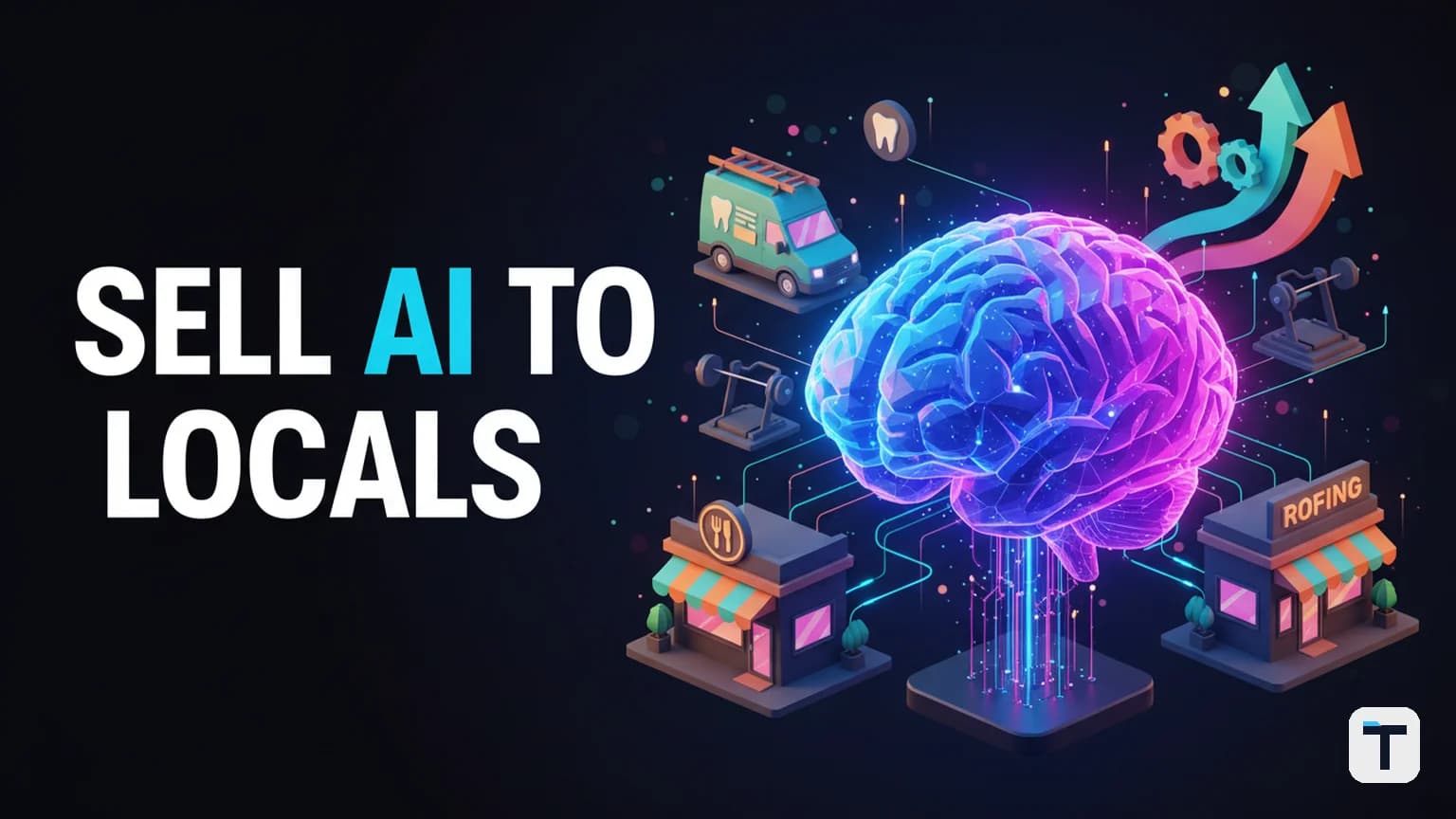

Verdict: You can build a single, repeatable AI automation system that plugs the same seven operational holes in every local business — website, database, reputation, lead nurturing, phone answering, sales training, and paid ads — then sell it to dentists, roofers, gyms, and med spas for $2,000–$2,500/month per client. The system works because every local business shares the same problems: they miss calls, follow up too slowly, and never ask for reviews. Fix those holes once with AI, and you have a productized service with sticky recurring revenue and almost zero marginal cost per new client.
Last verified: August 1, 2026 · 7-layer system · $2,000–$2,500/month per client · Build once, deploy everywhere Pricing and tool availability change often — last checked August 1, 2026.
Why does every local business have the same problems?
Every local business — whether it's a dental practice, a roofing company, or a neighborhood gym — shares five fundamental operational gaps that bleed revenue daily. These are not industry-specific problems; they are structural features of how small businesses operate with limited staff and no automation.
The five universal gaps:
- Websites that don't convert — most local business sites were built for desktop, load slowly, and don't capture leads effectively
- Dead databases — old leads and past customers sitting in a CRM nobody touches
- No review strategy — happy customers leave silently; unhappy ones leave one-star reviews
- Slow lead follow-up — when a prospect fills out a form, nobody responds for hours or days
- Missed calls — staff are busy, phones ring out, and the prospect calls the next business on the list
These are not opinions. Each gap is backed by hard data from primary research (see Sources). Because every local business shares the same gaps, a single AI system — built once — can plug them all. This is the economic logic that makes the model work: your build cost is paid once, but you sell it hundreds of times.
What is the 7-layer AI automation system?
The system is a sequence of seven AI-powered "employees," each addressing one specific revenue leak. The layers are deployed in order because each one makes the next more effective — the whole system compounds, so there is more value in the bundle than in any single piece.
Here is what each layer does, what problem it solves, and the verified data behind why it matters.
Layer 1: Mobile-Optimized, Fast-Loading Website
Before deploying any AI, fix the front door. Most local business websites were built for desktop screens, load slowly on mobile, and use generic "Contact Us" forms that convert at around 1%.
The problem: Google's own research found that 53% of mobile visitors abandon sites that take longer than 3 seconds to load (Google/DoubleClick, "The Need for Mobile Speed"). The average mobile page takes 19 seconds on 3G and 14 seconds on 4G — far beyond the 3-second threshold. Meanwhile, roughly 70% of small business websites don't have a lead capture mechanism beyond a generic contact form.
What the AI layer does:
- Audits and optimizes page speed (Core Web Vitals: LCP, INP, CLS)
- Makes the site fully responsive for mobile
- Replaces generic "Contact Us" forms with multi-step lead capture forms that ask one question at a time (email first, then name, then phone) — this pattern drives 11–12% conversion rates vs. the 1% baseline
- Adds a clear offer at the top (e.g., "Claim a Free 7-Day Pass" for a gym) instead of a vague contact form
Layer 2: Database Reactivation
Every local business is sitting on a list of old leads and past customers that nobody follows up with. The average sales rep makes only 1.3 contact attempts before giving up, yet research shows that 80% of sales require 5 or more follow-up touches to close, and only 8% of salespeople ever make that many attempts (Invesp/Peak Sales Recruiting).
What the AI layer does:
- Sends a text message (not an email) to every old lead with a compelling offer to come back
- Follows up automatically up to 6 times over several weeks if there's no response
- Routes warm responses to the business owner's phone for a human close
Why SMS, not email: SMS messages have a 98% open rate vs. email's 20–30%. The response rate for SMS is approximately 45% compared to 6% for email (Forbes; Infobip). 95% of SMS messages are read within 3 minutes of delivery.
Layer 3: Reputation and Review Management
Reviews are a top-three local search ranking factor. According to the Whitespark Local Ranking Factors survey, review signals (volume, recency, rating, and response rate) account for approximately 15–17% of local search ranking factors (Whitespark, via ReplyOnTheFly). Businesses that actively manage reviews see 23% better local rankings and 7% higher conversion rates when they respond to reviews.
Despite this, only about 11% of business staff ever ask customers for reviews.
What the AI layer does:
- After a customer visits or makes a purchase, sends an automated message asking about their experience
- Offers an incentive for providing feedback (e.g., entry into a monthly draw)
- Once a customer gives positive feedback, prompts them to leave a Google review
- Responds to every review automatically on behalf of the business owner
- Follows up with happy reviewers to ask for referrals (e.g., "Share a 7-day pass with a friend and get 5 more raffle entries")
This layer is self-reinforcing: more reviews improve local SEO rankings, which drives more traffic to the optimized website (Layer 1), which generates more leads (Layer 4), which in turn generates more reviews.
Layer 4: Website Lead Nurturing
When a lead fills out a form on the website, the average local business takes 42 hours to respond (Harvard Business Review, via InsideSales/Amplemarket). Yet leads contacted within 5 minutes are 21x more likely to convert than those reached after 30 minutes. Only 37% of businesses respond within the first hour.
What the AI layer does:
- Sends an instant text and email within 60 seconds of a lead submitting a form
- Qualifies the lead with automated questions
- Books an appointment directly into the business's calendar
- Sends a reminder 1 hour before the appointment with an incentive to show up
- If the prospect no-shows, automatically reschedules them
- After the appointment, triggers the review request (Layer 3) and referral sequence
This layer is where the system becomes cyclical: leads become appointments, appointments become reviews, reviews become referrals, and referrals become new leads — all automated.
Layer 5: AI Receptionist
A study by 411 Locals monitored 85 small businesses across 58 industries for 30 days and found that 62% of inbound calls went unanswered — only 37.8% were answered live, 37.8% went to voicemail, and 24.3% got no response at all (411 Locals, 2024). 85% of callers whose call is not answered never call back — they call the next business on the list (PATLive/BrightLocal).
In one documented case, a business received over 100 calls in a month and answered only 7.
What the AI layer does:
- Answers the phone within 10 seconds if no staff member picks up
- Converses naturally with the caller using voice AI, answers common questions, and books an appointment
- Sends a confirmation text after the call
- Handles rescheduling and no-show recovery automatically
- After a completed visit, triggers the review and referral sequence
For practical implementation of AI voice agents that can handle inbound calls, see our guide on how to build an AI assistant that makes phone calls.
Layer 6: AI Sales Coach
Approximately 70% of employees at local businesses have never received any formal sales training, according to Salesforce research. Yet those who do receive training see a significant performance lift — structured sales training produces 1.6x higher win rates, and companies with structured enablement programs see 10%+ revenue growth (Gartner, Forrester, via Careertrainer.ai).
What the AI layer does:
- Lets staff roleplay sales scenarios with an AI agent trained on a proven script
- Records actual sales calls and uploads them for real-time grading
- Provides feedback on pitch quality, objection handling, and close rate compared to the optimal script
- Sends weekly performance reports to the business owner
This layer is positioned near the end of the deployment sequence because it directly improves conversion of the leads the earlier layers generate. By the time you reach Layer 6, the business is already getting more leads, more appointments, and more calls — now you make sure the staff can close them.
Layer 7: Paid Ads With AI Nurturing
This is the last layer because paid ads amplify an already-fixed system. If the website doesn't convert, leads aren't followed up, calls are missed, and staff can't close — running ads is pouring water into a leaky bucket.
The average small business owner spends about $5,000/month on marketing, much of it wasted on traffic directed to a website that converts at 1%.
What the AI layer does:
- Runs targeted Google and social ads to a now-optimized landing page (Layer 1)
- Nurtures every ad lead through the automated follow-up sequence (Layer 4)
- Ensures every call is answered (Layer 5)
- Tracks which campaigns produce actual booked appointments vs. just clicks
- Retargets leads who didn't book with follow-up messages
The economics: instead of burning $5,000/month on ads into a leaky bucket, the business now has a system that captures, follows up, books, and closes the leads those ads generate — turning ad spend from a cost into an ROI-positive investment.
How do the 7 layers compound?
The system's power is in the sequence, not the individual pieces. Each layer makes the next one more effective:
| Layer | What it fixes | Amplifies |
|---|---|---|
| 1. Website | Low conversion, slow mobile load | All traffic sources |
| 2. Database reactivation | Dead old leads | Free revenue, no ad spend |
| 3. Reputation | No reviews, low ranking | Local SEO → more traffic |
| 4. Lead nurturing | 42-hour follow-up | Converts website + ad leads |
| 5. AI receptionist | 62% missed calls | Captures every inbound call |
| 6. Sales coach | Untrained staff | Closes more of the leads |
| 7. Paid ads | Scale | Amplifies a now-fixed system |
Remove any single layer and the system loses disproportionately much value. This is exactly why clients don't cancel — ripping out the system means rebuilding all seven layers simultaneously, and nobody has the time or money to do that. That switching cost is your retention strategy.
How much can you charge for an AI automation system?
Based on the market for AI-powered local business services (website, automation, CRM, review management), the going rate for a comprehensive system is in the range of $2,000–$2,500/month per client. This is consistent with pricing benchmarks from agencies selling similar stacks (AlphaTechFinance cites $799–$2,500 setup + $149–$499/month care plans for website-only; the full 7-layer system commands a premium).
The economics work for the client too: if the system recovers even 10 missed calls per month at an average customer lifetime value of $500–$1,200, it pays for itself before touching the additional revenue from database reactivation, review-driven SEO traffic, and improved close rates.
Client ROI math (example):
- 10 recovered calls/month × $800 average customer value = $8,000/month in recovered revenue
- Database reactivation: 50 old leads × 6% conversion × $800 = $2,400/month
- Review-driven SEO lift: 23% better local rankings → more organic traffic
- System cost: $2,500/month
- Net positive in month one
What do you need to build this system?
The core stack for building and deploying the 7-layer system:
| Component | Purpose | Options |
|---|---|---|
| Website builder | Mobile-fast sites, lead forms | WordPress, Webflow, Framer |
| AI chatbot / voice agent | Receptionist, lead nurture | Custom GPT, voice AI platforms |
| SMS platform | Database reactivation, reminders | Twilio, Postscript, Attentive |
| CRM + automation | Lead routing, sequences | GoHighLevel, HubSpot, Zapier |
| Review management | Auto-request, respond, track | Podium, Birdeye, custom |
| AI sales training | Roleplay, call grading | Custom GPT, Gong, SecondNature |
| Ad management | Google + social ads | Google Ads, Meta Ads Manager |
For those building this on a budget, see our guide on how to build a free AI agent operating system — many of the AI components can be assembled from open-source tools.
How do you sell the system to local business owners?
The system is the product; selling it is a separate skill. The most effective sales process for this type of offer follows a structured discovery-to-close framework. Here is the approach that consistently produces 50%+ close rates on cold Zoom calls.
Step 1: Comfort (first minute)
Spend the first 60 seconds being a normal human. Ask about their location, the weather, anything local. You are establishing that you are not reading a script. Then smoothly transition into leading the call — you are the expert, and you set the agenda.
Step 2: Learn (the most important step)
This is discovery. You need to understand their numbers:
- How much are they spending on marketing?
- How many leads come in per week?
- What percentage do they book? What percentage show up? What percentage close?
- How many calls do they miss per day?
Keep asking questions until the business owner articulates the gap between where they are and where they want to be. If you get this step right, the sale practically closes itself.
Step 3: Obstacles
Ask: "Is there anything else I should know about that we haven't covered?" This surfaces hidden deal-breakers — a partner who needs to be on the call, a past agency that burned them, a budget constraint — before you pitch anything, so you can address them proactively.
Step 4: Stakes
Frame the gap: "You're losing X calls per month at Y customer value. That's Z per month in revenue walking out the door. What happens if you don't fix this for another 6 months?" Then ask permission to walk them through your solution.
Step 5: Introduce the system
Walk through each of the 7 layers. For each one, explain what it does, then immediately tie it back to the specific problem they told you about. After each layer, ask "What questions do you have on that?" — not "Do you have questions?" The phrasing assumes there are questions, which creates dialogue and ensures they understand each piece.
Step 6: Narrow the gap
Ask: "On a scale of 1 to 10, how ready are you to start?" Anything below a 9 means there's a hidden objection. Ask what's stopping them from being a 10. Address it. Ask again. Repeat until they say 9 or 10.
Step 7: Close
Outline the next steps before mentioning price: "First, we process payment and sign the agreement. Then we schedule your onboarding call where we map out everything for your business. Sound good?" Get the yes, then state the price: "$2,500 per month." Then stop talking. If you've done the prior steps correctly, the answer is yes.
What does this mean for you?
If you are a freelancer, consultant, or small agency owner, this system represents one of the highest-leverage AI business opportunities available in 2026. The build cost is one-time; the marginal cost per new client is minimal (a few hours onboarding); and the recurring revenue is sticky because removing the system means rebuilding seven integrations at once.
If you already sell AI services, see our 13 best free AI agent tools roundup to identify components you can use to assemble the stack without paying for every layer.
The biggest risk is not building the system — it's spending months on custom development for each client because you didn't productize. Build it once. Sell it a hundred times. The switching cost is your moat.
FAQ
Q: Do I need to build a different system for each type of local business? A: No. That is the core insight: every local business has the same seven operational gaps (slow website, dead database, no reviews, slow follow-up, missed calls, untrained staff, wasted ad spend). You build the system once and deploy the same seven layers for a dentist, a roofer, a gym, or a med spa. The offer, the script, and the form fields change per vertical — the AI system does not.
Q: How much does it cost to build the 7-layer system? A: The build cost depends on whether you use commercial platforms or assemble open-source components. A practical approach uses a website builder ($20–50/month), an SMS platform like Twilio ($0.0079 per message), a CRM/automation tool like GoHighLevel ($97–297/month), a review management tool ($50–300/month), and a custom GPT for the sales coach ($20+/month). For a budget approach using open-source AI agent tools, see our free AI agent operating system guide.
Q: How long does it take to deploy the system for a new client? A: Once the system is built, onboarding a new client takes 1–2 hours: connect their phone number, import their existing lead database, set up their website forms, and configure the review and follow-up sequences. The AI layers are templates — you swap in the client's branding, offer, and service-specific FAQs.
Q: What is the typical client retention rate for this type of system? A: Retention is high because the system becomes embedded in the client's daily operations. Removing it means simultaneously replacing their website follow-up, SMS sequences, review automation, call answering, and sales training — a massive switching cost. Most sellers of productized AI systems for local businesses report annual retention rates above 80%, well above the typical digital agency average of 60–70%.
Q: What is the biggest mistake people make when selling this system? A: Pitching too early. Most beginners skip the discovery (Step 2) and jump straight to explaining features. The sale is won in the discovery phase — when the business owner feels the gap between where they are and where they want to be. If you nail discovery, you can make mistakes later and still close. Also, be careful to avoid session sprawl when managing multiple client automations — one bot per client, clean naming, clear boundaries.
Q: Is this only for US-based businesses? A: The system works for any local business regardless of location, but the specific statistics cited here (call answer rates, SMS open rates, review ranking factors) are primarily from US-based research. The underlying problems — missed calls, slow follow-up, no reviews — are universal. Verify local SMS compliance regulations (opt-in requirements vary by country) before deploying.
Discussion
0 comments